


حزمة المؤشرات المخصصة المجانية Noelle
Noelle cute cursor - free custom cursor with maid-knight Geo heart.
Hu Tao cute cursor set - free custom cursor with Wangsheng mischief spark.
Try this cursor
Move across the preview to feel both cursor styles.

Wangsheng mischief on your pointer: Hu Tao is a playful cute cursor packed with plum-blossom cheek. This free custom cursor works in Chrome or Edge, and on Windows 10/11 via Custom Cursor when you want the same look on desktop apps.
Warm reds stay sharp so the tip remains easy to track. It is fan-made art, not an official licensed merchandise release.
Haunt nearby with the Hu Tao Ghost Cursor Pack, the Qiqi Cursor Pack, and the Ningguang Cursor Pack.
Get Hu Tao and tuck funeral-parlor giggles into every click.
Explore other cursor packs from our collection
Noelle cute cursor - free custom cursor with maid-knight Geo heart.
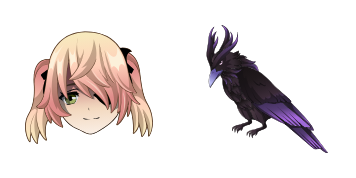
Fischl cute cursor - free custom cursor with Prinzessin Oz drama.
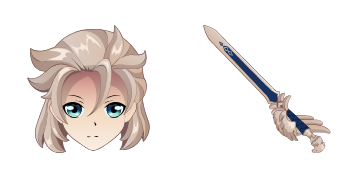
Albedo cute cursor set - free custom cursor with chalk-alchemy calm.
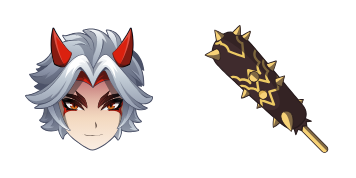
Arataki Itto cute cursor - free custom cursor with oni gang swagger.
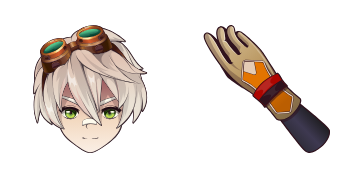
Bennett cute cursor pack - free custom cursor with lucky adventure spark.

Diluc cute cursor pack - free custom cursor with dark-wine Pyro edge.

Diona cute cursor set - free custom cursor with Cat's Tail cocktail charm.

Eula cute cursor pack - free custom cursor with Spindrift vengeance flair.

Hu Tao cute cursor set - free custom cursor with Wangsheng mischief spark.
Hit the 'Add to Browser' button to get the 'Genshin Impact: Hu Tao' pack.
On the Chrome Web Store, smash that ‘Add to Chrome’ button and confirm.
Pro-tip: Pin the 'Cute Cursors' extension to your toolbar for quick access.
Open the extension, find the 'Genshin Impact: Hu Tao' pack, and click to activate. Easy peasy!
Our universe of cursors is huge. Dive into hundreds of unique collections and find the one that truly represents you.
Explore All Collections
قم بتثبيته الآن مجانًا من متجر Chrome الإلكتروني الرسمي
Idle
{
  "status": "idle"
}