

Advanced Custom Cursor Creator: From Image to Pointer
Experience true creative freedom with our free Cursor Creator. This advanced, step-by-step tool lets you make a custom cursor from any image, with features like background removal and hotspot editing. Convert any PNG or JPEG into a unique cute cursor and personalize your browser or Windows desktop.
1. Upload Photo
Upload an image to start
Upload an image to start
2. Name your cursor
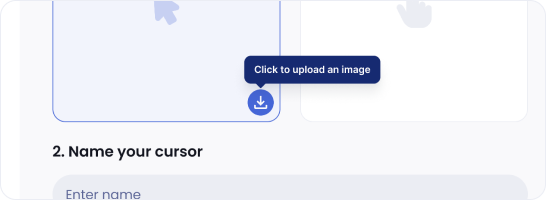
Step 1: Choose & Upload Image
Start by uploading your image. Our cursor creator supports popular formats like PNG and JPEG. This file will be the foundation for your new custom cursor.
Step 2: Resize for Perfection
Adjust the size of your image to ensure optimal, pixel-perfect clarity. A well-sized cursor is key to avoiding blurriness and making your mouse pointer look professional.

Step 3: Remove the Background
For a clean, professional look, use our tool to remove the background. This creates a PNG cursor with a transparent background that will stand out on any webpage.

Step 4: Define the Click Point (Hotspot)
Precision is key. Click on your image to set the 'hotspot'-the exact active point of your mouse pointer. This ensures your clicks are registered accurately.

Step 5: Name & Save to Your Collection
Give your new cute cursor a memorable name. Click the "Add" button to save your finished creation to the 'My Collection' tab in our browser extension or Windows app.

Step 6: Apply and Enjoy Your Creation
Finally, click the "Set" button to apply your cursor instantly and activate it. Enjoy a fully personalized digital experience with your unique creation!

Get your own cursor style with this simple tool!

