


مجموعة مؤشرات Piggy
Free Piggy cursors - Roblox Piggy game vibes, cute pig characters, banks, and matching pointer hands.

Brand-new custom cursor packs freshly uploaded - try the latest looks first.

Free Mousecape cursor - silver Mac disk tip with a crimson cape flutter and matching glove.

Free Mouse Cursor pack - pixel gray rodent tip with big eyes and a pink-ear pointing hand.

Free Wii Cursors pack - glowing sky-blue targeting ring with a soft Wii-glove hand.

Free DeviantArt cursor - fluffy cream llama tip with a soft teal scarf accent.

Free Roblox Cursors pack - blocky yellow smile avatar arrow with a matching tip hand.

Free Custom Cursor Download cursor - fluffy cloud tip with a soft pink download chevron.

Free Custom Cursor Download cursor - fluffy cloud tip with a soft pink download chevron.

Free Minecraft Cursors pack - blocky diamond sword tip with a matching pixel-cuffed hand.

Free Custom Mouse Cursors cursor - cute mouse mascot holding a tiny dark-rim tip.

Free Kawaii Cursors cursor - ultra-cute pastel arrow buddy with big sparkle eyes.
The most viewed free cursor packs right now - ranked by today's popularity.

1st today
Slipknot free custom cursor - cute cursor flair for music fans.

2nd today
Spongebob character cursor - free custom cursor with dark outline.

3rd today
GTA cute cursor pack - free custom cursor with soft open-world charm.

Prismo cute cursor upgrade - free custom cursor for everyday mouse paths.
 A
BT21 Mang free custom cursor - cute cursor flair for BTS fans.
 A
Meet the BT21 Koya Sleeping cute cursor - free custom cursor ready for every click.
 A
BT21 Cooky cute cursor pack: free custom cursors with K-pop style.

Free Dodge Charger Super Bee cursor - cute neon-yellow chibi coupe with a racing-glove hand.
Free Minecraft Cursors pack - blocky diamond sword tip with a matching pixel-cuffed hand.
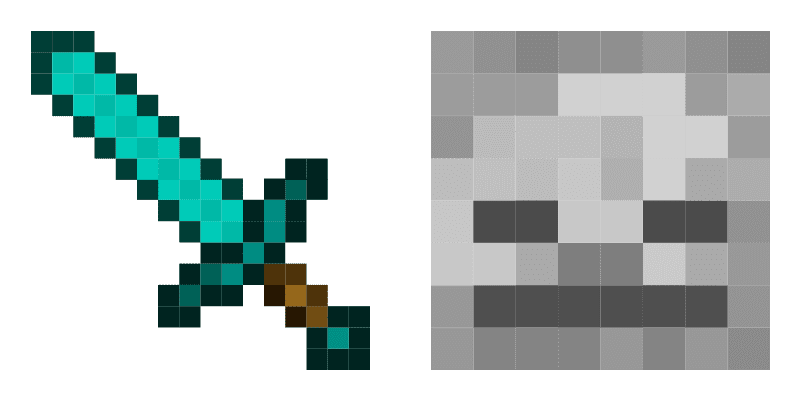
Craft your tip with Minecraft Classic - cute cursor and free custom cursor pack.

انقر هنا لزيارة متجر Chrome الإلكتروني الرسمي واستكشاف إضافات المؤشرات المجانية.
Chrome Web Store

في متجر Chrome الإلكتروني، اضغط على زر "إضافة إلى Chrome" لتثبيت "المؤشر المخصص" في متصفحك.

قم بالتأكيد بالنقر على "إضافة الإضافة" في النافذة المنبثقة.

سيعرض Chrome إشعارًا بالتثبيت، وسيفتح دليل استخدام إضافة "المؤشر المخصص".

قم بتثبيته الآن مجانًا من متجر Chrome الإلكتروني الرسمي
Idle
{
  "status": "idle"
}


