

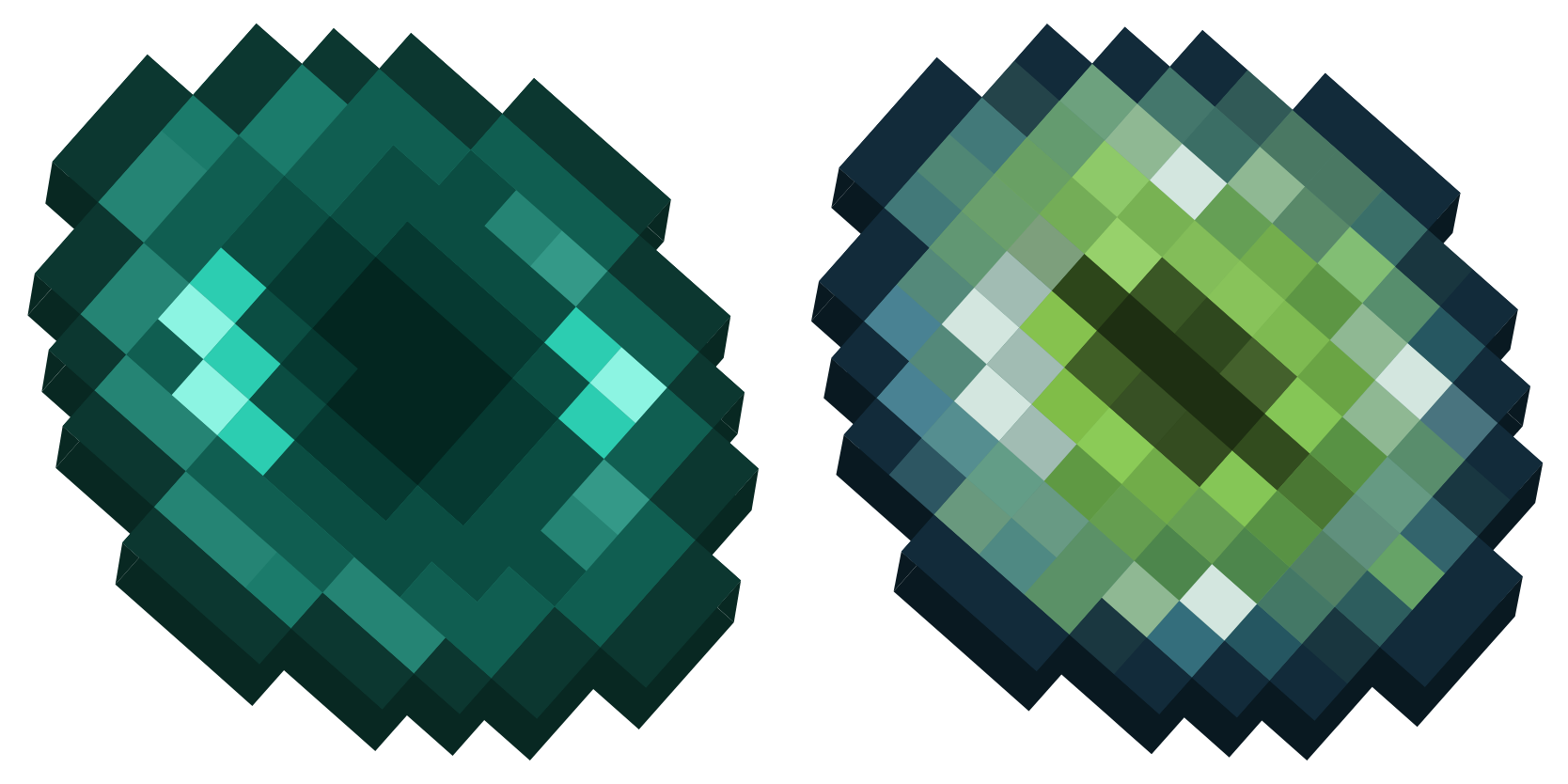
حزمة المؤشرات المخصصة المجانية Ender Pearl and Eye of Ender
Pick Ender Pearl and Eye of Ender cute cursor - a free custom cursor with survival-ready charm.
Free custom cursor: Gold and Golden Apple cute cursor with pixel sandbox detail.
Try this cursor
Move across the preview to feel both cursor styles.

Gear up your tip with Gold and Golden Apple, a clean cute cursor for sandbox survival fans. This free custom cursor drops straight into Chrome and Edge, and reaches Windows 10/11 with the Custom Cursor app for every app you open.
Chunky pixel art gives Gold and Golden Apple a solid silhouette you can spot instantly. Fan-made tribute art for block-world players - not a Mojang official product.
Nearby picks include the Potion of Water Breathing Cursor Pack and the Bee Cursor Pack.
Add Gold and Golden Apple to your setup and start every session with blocky style.
Customize your embed code and preview it in real time below.
Live preview
<style type="text/css">
body {
  cursor: url(https://cdn.cutecursors.com/db/gold_and_golden_apple_cursor/arrow.png) 4 4, auto;
}
a, button, .clickable {
  cursor: url(https://cdn.cutecursors.com/db/gold_and_golden_apple_cursor/hand.png) 4 4, pointer;
}
</style>
<a href="https://cutecursors.com//category/minecraft/gold-and-golden-apple-cursor" title="Get free Gold and Golden Apple cursors for your website.">
  Gold and Golden Apple Cursors
</a>/* components/CuteCursor.jsx */
"use client";
import { useEffect } from "react";
const CURSOR = "https://cdn.cutecursors.com/db/gold_and_golden_apple_cursor/arrow.png";
const POINTER = "https://cdn.cutecursors.com/db/gold_and_golden_apple_cursor/hand.png";
export default function CuteCursor() {
useEffect(() => {
const style = document.createElement("style");
style.innerHTML = `
body { cursor: url(${CURSOR}) 4 4, auto; }
a, button, .clickable { cursor: url(${POINTER}) 4 4, pointer; }
`;
document.head.appendChild(style);
return () => style.remove();
}, []);
return null;
}
/* Usage: render <CuteCursor /> once, e.g. in your root layout or App:
<CuteCursor />
Gold and Golden Apple cursors by https://cutecursors.com//category/minecraft/gold-and-golden-apple-cursor */-- Gold and Golden Apple custom cursor for Roblox
-- LocalScript (place it in StarterPlayer > StarterPlayerScripts)
--
-- 1) Download the cursor images (buttons above) or grab them here:
-- Cursor: https://cdn.cutecursors.com/db/gold_and_golden_apple_cursor/arrow.png
-- Pointer: https://cdn.cutecursors.com/db/gold_and_golden_apple_cursor/hand.png
-- 2) Upload them in Roblox Creator Hub as Decals (Create > Decals).
-- 3) Replace the IDs below with your uploaded Image asset IDs.
local UserInputService = game:GetService("UserInputService")
local Players = game:GetService("Players")
local CURSOR_ICON = "rbxassetid://CURSOR_ASSET_ID"
local POINTER_ICON = "rbxassetid://POINTER_ASSET_ID"
-- Set the default cursor
UserInputService.MouseIcon = CURSOR_ICON
-- Optional: switch to the pointer icon while hovering GUI buttons
local function hookButton(button)
button.MouseEnter:Connect(function()
UserInputService.MouseIcon = POINTER_ICON
end)
button.MouseLeave:Connect(function()
UserInputService.MouseIcon = CURSOR_ICON
end)
end
local playerGui = Players.LocalPlayer:WaitForChild("PlayerGui")
for _, gui in ipairs(playerGui:GetDescendants()) do
if gui:IsA("GuiButton") then
hookButton(gui)
end
end
playerGui.DescendantAdded:Connect(function(gui)
if gui:IsA("GuiButton") then
hookButton(gui)
end
end)
-- Gold and Golden Apple cursors: https://cutecursors.com//category/minecraft/gold-and-golden-apple-cursor
Free custom cursor: Gold and Golden Apple cute cursor with pixel sandbox detail.
Hit the 'Add to Browser' button to get the 'Gold and Golden Apple' pack.
On the Chrome Web Store, smash that ‘Add to Chrome’ button and confirm.
Pro-tip: Pin the 'Cute Cursors' extension to your toolbar for quick access.
Open the extension, find the 'Gold and Golden Apple' pack, and click to activate. Easy peasy!
Explore other cursor packs from our collection
Pick Ender Pearl and Eye of Ender cute cursor - a free custom cursor with survival-ready charm.
Grab the Amethyst Shard and Spyglass cute cursor - a free custom cursor pack for Minecraft fans.
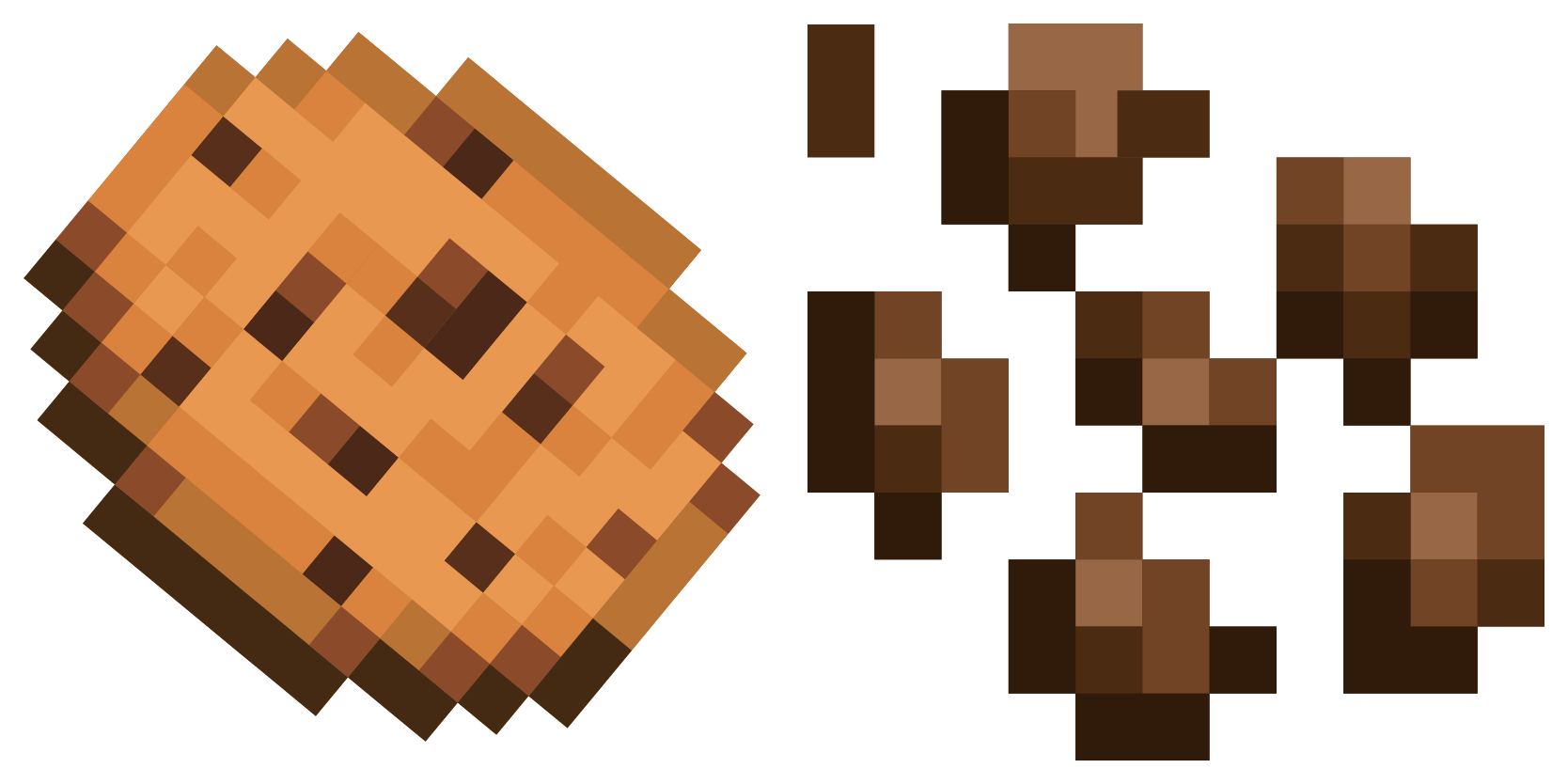
Try Cookie and Cocoa Beans cute cursor - free custom cursor with clean overworld energy.
Pufferfish cute cursor pack: free custom cursors with blocky pixel style.
Spawn the Ax and Alex Alt cute cursor - a free custom cursor for your desktop.
Bone and Mr. Torch Alt: cute cursor pack and free custom cursor for Minecraft fans.
Elf cute cursor download - free custom cursor for everyday clicks.
Refresh your tip with the Minecraft Bold cute cursor - free custom cursor style.
Our universe of cursors is huge. Dive into hundreds of unique collections and find the one that truly represents you.
Explore All Collections
قم بتثبيته الآن مجانًا من متجر Chrome الإلكتروني الرسمي
Idle
{
  "status": "idle"
}