


حزمة المؤشرات المخصصة المجانية Rippley
clean Rippley cute cursor - free custom cursor with island style.
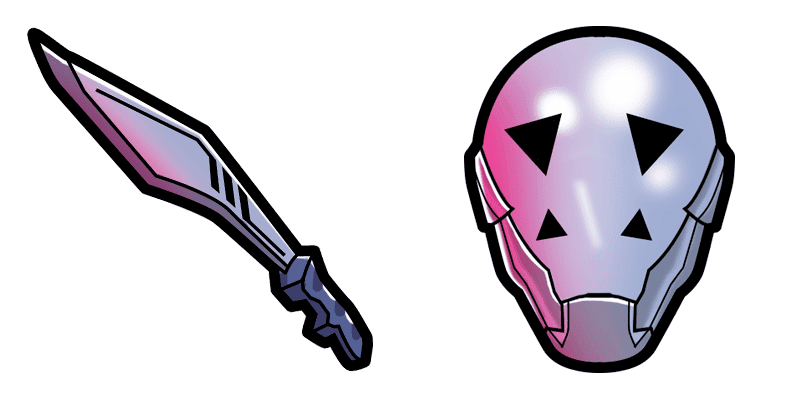
Meet the Red Knight cute cursor - free custom cursor ready for every click.
Try this cursor
Move across the preview to feel both cursor styles.

Load out your mouse with Red Knight, a bright cute cursor for everyday browsing. Use this free custom cursor in Chrome and Edge, and on Windows 10/11 via Custom Cursor for a matching pointer on the desktop.
Clean shapes keep Red Knight readable at cursor size, so the click point never gets lost. Fan-made artwork celebrating Fortnite style - not an Epic Games official set.
Nearby picks include the Red Knight Cursor Pack, the Renegade Raider Cursor Pack, and the Skull Ranger Girl Cursor Pack.
Download the Red Knight pack and let island energy follow every click.
Explore other cursor packs from our collection
clean Rippley cute cursor - free custom cursor with island style.
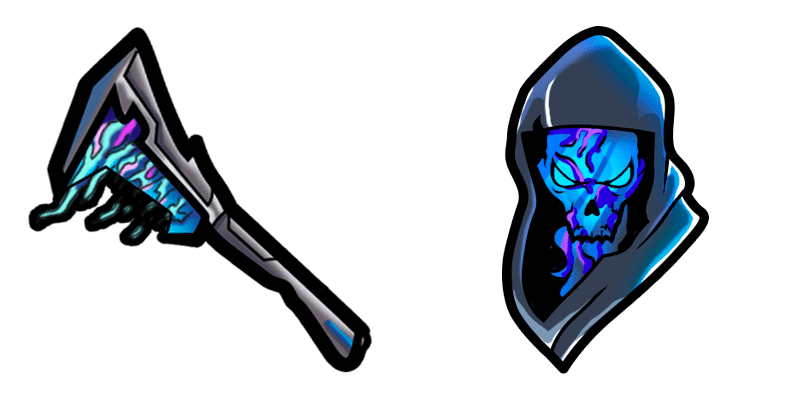
Fusion free custom cursor - cute cursor flair for Fortnite fans.

Hazard cute cursor pack: free custom cursors with bold battle style.
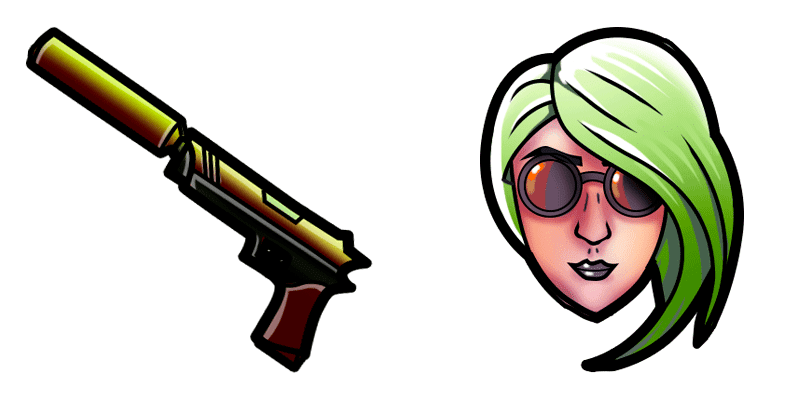
Toxin cute cursor pack: free custom cursors with bold battle style.
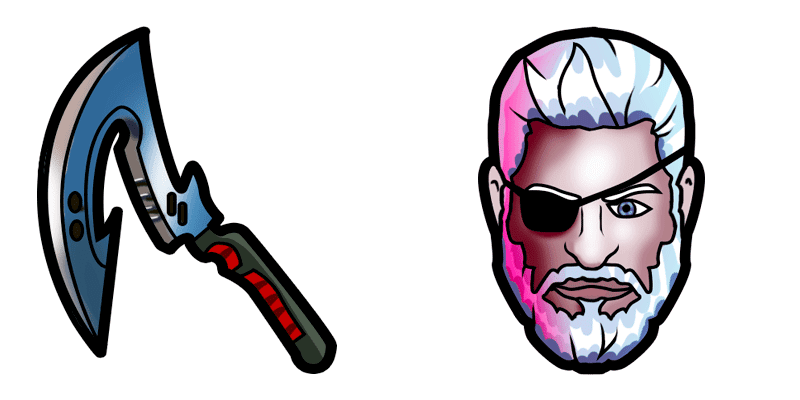
Riptide cute cursor - free custom cursor with Fortnite island vibes.
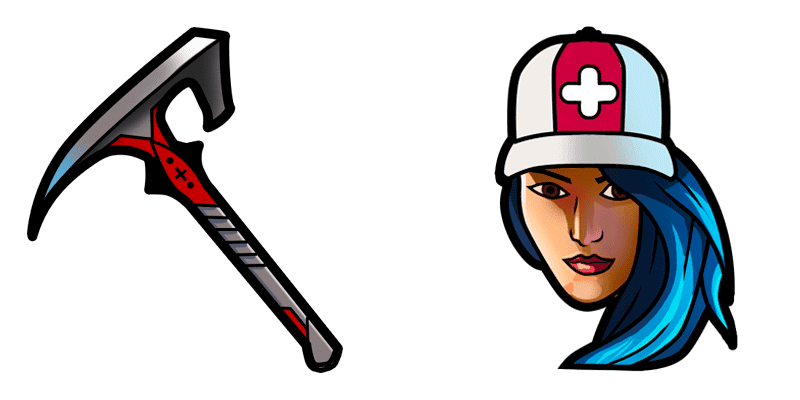
Install the Remedy cute cursor - free custom cursor packed with vibe.

Meet the Turk cute cursor - free custom cursor ready for every click.
Meet the Scratch cute cursor - free custom cursor ready for every click.

Meet the Red Knight cute cursor - free custom cursor ready for every click.
Hit the 'Add to Browser' button to get the 'Red Knight' pack.
On the Chrome Web Store, smash that ‘Add to Chrome’ button and confirm.
Pro-tip: Pin the 'Cute Cursors' extension to your toolbar for quick access.
Open the extension, find the 'Red Knight' pack, and click to activate. Easy peasy!
Our universe of cursors is huge. Dive into hundreds of unique collections and find the one that truly represents you.
Explore All Collections
Idle
{
  "status": "idle"
}