

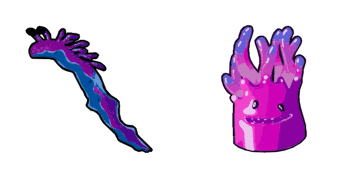
حزمة المؤشرات المخصصة المجانية Jellie
Jellie cute cursor - free custom cursor with Fortnite island vibes.
Drop the Lil Whip cute cursor - a free custom cursor for your desktop.
Try this cursor
Move across the preview to feel both cursor styles.

Storm in with Lil Whip, a bold cute cursor that turns browsing into a match moment. This free custom cursor works in Chrome and Edge, and on Windows 10/11 with Custom Cursor for the same tip outside the browser.
Rounded, tidy details keep Lil Whip clear without crowding the pointer. It is fan-made cursor art inspired by Fortnite vibes - not an Epic Games official product.
Nearby picks include the Lil Whip Cursor Pack, the Marshmello Mask Cursor Pack, and the Point Patroller Cursor Pack.
Grab the Lil Whip cursor and bring some battle-pass fun to every scroll.
Explore other cursor packs from our collection
Jellie cute cursor - free custom cursor with Fortnite island vibes.
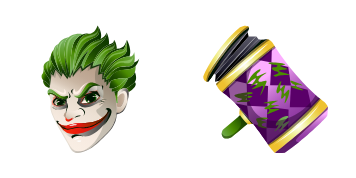
Grab the Joker Skin cute cursor - a free custom cursor pack for fans.
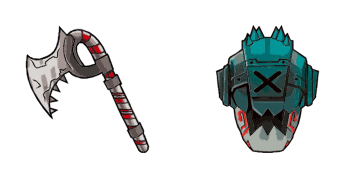
Meet the Kane cute cursor - free custom cursor ready for every click.
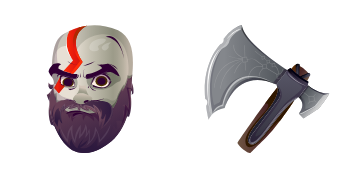
Kratos free custom cursor - cute cursor flair for Fortnite fans.

Lil Whip cute cursor for fans - free custom cursor with sharp island style.
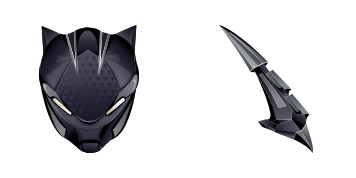
Lynx: cute cursor pack and free custom cursor for Fortnite fans.
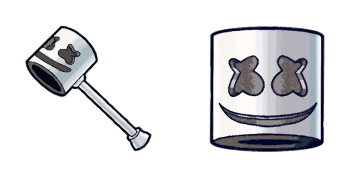
Pick Marshmello cute cursor - a free custom cursor with lobby-ready charm.
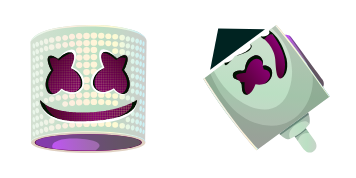
clean Marshmello Skin cute cursor - free custom cursor with island style.

Drop the Lil Whip cute cursor - a free custom cursor for your desktop.
Hit the 'Add to Browser' button to get the 'Lil Whip' pack.
On the Chrome Web Store, smash that ‘Add to Chrome’ button and confirm.
Pro-tip: Pin the 'Cute Cursors' extension to your toolbar for quick access.
Open the extension, find the 'Lil Whip' pack, and click to activate. Easy peasy!
Our universe of cursors is huge. Dive into hundreds of unique collections and find the one that truly represents you.
Explore All Collections
قم بتثبيته الآن مجانًا من متجر Chrome الإلكتروني الرسمي
Idle
{
  "status": "idle"
}