Google Chrome

Hazard custom cursor

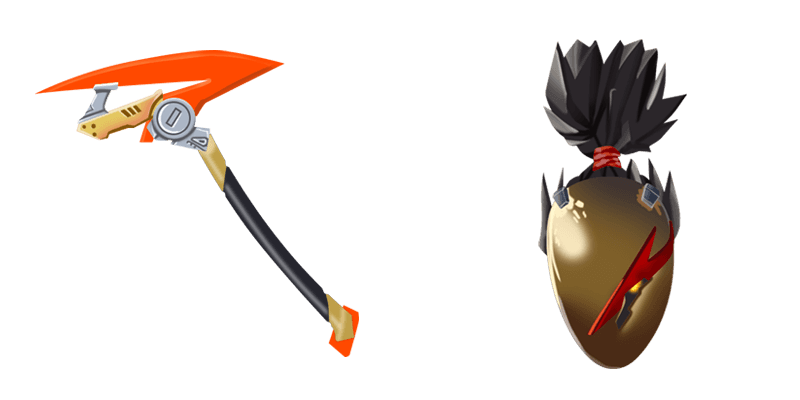
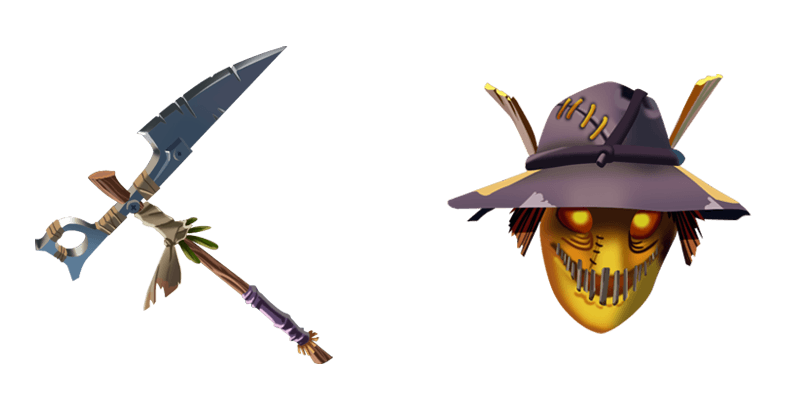
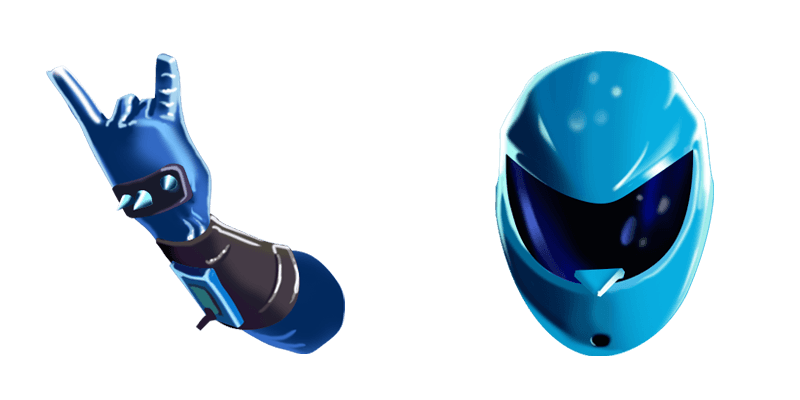
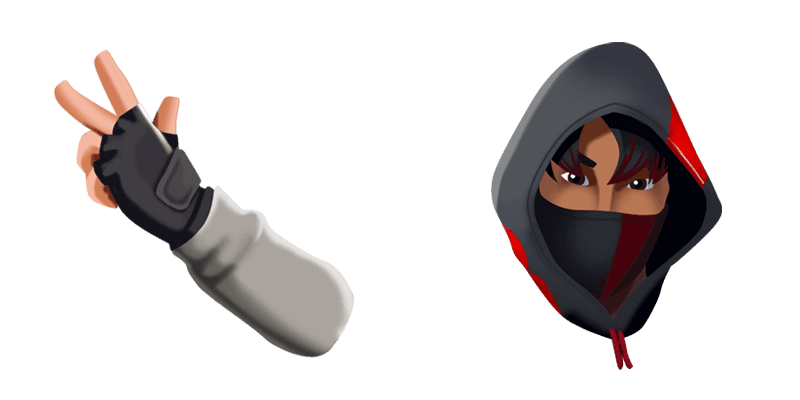
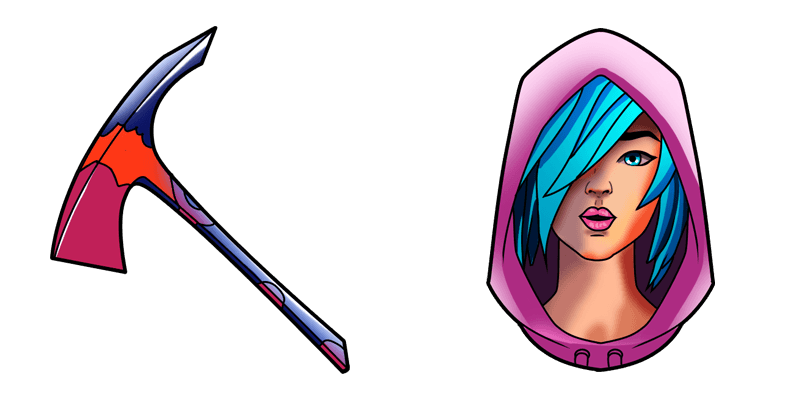
Discover the stylish Hazard cursor from the Fortnite Chapter 2 Cursor Collection - a perfect blend of functionality and fun designed for gamers and web surfers alike!

✨ Move your mouse to test both cursors
Arrow Cursor

Default navigation pointer

Pointer Cursor

Used for clickable elements

Hover over each side to preview both cursor styles in real-time.

1,000+
You are my programming class! Let's dive into the story of how to use the `remove_negatives` function in Haskell for some practical examples. First, we need to understand what a negative number or float is, and why it can be problematic if not handled properly. A negative number or floating point (floating-point number) means that it's less than zero. In this case, the `remove_negatives` function in Haskell might raise an error when trying to find the largest element of a list where the first item is 0 and all subsequent comparisons are thus impossible because you can not take logarithmic root of negative numbers (or complex numbers) or get the square root of NaN, undefined behavior for floating-point numbers. Here'easy ways to address this in Haskell: 1. Use pattern matching.

How to Install Hazard cursors

How to Install cursor Hazard for Chrome

Hazard preview

Hazard

Discover the stylish Hazard cursor from the Fortnite Chapter 2 Cursor Collection - a perfect blend of functionality and fun designed for gamers and web surfers alike!

  1. 1
    Go to Chrome Web Store

    Hit the 'Add to Browser' button to get the 'Hazard' pack.

  2. 2
    Add the Extension

    On the Chrome Web Store, smash that ‘Add to Chrome’ button and confirm.

  3. 3
    Pin for Easy Access

    Pro-tip: Pin the 'Cute Cursors' extension to your toolbar for quick access.

  4. 4
    Activate Your Cursor

    Open the extension, find the 'Hazard' pack, and click to activate. Easy peasy!

Piece of cake, right? Go on and have fun!

You may also like

Explore other cursor packs from our collection

حزمة المؤشرات المخصصة Fusion

حزمة المؤشرات المخصصة المجانية Fusion

Experience futuristic browsing with Fusion's sleek metallic design - your aesthetic choice for stylish browser and Windows 10/11 cursors in our curated Cursors Collection!

حزمة المؤشرات المخصصة Jellie

حزمة المؤشرات المخصصة المجانية Jellie

Dive into creativity with Jellie: vibrant jelly-like mouse cursors perfect for browsers & Windows 10/11 systems-bring fun and personality to your daily web browsing!

حزمة المؤشرات المخصصة Ghoul Trooper

حزمة المؤشرات المخصصة المجانية Ghoul Trooper

Add a spooky touch to your browsing with our stylish Ghoul Trooper custom cursor - perfect for Halloween or any time you want some haunting fun!

حزمة المؤشرات المخصصة Joker Skin

حزمة المؤشرات المخصصة المجانية Joker Skin

Discover chaos in style with our sleek Joker Skin cursor - a sinister yet stylish design perfect for both browsers and Windows 10/11 systems! Enjoy the madness!

حزمة المؤشرات المخصصة Fishstick

حزمة المؤشرات المخصصة المجانية Fishstick

Discover your perfect match with our quirky "Fishstick" cursors - stylishly designed for both browsers & Windows 10/11 users seeking cute and aesthetic mouse pointers!

حزمة المؤشرات المخصصة Rippley

حزمة المؤشرات المخصصة المجانية Rippley

Discover Rippley's custom cursors - stylish and fun for browser & Windows 10/11 use! Add personality to your browsing with our easy-to-install aesthetic mouse pointer pack.

حزمة المؤشرات المخصصة Scratch

حزمة المؤشرات المخصصة المجانية Scratch

Experience sharp, angular design with our "Scratch" custom cursor pack - perfect for web browsing on both browsers and Windows 10/11. Our cute cursors add a pop of personality to your desktop while providing smooth, responsive movement across the screen.

حزمة المؤشرات المخصصة Sith trooper

حزمة المؤشرات المخصصة المجانية Sith trooper

Unleash your dark side with our Sith Trooper Cursor Collection - sleek, menacing, and perfect for browsers and Windows 10/11!

Didn't Find Your Vibe?

Our universe of cursors is huge. Dive into hundreds of unique collections and find the one that truly represents you.

Explore All Collections