


Pack de curseurs personnalisés gratuit Spectre
Spectre cute cursor pack - free custom cursor with haunt-path haze.
Huskar cute cursor set - free custom cursor with berserker spear flair.
Try this cursor
Move across the preview to feel both cursor styles.

Berserker spear flair for your tip: Huskar brings a fierce cute cursor to everyday browsing. Use this free custom cursor in Chrome and Edge, and on Windows 10/11 with Custom Cursor when you want the same fire energy on apps.
Strong silhouettes keep the tip easy to find at small sizes. Fan-made only - not an official licensed set.
Keep the charge going with the Juggernaut Cursor Pack, the Pudge Cursor Pack, and the Omniknight Cursor Pack.
Get Huskar and let a roaring spear ride along with your clicks.
Explore other cursor packs from our collection
Spectre cute cursor pack - free custom cursor with haunt-path haze.
Anti-Mage cute cursor pack - free custom cursor with blink-blade grit.

Arc Warden cute cursor pack - free custom cursor with twin spark flair.
Ursa cute cursor pack - free custom cursor with fury swipes charm.
Omniknight cute cursor pack - free custom cursor with holy guard calm.
Terrorblade cute cursor pack - free custom cursor with twin-demon edge.
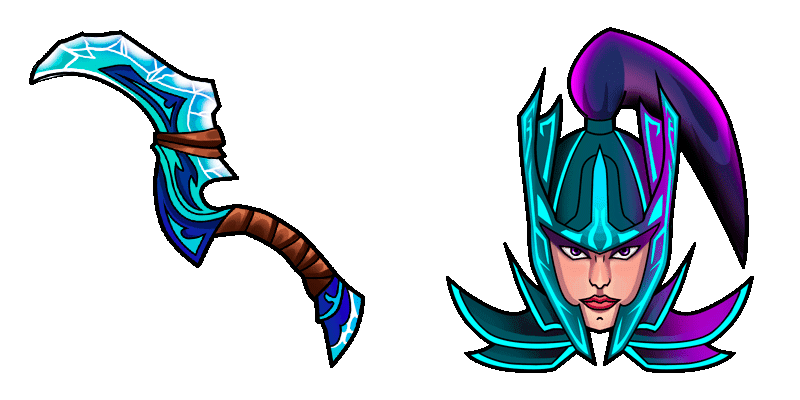
Phantom Assassin cute cursor pack - free custom cursor with blur-dagger flair.

Windranger cute cursor pack - free custom cursor with powershot breeze.

Huskar cute cursor set - free custom cursor with berserker spear flair.
Hit the 'Add to Browser' button to get the 'Huskar' pack.
On the Chrome Web Store, smash that ‘Add to Chrome’ button and confirm.
Pro-tip: Pin the 'Cute Cursors' extension to your toolbar for quick access.
Open the extension, find the 'Huskar' pack, and click to activate. Easy peasy!
Our universe of cursors is huge. Dive into hundreds of unique collections and find the one that truly represents you.
Explore All Collections
Installez-le gratuitement dès maintenant depuis le Chrome Web Store officiel
Idle
{
  "status": "idle"
}