Download Chrome extension

recuerdo cursor

Añade recuerdo a tu ratón - cute cursor y custom cursor gratis.

Try this cursor

Move across the preview to feel both cursor styles.

recuerdo cute cursor pack preview
Hover these
Auto · default + hover
58
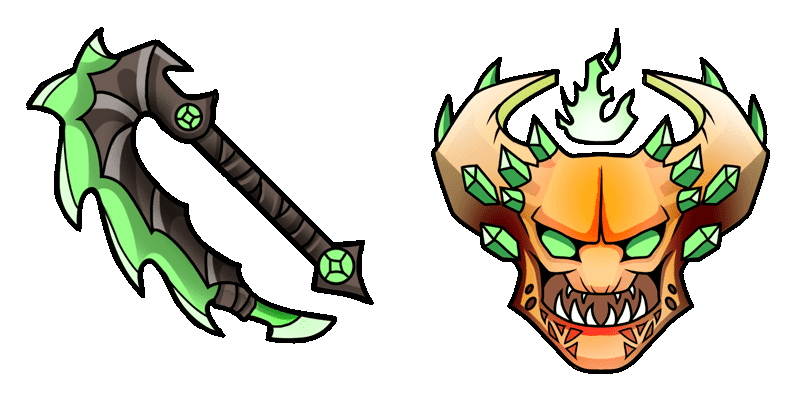
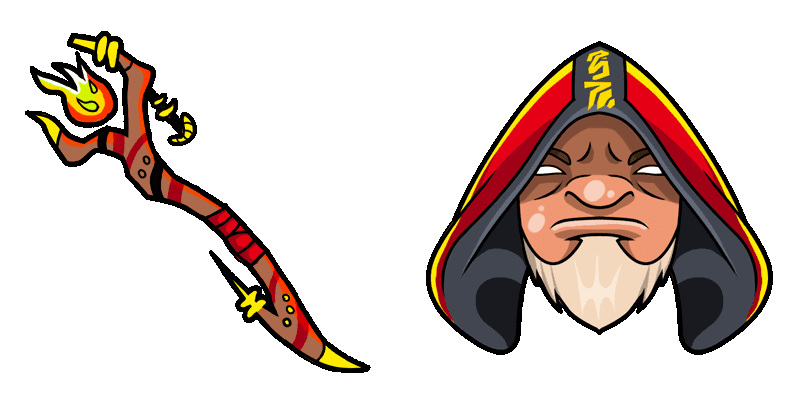
El cursor Huskar de Cursors Collection es una gran mejora para tu experiencia de navegación. Este cursor cuenta con el icónico héroe de Dota 2, Huskar, en toda su gloria. Es bien diseñado y fácil de usar, lo que lo convierte en perfecto para aquellos que son fans del juego o del héroe. Ya sea que estés navegando por la web o jugando a Dota 2, este cursor está seguro de que hará que tu experiencia sea más agradable. Déjalo un intento y vea por ti mismo cuánto mejor puede ser la navegación con el cursor Huskar.Descubre nuevos cursores en la colección Games, incluyendo este paquete recuerdo.

You may also like

Explore other cursor packs from our collection

Pack de cursores Razor

Pack de cursores Razor

Razor cursor - bright cute buddy with a Plasma Whip pointing hand.

Ver
Pack de cursores Ringmaster

Pack de cursores Ringmaster

Ringmaster cursor - bright cute buddy with a Mechanical Whip pointing hand.

Ver
Pack de cursores Weaver

Pack de cursores Weaver

Weaver cursor - bright cute buddy with a Beetle Claw pointing hand.

Ver
Pack de cursores Dark Willow

Pack de cursores Dark Willow

Dark Willow cursor with a Jex-the-wisp pointer - mischievous fairy energy for playful clicks.

Ver
Pack de cursores Dota 2 Kez

Pack de cursores Dota 2 Kez

Dota 2 Kez cursor - kawaii pastel buddy with a themed Kazurai Katana pointer.

Ver
Pack de cursores Terrorblade

Pack de cursores Terrorblade

Terrorblade cursor - bright cute buddy with a Twin Demon Blade pointing hand.

Ver
Pack de cursores Windranger

Pack de cursores Windranger

Windranger cursor - bright cute buddy with a Powershot Arrow pointing hand.

Ver
Pack de cursores Bounty Hunter Dota 2

Pack de cursores Bounty Hunter Dota 2

Bounty Hunter Dota 2 cursor - bright buddy with a themed Shuriken Soft pointer.

Ver

How to Install recuerdo

How to Install cursor recuerdo for Chrome

recuerdo preview

recuerdo

Añade recuerdo a tu ratón - cute cursor y custom cursor gratis.

  1. 1
    Go to Chrome Web Store

    Hit the 'Add to Browser' button to get the 'recuerdo' pack.

  2. 2
    Add the Extension

    On the Chrome Web Store, smash that ‘Add to Chrome’ button and confirm.

  3. 3
    Pin for Easy Access

    Pro-tip: Pin the 'Cute Cursors' extension to your toolbar for quick access.

  4. 4
    Activate Your Cursor

    Open the extension, find the 'recuerdo' pack, and click to activate. Easy peasy!

Piece of cake, right? Go on and have fun!

Didn't Find Your Vibe?

Our universe of cursors is huge. Dive into hundreds of unique collections and find the one that truly represents you.

Explore All Collections