

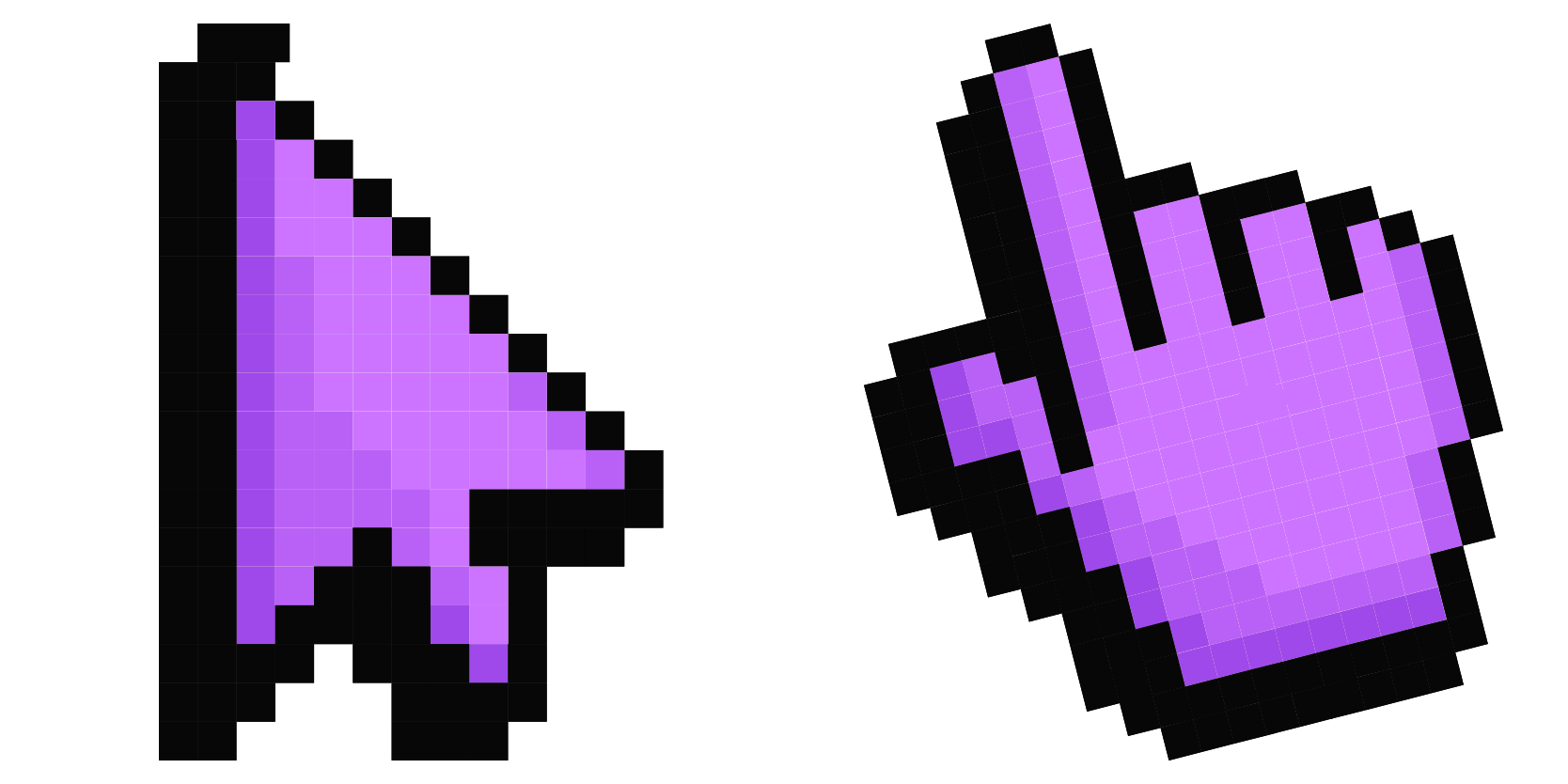
حزمة المؤشرات المخصصة المجانية Default Purple Pixel
Royal retro: the Default Purple Pixel cute cursor is a free custom cursor pack in deep pixel violet.
Soft retro vibes: the Default Pink Pixel cute cursor is a free custom cursor pack in pastel pixel pink.
Try this cursor
Move across the preview to feel both cursor styles.

Bubblegum meets 8-bit: the Default Pink Pixel cute cursor softens the classic arrow into pastel pixel candy. The Default Pink Pixel cute cursor is a free custom cursor for Chrome and Edge, and it also works on Windows 10/11 through the Custom Cursor app.
A darker pink outline keeps the pastel fill visible over white pages. It is fan-made cursor art and is not an official brand product.
Complete the pastel set with the Default Purple Pixel Cursor Pack, the Default Blue Pixel Cursor Pack, and the Pink and Blue Crystal Pixel Cursor Pack.
Get the Default Pink Pixel cursor pack and keep sweet retro pink in play.
Customize your embed code and preview it in real time below.
Live preview
<style type="text/css">
body {
  cursor: url(https://cdn.cutecursors.com/db/default_pink_pixel_cursor/arrow.png) 4 4, auto;
}
a, button, .clickable {
  cursor: url(https://cdn.cutecursors.com/db/default_pink_pixel_cursor/hand.png) 4 4, pointer;
}
</style>
<a href="https://cutecursors.com//category/pixel-cursors/default-pink-pixel-cursor" title="Get free Pixel: Default Pink cursors for your website.">
  Pixel: Default Pink Cursors
</a>/* components/CuteCursor.jsx */
"use client";
import { useEffect } from "react";
const CURSOR = "https://cdn.cutecursors.com/db/default_pink_pixel_cursor/arrow.png";
const POINTER = "https://cdn.cutecursors.com/db/default_pink_pixel_cursor/hand.png";
export default function CuteCursor() {
useEffect(() => {
const style = document.createElement("style");
style.innerHTML = `
body { cursor: url(${CURSOR}) 4 4, auto; }
a, button, .clickable { cursor: url(${POINTER}) 4 4, pointer; }
`;
document.head.appendChild(style);
return () => style.remove();
}, []);
return null;
}
/* Usage: render <CuteCursor /> once, e.g. in your root layout or App:
<CuteCursor />
Pixel: Default Pink cursors by https://cutecursors.com//category/pixel-cursors/default-pink-pixel-cursor */-- Pixel: Default Pink custom cursor for Roblox
-- LocalScript (place it in StarterPlayer > StarterPlayerScripts)
--
-- 1) Download the cursor images (buttons above) or grab them here:
-- Cursor: https://cdn.cutecursors.com/db/default_pink_pixel_cursor/arrow.png
-- Pointer: https://cdn.cutecursors.com/db/default_pink_pixel_cursor/hand.png
-- 2) Upload them in Roblox Creator Hub as Decals (Create > Decals).
-- 3) Replace the IDs below with your uploaded Image asset IDs.
local UserInputService = game:GetService("UserInputService")
local Players = game:GetService("Players")
local CURSOR_ICON = "rbxassetid://CURSOR_ASSET_ID"
local POINTER_ICON = "rbxassetid://POINTER_ASSET_ID"
-- Set the default cursor
UserInputService.MouseIcon = CURSOR_ICON
-- Optional: switch to the pointer icon while hovering GUI buttons
local function hookButton(button)
button.MouseEnter:Connect(function()
UserInputService.MouseIcon = POINTER_ICON
end)
button.MouseLeave:Connect(function()
UserInputService.MouseIcon = CURSOR_ICON
end)
end
local playerGui = Players.LocalPlayer:WaitForChild("PlayerGui")
for _, gui in ipairs(playerGui:GetDescendants()) do
if gui:IsA("GuiButton") then
hookButton(gui)
end
end
playerGui.DescendantAdded:Connect(function(gui)
if gui:IsA("GuiButton") then
hookButton(gui)
end
end)
-- Pixel: Default Pink cursors: https://cutecursors.com//category/pixel-cursors/default-pink-pixel-cursor
Soft retro vibes: the Default Pink Pixel cute cursor is a free custom cursor pack in pastel pixel pink.
Hit the 'Add to Browser' button to get the 'Pixel: Default Pink' pack.
On the Chrome Web Store, smash that ‘Add to Chrome’ button and confirm.
Pro-tip: Pin the 'Cute Cursors' extension to your toolbar for quick access.
Open the extension, find the 'Pixel: Default Pink' pack, and click to activate. Easy peasy!
Explore other cursor packs from our collection
Royal retro: the Default Purple Pixel cute cursor is a free custom cursor pack in deep pixel violet.
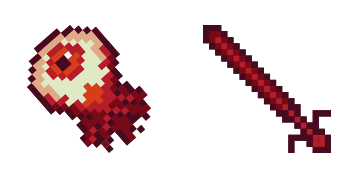
Always watching: the Eye Pixel cute cursor is a free custom cursor pack with a blinking blocky eye.
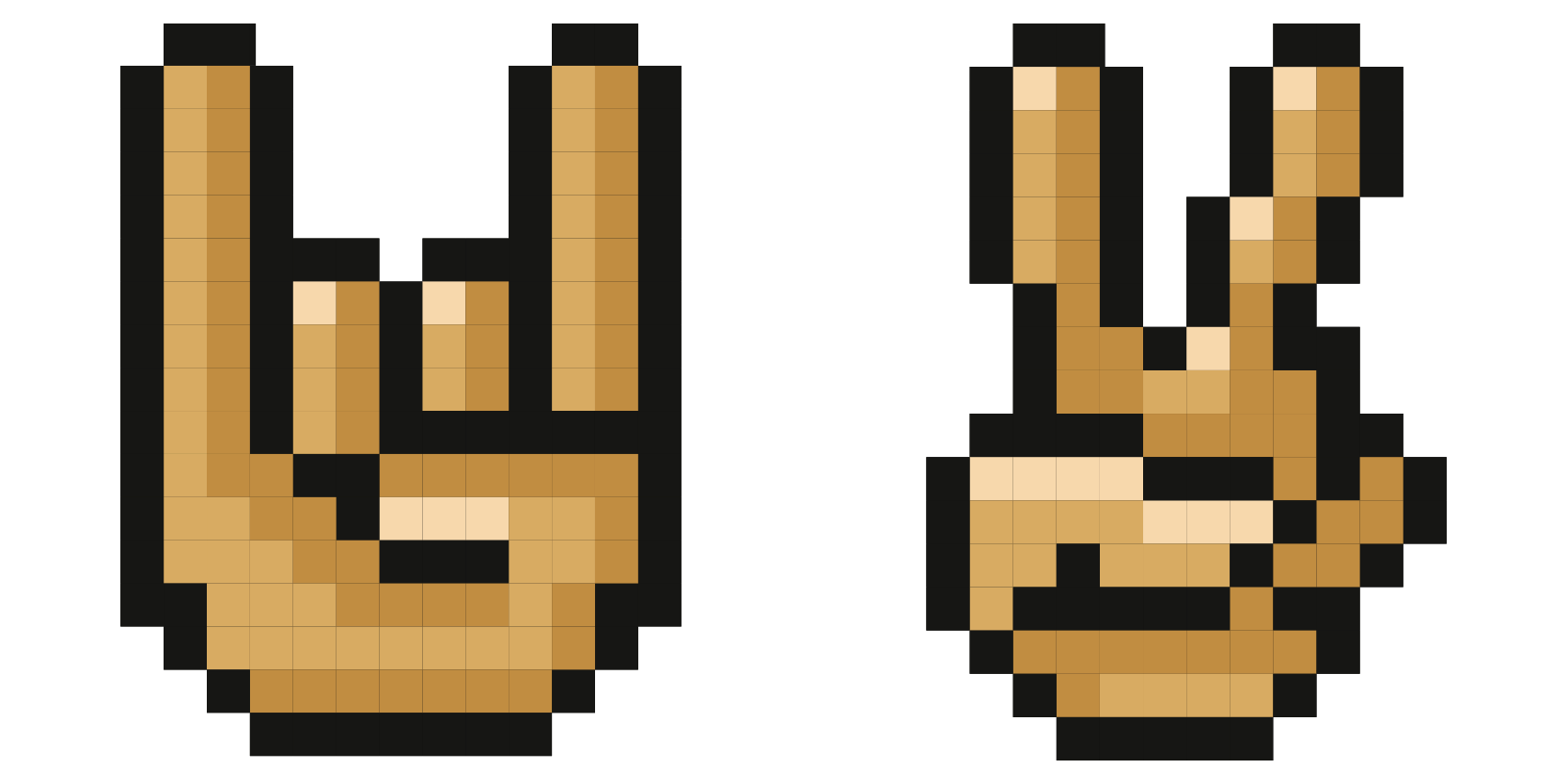
Talk with your hands: the Gestures Pixel cute cursor is a free custom cursor pack of blocky hand signs.

Steal some style: the Grinch Pixel cute cursor is a free custom cursor pack starring the grumpy green holiday icon.

Adopt the Monster Pixel cute cursor, a free custom cursor pack with one lovably weird blocky beast.
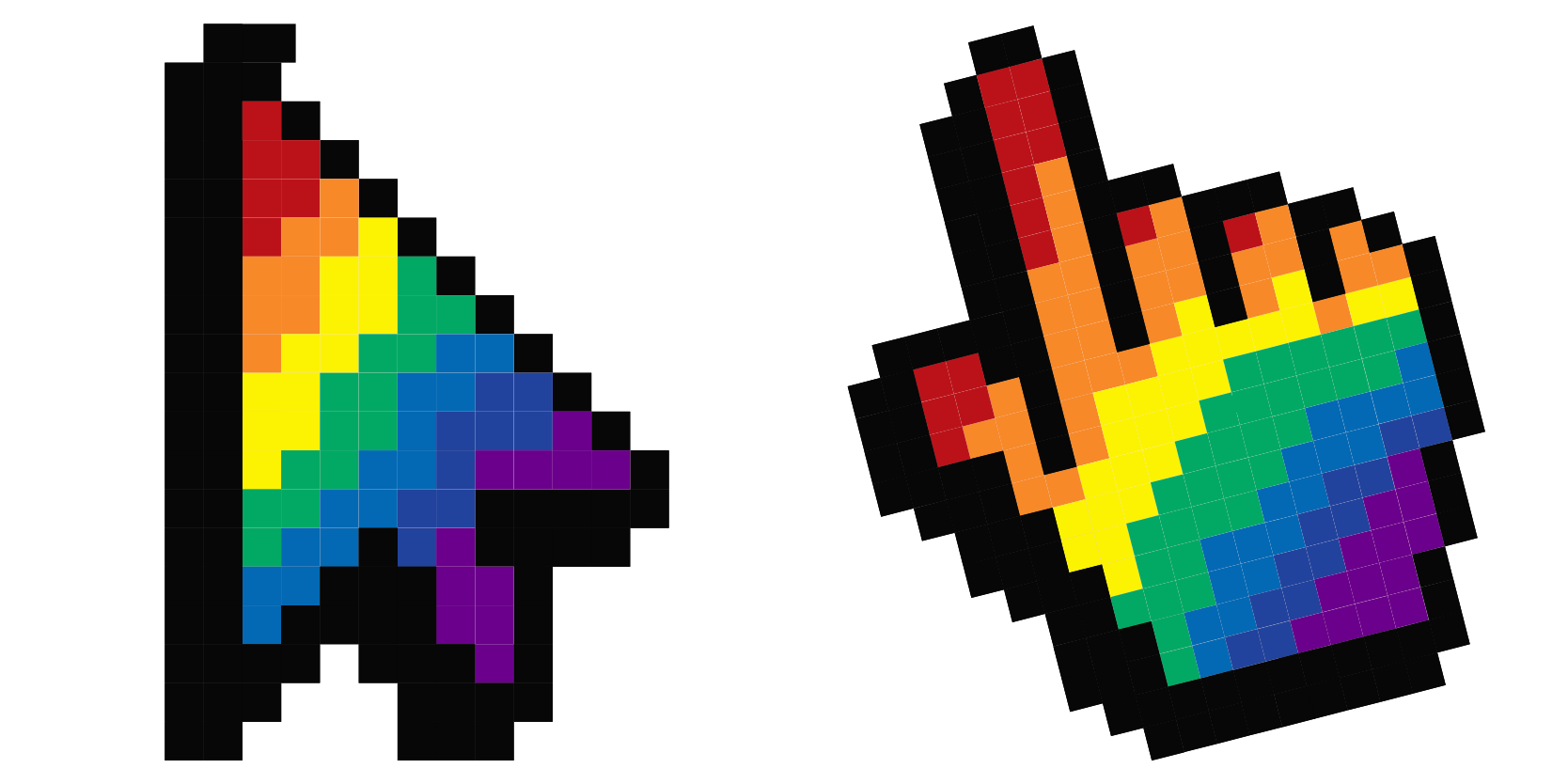
Full spectrum fun: the Rainbow Pixel cute cursor is a free custom cursor pack striped in bright 8-bit color.
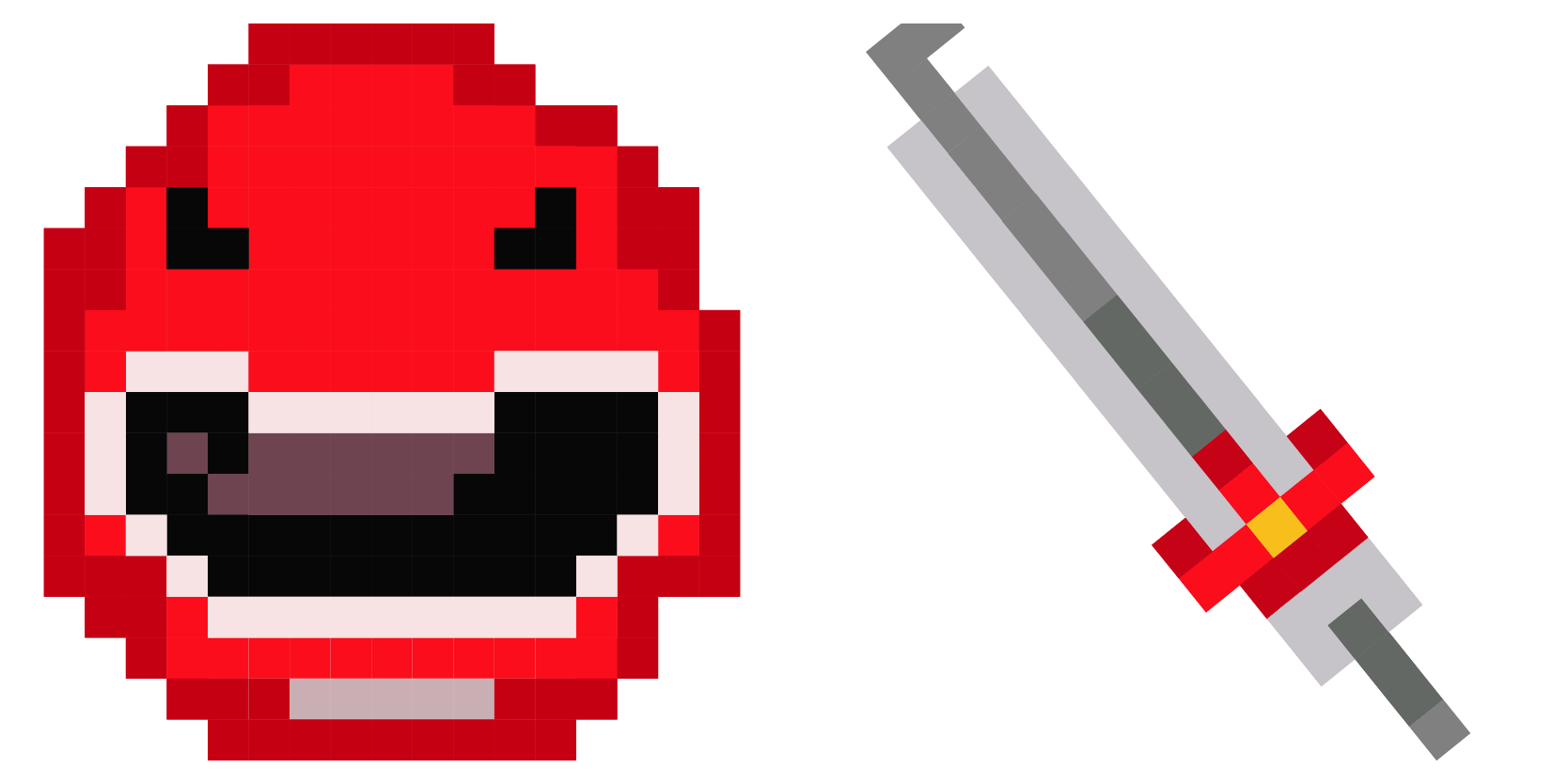
Morph into the Red Power Ranger Pixel cute cursor, a free custom cursor pack of heroic 8-bit red.
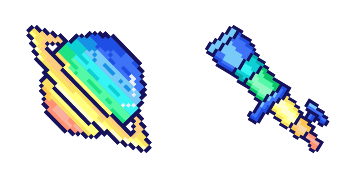
Orbit with the Saturn Pixel cute cursor, a free custom cursor pack of ringed-planet 8-bit wonder.
Our universe of cursors is huge. Dive into hundreds of unique collections and find the one that truly represents you.
Explore All Collections
قم بتثبيته الآن مجانًا من متجر Chrome الإلكتروني الرسمي
Idle
{
  "status": "idle"
}