


حزمة المؤشرات المخصصة المجانية Blue Character Pixel
Sus clicks ahead: the Among Us Blue Character Pixel cute cursor is a free custom cursor pack for crewmates.
Pixel Game Controller cursor - bright 8-bit pixel buddy with a Game Controller Pixel Cuff.
Try this cursor
Move across the preview to feel both cursor styles.

A punchy Pixel Game Controller custom cursor with chunky pixel shading and a matching Game Controller Pixel Cuff pointer. The Pixel Game Controller cute cursor is a free custom cursor for Chrome and Edge, and it also works on Windows 10/11 through the Custom Cursor app.
Original pixel sprite fan art only - no logos or trademarks. Soft darkened rim, no white sticker border. It is fan-made cursor art with no official affiliation.
Install the free Pixel Game Controller custom cursor for Chrome and Edge, or on Windows 10/11 with the Custom Cursor app.
Explore other cursor packs from our collection
Sus clicks ahead: the Among Us Blue Character Pixel cute cursor is a free custom cursor pack for crewmates.

Buzz along with the Bee Pixel cute cursor, a free custom cursor pack of striped 8-bit sweetness.

Cool and classic: the Default Blue Pixel cute cursor is a free custom cursor pack in crisp pixel blue.

Fresh pixels: the Default Green Pixel cute cursor is a free custom cursor pack in bright retro green.

Royal retro: the Default Purple Pixel cute cursor is a free custom cursor pack in deep pixel violet.
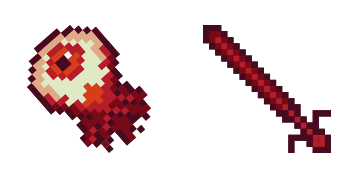
Always watching: the Eye Pixel cute cursor is a free custom cursor pack with a blinking blocky eye.
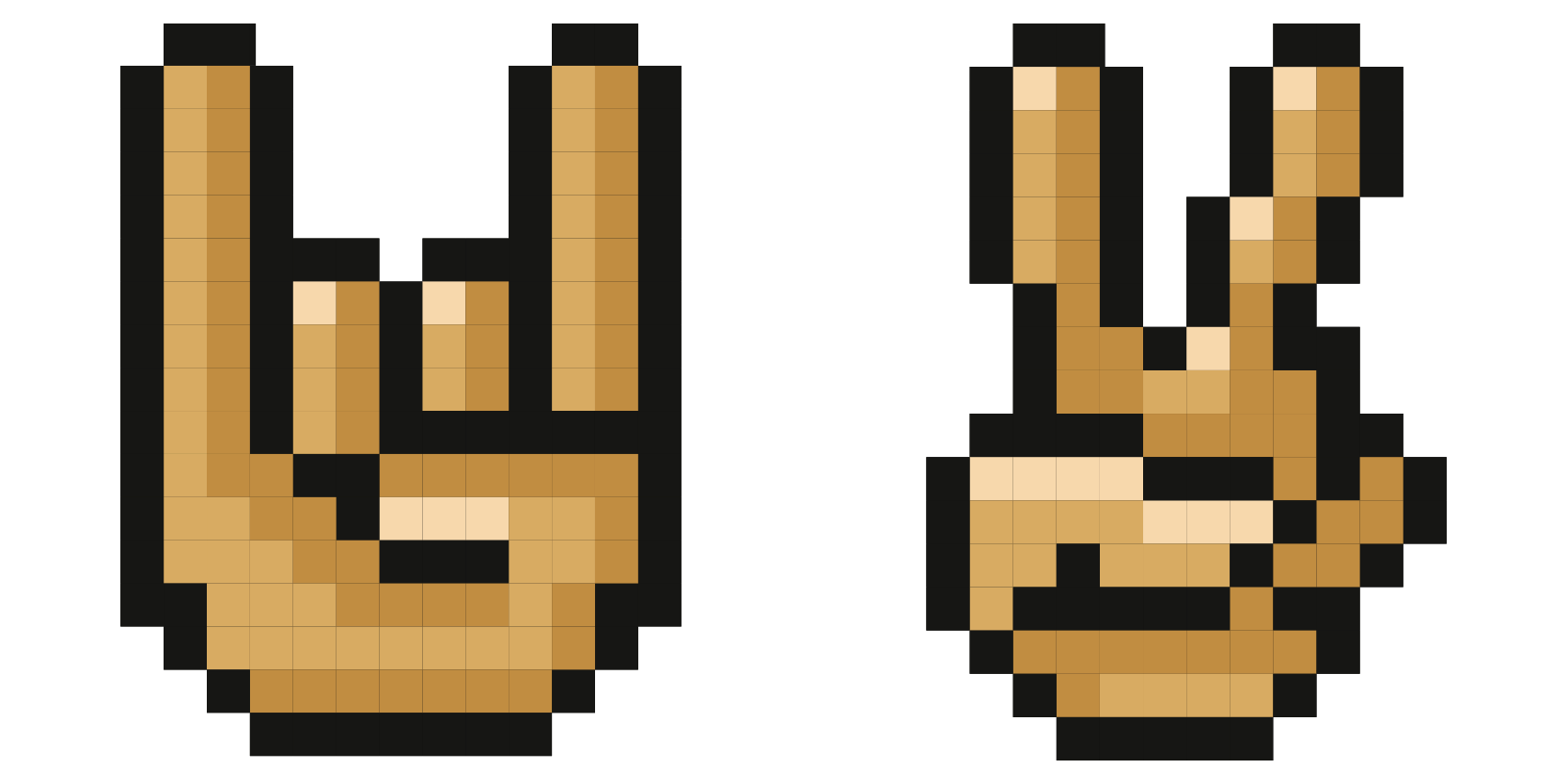
Talk with your hands: the Gestures Pixel cute cursor is a free custom cursor pack of blocky hand signs.

Steal some style: the Grinch Pixel cute cursor is a free custom cursor pack starring the grumpy green holiday icon.

Pixel Game Controller cursor - bright 8-bit pixel buddy with a Game Controller Pixel Cuff.
Hit the 'Add to Browser' button to get the 'Pixel Game Controller' pack.
On the Chrome Web Store, smash that ‘Add to Chrome’ button and confirm.
Pro-tip: Pin the 'Cute Cursors' extension to your toolbar for quick access.
Open the extension, find the 'Pixel Game Controller' pack, and click to activate. Easy peasy!
Our universe of cursors is huge. Dive into hundreds of unique collections and find the one that truly represents you.
Explore All Collections
قم بتثبيته الآن مجانًا من متجر Chrome الإلكتروني الرسمي
Idle
{
  "status": "idle"
}