


حزمة المؤشرات المخصصة المجانية Minecraft
Minecraft Soft custom cursor charm - free cute cursor with chunky pixel pop.
Refresh your tip with the Minecraft Bold cute cursor - free custom cursor style.
Try this cursor
Move across the preview to feel both cursor styles.

Turn your desktop into a spawn point with Minecraft Bold, a cheerful cute cursor for craft lovers. Use this free custom cursor in Chrome and Edge, and on Windows 10/11 via the Custom Cursor app for a matching pointer on the desktop.
Soft outlines help Minecraft Bold stay sharp while you scroll and click. Fan-made artwork celebrating sandbox building style - not a Mojang official set.
Round out your loadout with the Notch Cursor Pack and the Enchanted Netherite Sword Cursor Pack.
Get Minecraft Bold and keep a sharp sandbox pointer close at hand.
Explore other cursor packs from our collection
Minecraft Soft custom cursor charm - free cute cursor with chunky pixel pop.
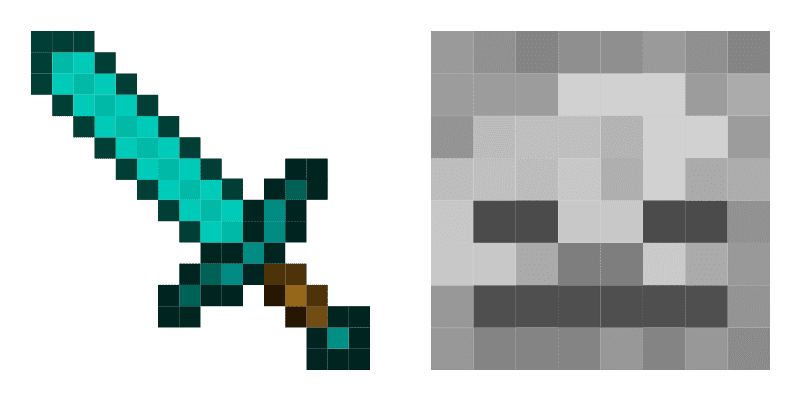
Craft your tip with Minecraft Classic - cute cursor and free custom cursor pack.
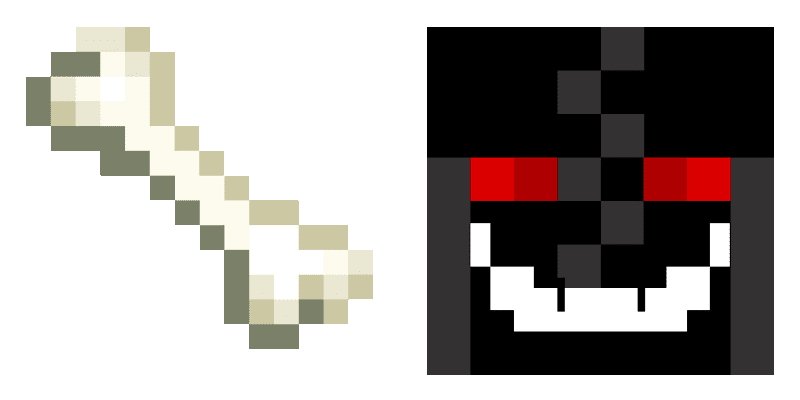
Install the Bone and Mr. Torch cute cursor - free custom cursor packed with block vibes.

Ax and Alex free custom cursor - cute cursor flair for Minecraft players.

Install the Stick of TNT and Arab cute cursor - free custom cursor packed with block vibes.

Golden Carrot cute cursor set - free custom cursor that keeps clicks sharp.

Pick Ender Pearl and Eye of Ender cute cursor - a free custom cursor with survival-ready charm.
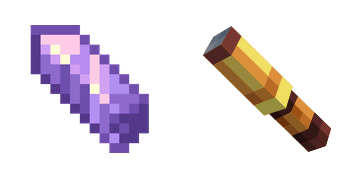
Grab the Amethyst Shard and Spyglass cute cursor - a free custom cursor pack for Minecraft fans.

Refresh your tip with the Minecraft Bold cute cursor - free custom cursor style.
Hit the 'Add to Browser' button to get the 'Minecraft' pack.
On the Chrome Web Store, smash that ‘Add to Chrome’ button and confirm.
Pro-tip: Pin the 'Cute Cursors' extension to your toolbar for quick access.
Open the extension, find the 'Minecraft' pack, and click to activate. Easy peasy!
Our universe of cursors is huge. Dive into hundreds of unique collections and find the one that truly represents you.
Explore All Collections
قم بتثبيته الآن مجانًا من متجر Chrome الإلكتروني الرسمي
Idle
{
  "status": "idle"
}