Download Chrome extension

Чара cursor

Чара курсори: милий курсор і кастомний курсор в одному сеті.

Try this cursor

Move across the preview to feel both cursor styles.

Чара cute cursor pack preview
Hover these
Auto · default + hover
78
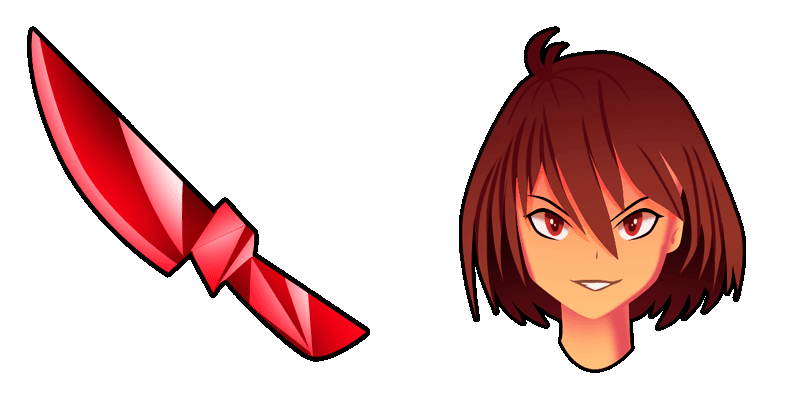
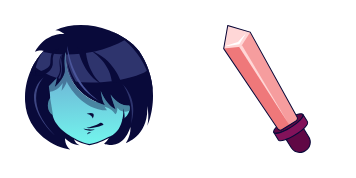
The Cursors Collection пропонує Chara курсор для веббраузер. Цей курсор має характер Chara з популярні відеоігри Undertale. Курсор розроблений, щоб виглядати як зброя Chara, Real Knife, і ідеально підходить для шанувальників гри або будь-кого, хто хоче унікальний і веселий курсор для свого браузера. Інсталяція проста й інструкції надаються на вебсайт Cursors Collection. З Chara курсором, ви можете додати дотик особистості й творчості до вашого досвіду перегляду. Відкрийте для себе нові курсори в колекції 'Games', включаючи цей пак 'Chara'.

You may also like

Explore other cursor packs from our collection

Пакет курсорів Без скелету

Без скелету курсор пак

Спробуй Без скелету: милий курсор пак і готові custom cursors.

Пакет курсорів Undertale Napstablook в анімаційних навушникахA

Undertale Napstablook в анімаційних навушниках курсор пак

Обери Undertale Napstablook в анімаційних навушниках - cute cursor і кастомний курсор без зайвого шуму.

Пакет курсорів Undertale Flowey PixelA

Undertale Flowey Pixel курсор пак

Undertale Flowey Pixel: soft cute cursor у зручному кастомному курсор-паку.

Пакет курсорів Підліток Asgore Dreemurr Pixel

Підліток Asgore Dreemurr Pixel курсор пак

Підліток Asgore Dreemurr Pixel: soft cute cursor у зручному кастомному курсор-паку.

Пакет курсорів Undertale Papyrus Pixel

Undertale Papyrus Pixel курсор пак

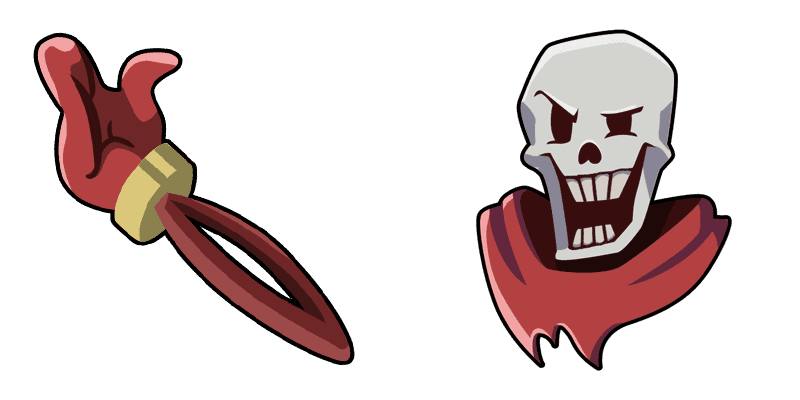
Undertale Papyrus Pixel custom cursor пак із милим курсором для фанатів теми.

Пакет курсорів Undertale Lancer Dancing PixelA

Undertale Lancer Dancing Pixel курсор пак

Завантаж Undertale Lancer Dancing Pixel: cute cursor і кастомний курсор для щоденних кліків.
Пакет курсорів Undertale Frisk PixelA

Undertale Frisk Pixel курсор пак

Undertale Frisk Pixel custom cursor пак із милим курсором для фанатів теми.

Пакет курсорів Заняття без анімаціїA

Заняття без анімації курсор пак

Милий курсор Заняття без анімації освіжить кліки - free custom cursor для ПК.
How to Install Чара

How to Install cursor Чара for Chrome

Чара preview

Чара

Чара курсори: милий курсор і кастомний курсор в одному сеті.

  1. 1
    Go to Chrome Web Store

    Hit the 'Add to Browser' button to get the 'Чара' pack.

  2. 2
    Add the Extension

    On the Chrome Web Store, smash that ‘Add to Chrome’ button and confirm.

  3. 3
    Pin for Easy Access

    Pro-tip: Pin the 'Cute Cursors' extension to your toolbar for quick access.

  4. 4
    Activate Your Cursor

    Open the extension, find the 'Чара' pack, and click to activate. Easy peasy!

Piece of cake, right? Go on and have fun!

Didn't Find Your Vibe?

Our universe of cursors is huge. Dive into hundreds of unique collections and find the one that truly represents you.

Explore All Collections