


Pack de curseurs personnalisés gratuit Lina
Lina cute cursor pack - free custom cursor with Laguna Blade fire.
Dota 2 Kunkka cursor - kawaii pastel buddy with a themed Admirals Sword pointer.
Try this cursor
Move across the preview to feel both cursor styles.

Kawaii vibes unlocked: this Dota 2 Kunkka cursor pairs a pastel chibi buddy with a themed Admirals Sword pointing hand. The Dota 2 Kunkka cute cursor is a free custom cursor for Chrome and Edge, and it also works on Windows 10/11 through the Custom Cursor app.
Cute original kawaii fan art - no logos or trademarks. Soft darkened outline, no white halo. It is fan-made cursor art with no official affiliation.
Add the free Dota 2 Kunkka cute cursor in Chrome or Edge, or use the Custom Cursor app on Windows 10/11.
Explore other cursor packs from our collection
Lina cute cursor pack - free custom cursor with Laguna Blade fire.

Faceless Void cute cursor pack - free custom cursor with chronosphere edge.

Spectre cute cursor pack - free custom cursor with haunt-path haze.
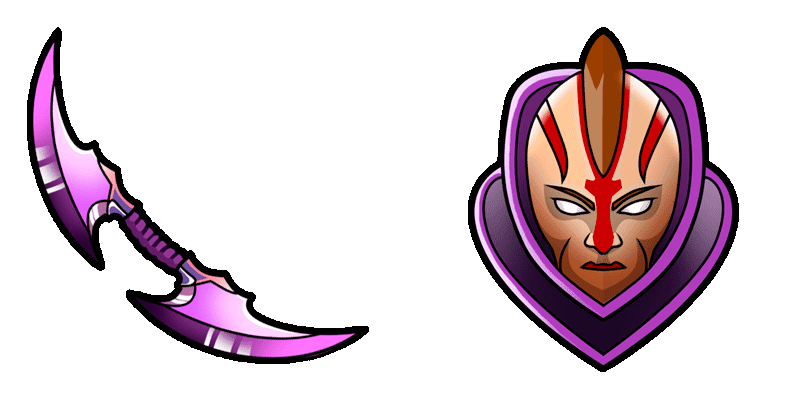
Anti-Mage cute cursor pack - free custom cursor with blink-blade grit.
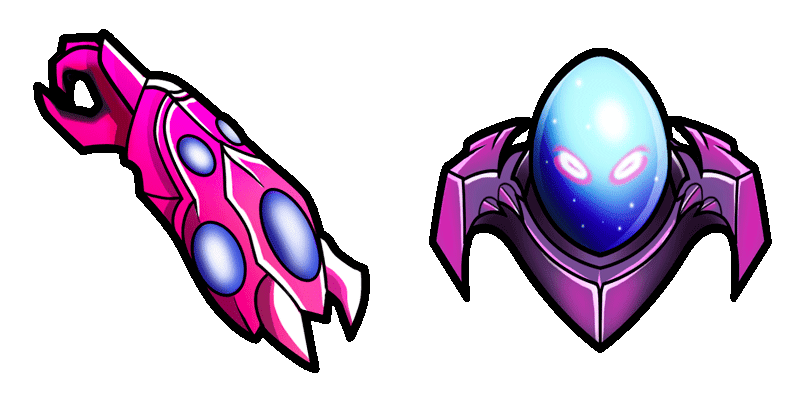
Arc Warden cute cursor pack - free custom cursor with twin spark flair.
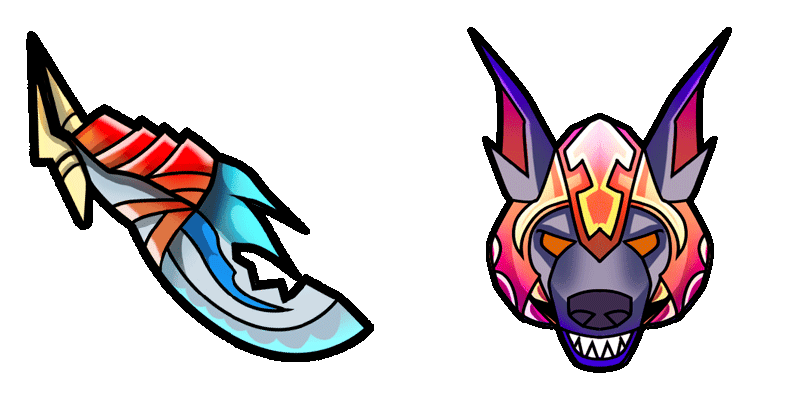
Ursa cute cursor pack - free custom cursor with fury swipes charm.
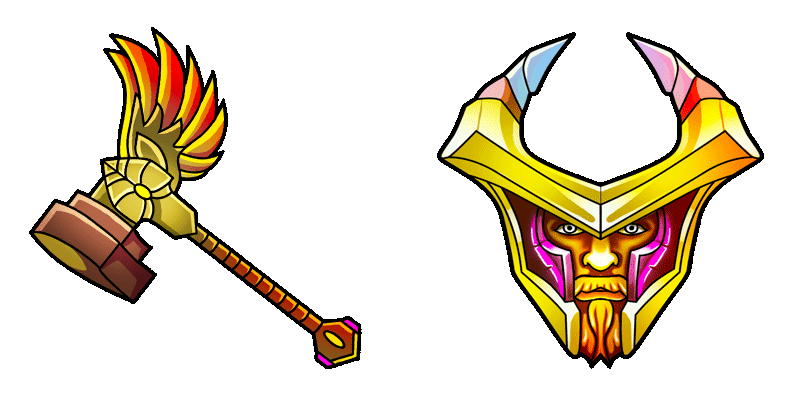
Omniknight cute cursor pack - free custom cursor with holy guard calm.
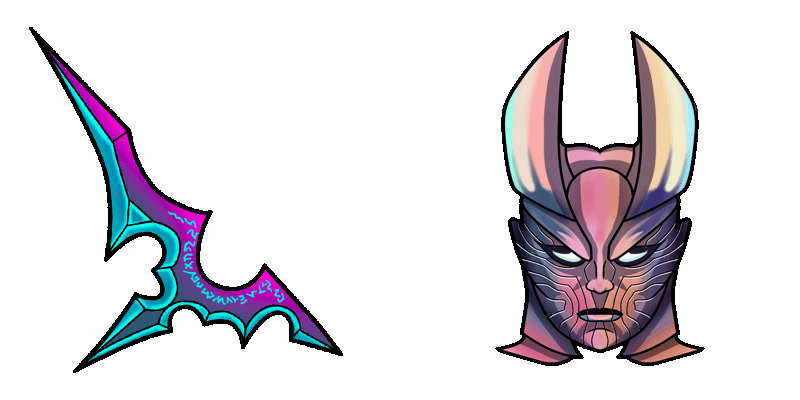
Terrorblade cute cursor pack - free custom cursor with twin-demon edge.

Dota 2 Kunkka cursor - kawaii pastel buddy with a themed Admirals Sword pointer.
Hit the 'Add to Browser' button to get the 'Dota 2 Kunkka' pack.
On the Chrome Web Store, smash that ‘Add to Chrome’ button and confirm.
Pro-tip: Pin the 'Cute Cursors' extension to your toolbar for quick access.
Open the extension, find the 'Dota 2 Kunkka' pack, and click to activate. Easy peasy!
Our universe of cursors is huge. Dive into hundreds of unique collections and find the one that truly represents you.
Explore All Collections
Idle
{
  "status": "idle"
}