


Pack de curseurs personnalisés gratuit Faceless Void
Faceless Void cute cursor set - free custom cursor with time-lock vibe.
Terrorblade cute cursor pack - free custom cursor with twin-demon edge.
Try this cursor
Move across the preview to feel both cursor styles.

Twin-demon edge on your mouse: Terrorblade is a sleek cute cursor packed with mirror-image grit. This free custom cursor pack runs in Chrome and Edge, and works on Windows 10/11 with Custom Cursor when you want the same look on desktop.
Dark blade accents stay sharp while you scroll. It is fan-made custom cursor art, not an official licensed product.
More demon energy waits in the Faceless Void Cursor Pack, the Spectre Cursor Pack, and the Anti-Mage Cursor Pack.
Install Terrorblade and let a twin grin follow your mouse.
Explore other cursor packs from our collection
Faceless Void cute cursor set - free custom cursor with time-lock vibe.

Gyrocopter cute cursor set - free custom cursor with call-down spark.
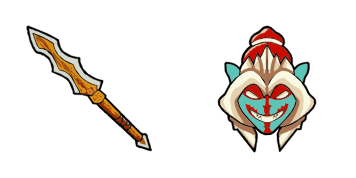
Huskar cute cursor set - free custom cursor with berserker spear flair.

Invoker cute cursor set - free custom cursor with quas-wex-exort charm.

Juggernaut cute cursor set - free custom cursor with healing-ward calm.

Lina cute cursor set - free custom cursor with dragon-slave spark.

Omniknight cute cursor set - free custom cursor with purification glow.
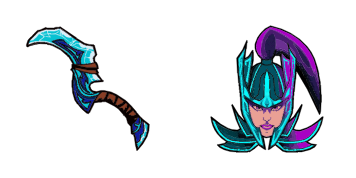
Phantom Assassin cute cursor set - free custom cursor with coup de grace vibe.

Terrorblade cute cursor pack - free custom cursor with twin-demon edge.
Hit the 'Add to Browser' button to get the 'Terrorblade' pack.
On the Chrome Web Store, smash that ‘Add to Chrome’ button and confirm.
Pro-tip: Pin the 'Cute Cursors' extension to your toolbar for quick access.
Open the extension, find the 'Terrorblade' pack, and click to activate. Easy peasy!
Our universe of cursors is huge. Dive into hundreds of unique collections and find the one that truly represents you.
Explore All Collections
Installez-le gratuitement dès maintenant depuis le Chrome Web Store officiel
Idle
{
  "status": "idle"
}