Download Chrome extension

El subordinado cursor

Prueba El subordinado - cursor personalizado y cute cursor para el navegador.

Try this cursor

Move across the preview to feel both cursor styles.

El subordinado cute cursor pack preview
Hover these
Auto · default + hover
142
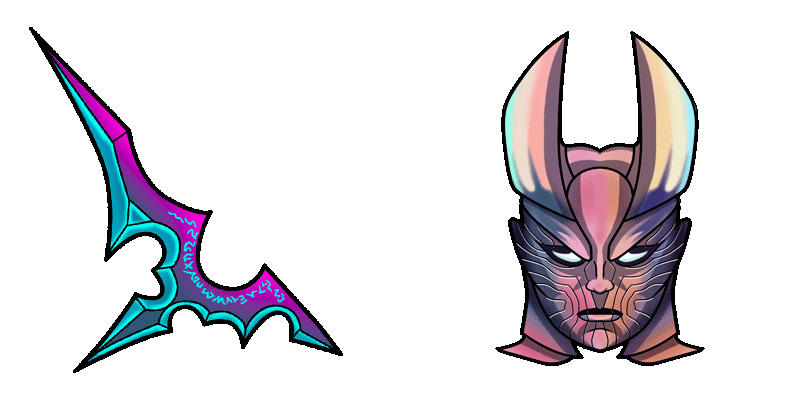
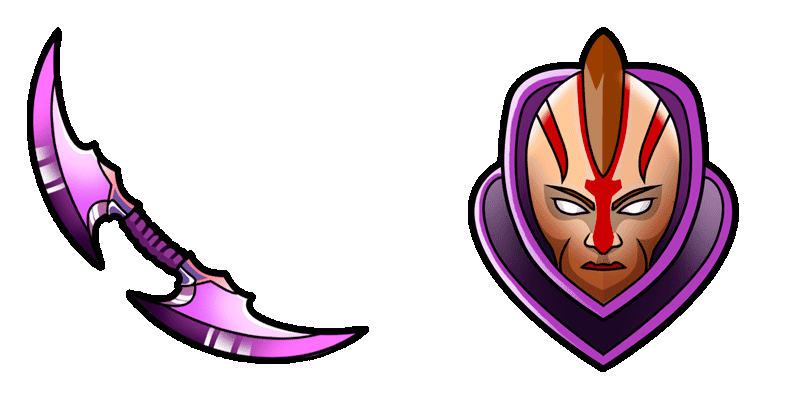
El cursor Underlord está ahora disponible para su uso en su navegador web, tomado de la colección oficial DOTA 2 Cursor. Diseñado para coincidir con la estética del juego, este cursor presenta la imponente figura del temible Underlord, completo con cuernos de fuego y ojos brillantes. Con su diseño sorprendente y animación suave, el cursor Underlord es perfecto para los fans del juego, o cualquier persona que busque un cursor llamativo y distintivo para su navegador. Simplemente descargue e instale el cursor para comenzar a usarlo hoy!En la colección DOTA 2 encontrarás los mejores paquetes de cursores, incluyendo este elegante paquete.

You may also like

Explore other cursor packs from our collection

Pack de cursores Lina

Pack de cursores Lina

Cursor pack Lina con estilo cute cursor para el día a día.

Ver
Pack de cursores Dark Seer

Pack de cursores Dark Seer

Dark Seer cursor with a glowing energy-fist pointer - vacuum your clutter in one click.

Ver
Pack de cursores Sueño

Pack de cursores Sueño

Descarga Sueño - custom cursor adorable para Chrome, Edge y Windows.

Ver
Pack de cursores Dota 2 Huskar

Pack de cursores Dota 2 Huskar

Dota 2 Huskar cursor - kawaii pastel buddy with a themed Burning Spear pointer.

Ver
Pack de cursores The International Dota 2

Pack de cursores The International Dota 2

The International Dota 2 cursor - bright buddy with a themed Trophy Soft pointer.

Ver
Pack de cursores Dota 2 Protracker

Pack de cursores Dota 2 Protracker

Dota 2 Protracker cursor - bright buddy with a themed Track Soft pointer.

Ver
Pack de cursores Dazzle

Pack de cursores Dazzle

Dazzle cursor with a shadow-staff pointer - shallow grave energy for clutch saves.

Ver
Pack de cursores Stratz Dota 2

Pack de cursores Stratz Dota 2

Stratz Dota 2 cursor - bright buddy with a themed Data Soft pointer.

Ver

How to Install El subordinado

How to Install cursor El subordinado for Chrome

El subordinado preview

El subordinado

Prueba El subordinado - cursor personalizado y cute cursor para el navegador.

  1. 1
    Go to Chrome Web Store

    Hit the 'Add to Browser' button to get the 'El subordinado' pack.

  2. 2
    Add the Extension

    On the Chrome Web Store, smash that ‘Add to Chrome’ button and confirm.

  3. 3
    Pin for Easy Access

    Pro-tip: Pin the 'Cute Cursors' extension to your toolbar for quick access.

  4. 4
    Activate Your Cursor

    Open the extension, find the 'El subordinado' pack, and click to activate. Easy peasy!

Piece of cake, right? Go on and have fun!

Didn't Find Your Vibe?

Our universe of cursors is huge. Dive into hundreds of unique collections and find the one that truly represents you.

Explore All Collections