Google Chrome

Undertale: Sans the Skeleton custom cursor

Undertale: Sans the Skeleton Custom Cursor Pack mit süßem Cursor für Fans des Themas.

✨ Move your mouse to test both cursors
Arrow Cursor

Default navigation pointer

Pointer Cursor

Used for clickable elements

Hover over each side to preview both cursor styles in real-time.

1,000+
Bringen Sie etwas Undertale Charme zu Ihrem Browser-Erlebnis mit dem Sans the Skeleton Cursor aus der Undertale Cursor Collection. Dieser Cursor verfügt über den beliebten Charakter Sans mit seinem Signaturhoodie und einem schmutzigen Smirk auf seinem Gesicht. Wenn Sie Ihren Cursor über Ihren Bildschirm bewegen, folgt Sans und macht Ihr Surfen ein bisschen lustiger und seltsamer.Schauen Sie in die Kollektion Undertale, um noch mehr exklusive Cursor-Pakete wie dieses zu entdecken.

You may also like

Explore other cursor packs from our collection

Undertale Frisk Pixel Cursor-Paket

Undertale Frisk Pixel Cursor-Paket

Frisk Pixel cute cursor - free custom cursor with determined Underground adventure.

Muffins Cursor-Paket

Muffins Cursor-Paket

Muffins Cursor Pack mit cute Cursor Stil für Chrome, Edge und Windows.

Der Deltarune Lancer Cursor-Paket

Der Deltarune Lancer Cursor-Paket

Der Deltarune Lancer Custom Cursor Pack mit süßem Cursor für Fans des Themas.

Undertale Papyrus Pixel Cursor-Paket

Undertale Papyrus Pixel Cursor-Paket

Papyrus Pixel cute cursor pack - free custom cursor with retro spaghetti pride.

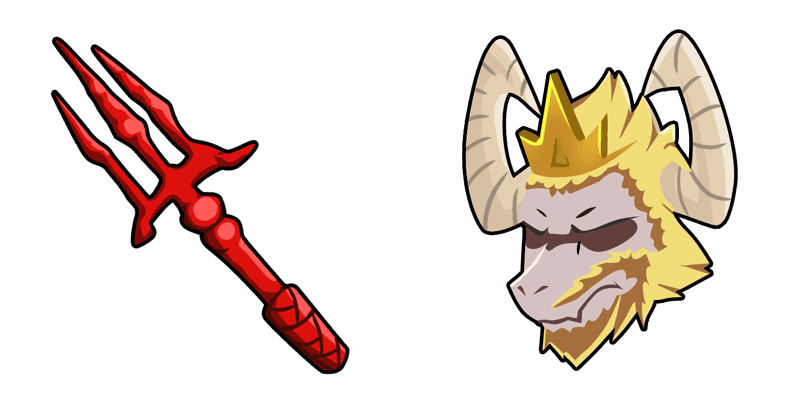
Asgore träumt Cursor-Paket

Asgore träumt Cursor-Paket

Lade Asgore träumt - cute Cursor und Custom Cursor für den Alltag.

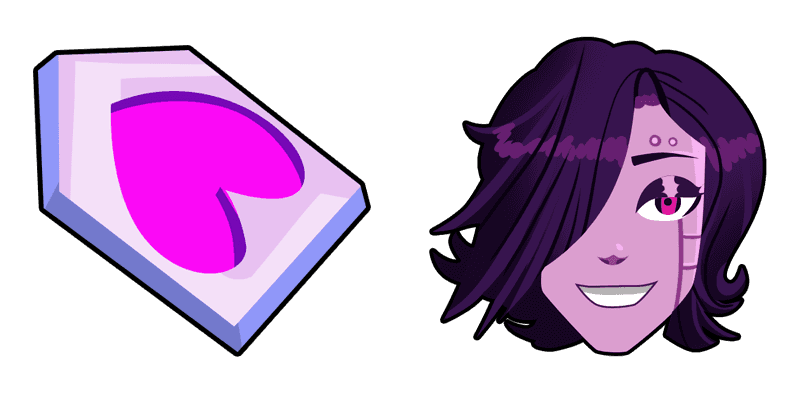
Deltarune Königin Cursor-Paket

Deltarune Königin Cursor-Paket

Süßer Cursor Deltarune Königin frischt Klicks auf - free Custom Cursor für den PC.

Deltarune Dunkle Welt Kris Cursor-Paket

Deltarune Dunkle Welt Kris Cursor-Paket

Süßer Cursor Deltarune Dunkle Welt Kris - kostenloses Custom Cursor Set für den Desktop.

Deltarune Ralsei Cursor-Paket

Deltarune Ralsei Cursor-Paket

Deltarune Ralsei - Custom Cursor und cute Cursor für den Browser.

How to Install Undertale: Sans the Skeleton cursors

How to Install cursor Undertale: Sans the Skeleton for Chrome

Undertale: Sans the Skeleton preview

Undertale: Sans the Skeleton

Undertale: Sans the Skeleton Custom Cursor Pack mit süßem Cursor für Fans des Themas.

  1. 1
    Go to Chrome Web Store

    Hit the 'Add to Browser' button to get the 'Undertale: Sans the Skeleton' pack.

  2. 2
    Add the Extension

    On the Chrome Web Store, smash that ‘Add to Chrome’ button and confirm.

  3. 3
    Pin for Easy Access

    Pro-tip: Pin the 'Cute Cursors' extension to your toolbar for quick access.

  4. 4
    Activate Your Cursor

    Open the extension, find the 'Undertale: Sans the Skeleton' pack, and click to activate. Easy peasy!

Piece of cake, right? Go on and have fun!

Didn't Find Your Vibe?

Our universe of cursors is huge. Dive into hundreds of unique collections and find the one that truly represents you.

Explore All Collections
Undertale: Sans the Skeleton Cursor Pack - CuteCursors.com