

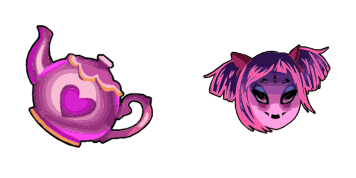
Muffins Cursor-Paket
Muffins Cursor Pack mit cute Cursor Stil für Chrome, Edge und Windows.
Chara - Custom Cursor und cute Cursor für den Browser.
Try this cursor
Move across the preview to feel both cursor styles.

Explore other cursor packs from our collection
Muffins Cursor Pack mit cute Cursor Stil für Chrome, Edge und Windows.
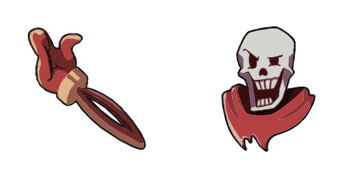
Papyrus Cursor Pack mit cute Cursor Stil für Chrome, Edge und Windows.
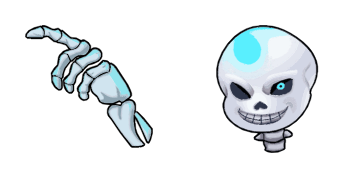
Probier Ohne das Skelett: süßes Cursor Pack und fertige Custom Cursors.
 A
ANapstablook Headphones cute cursor - free custom cursor with soft sad-ghost vibes.
 A
AFlowey Pixel cute cursor pack - free custom cursor with animated Howdy mischief.

Asgore Dreemurr Pixel cute cursor - free custom cursor with retro Underground style.

Papyrus Pixel cute cursor pack - free custom cursor with retro spaghetti pride.
 A
ALancer Dancing Pixel cute cursor - free custom cursor with animated kid-king joy.

Chara - Custom Cursor und cute Cursor für den Browser.
Hit the 'Add to Browser' button to get the 'Chara' pack.
On the Chrome Web Store, smash that ‘Add to Chrome’ button and confirm.
Pro-tip: Pin the 'Cute Cursors' extension to your toolbar for quick access.
Open the extension, find the 'Chara' pack, and click to activate. Easy peasy!
Our universe of cursors is huge. Dive into hundreds of unique collections and find the one that truly represents you.
Explore All Collections
Jetzt im offiziellen Chrome Web Store installieren
Idle
{
  "status": "idle"
}