

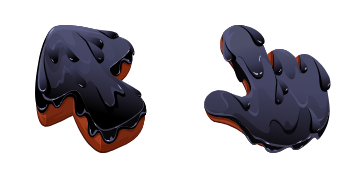
Black Resin Texture cursor
Black Resin Texture cute cursor pack - free custom cursor for patterned pointer fans.
Cyber Pixel Circuit cursor - blocky 8-bit tip with neon navy circuits.
Try this cursor
Move across the preview to feel both cursor styles.

A staircase pixel tip stacks navy squares wired in cyan and magenta, and hover becomes a neon-circuit pointing hand with a pixel-block cuff. The Cyber Pixel Circuit cute cursor is a free custom cursor for Chrome and Edge, and it also works on Windows 10/11 through the Custom Cursor app.
Neon circuit family, pixel shape. Installs in Chrome, Edge, and the Windows Custom Cursor app. It is fan-made cursor art with no official affiliation.
Click retro with the Cyber Pixel Circuit cursor.
Explore other cursor packs from our collection
Black Resin Texture cute cursor pack - free custom cursor for patterned pointer fans.

Bring home Black Water Rabbit cute cursor - free custom cursor with pattern-tip energy.
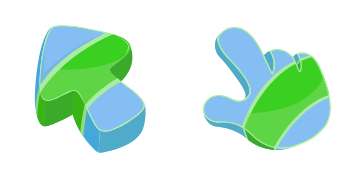
Try the Blue Abstract Texture cute cursor - a free custom cursor with patterned flair.
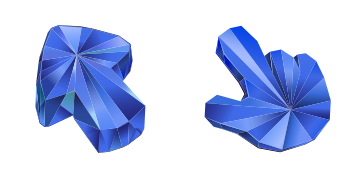
Bring home Blue Sapphire Texture cute cursor - free custom cursor with pattern-tip energy.

Keep it textured: Burger Texture cute cursor - free custom cursor for desktops.

Refresh your tip with Cactus Texture cute cursor - free custom cursor style.
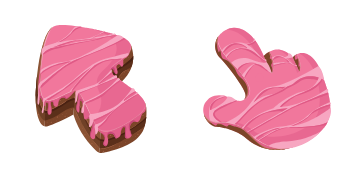
Cake Texture free custom cursor - cute cursor style for calm textured browsing.
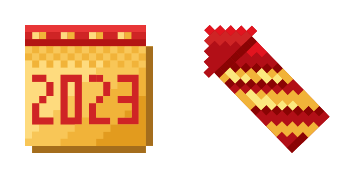
Calendar Pixel cute cursor - free custom cursor with soft surface texture.

Cyber Pixel Circuit cursor - blocky 8-bit tip with neon navy circuits.
Hit the 'Add to Browser' button to get the 'Cyber Pixel Circuit' pack.
On the Chrome Web Store, smash that ‘Add to Chrome’ button and confirm.
Pro-tip: Pin the 'Cute Cursors' extension to your toolbar for quick access.
Open the extension, find the 'Cyber Pixel Circuit' pack, and click to activate. Easy peasy!
Our universe of cursors is huge. Dive into hundreds of unique collections and find the one that truly represents you.
Explore All Collections
Install it now for free from the official Chrome Web Store
Idle
{
  "status": "idle"
}