


Medinet Habu Temple курсор пак
Free Medinet Habu Temple custom cursor - cute habu pylon pointer, darkened rim.
Free Luxor Felucca custom cursor - cute felucca sail pointer, darkened rim.
Try this cursor
Move across the preview to feel both cursor styles.

Browse Egypt with Luxor Felucca: a cute landmark symbol as your arrow and a Felucca Sail pointing hand in the same soft palette. The Luxor Felucca cute cursor is a free custom cursor for Chrome and Edge, and it also works on Windows 10/11 through the Custom Cursor app.
Unofficial fan-style art only - soft darkened rim, no white sticker border. Not affiliated with any government, museum, brand, or organization. It is fan-made cursor art with no official affiliation.
Install the free Luxor Felucca cursor in Chrome, Edge, or the Windows Custom Cursor app.
Explore other cursor packs from our collection
Free Medinet Habu Temple custom cursor - cute habu pylon pointer, darkened rim.

Free Ramesseum custom cursor - cute ramesseum pillar pointer, darkened rim.

Free Deir el-Medina Village custom cursor - cute medina house pointer, darkened rim.

Free Luxor Tomb Painter custom cursor - cute painter palette pointer, darkened rim.
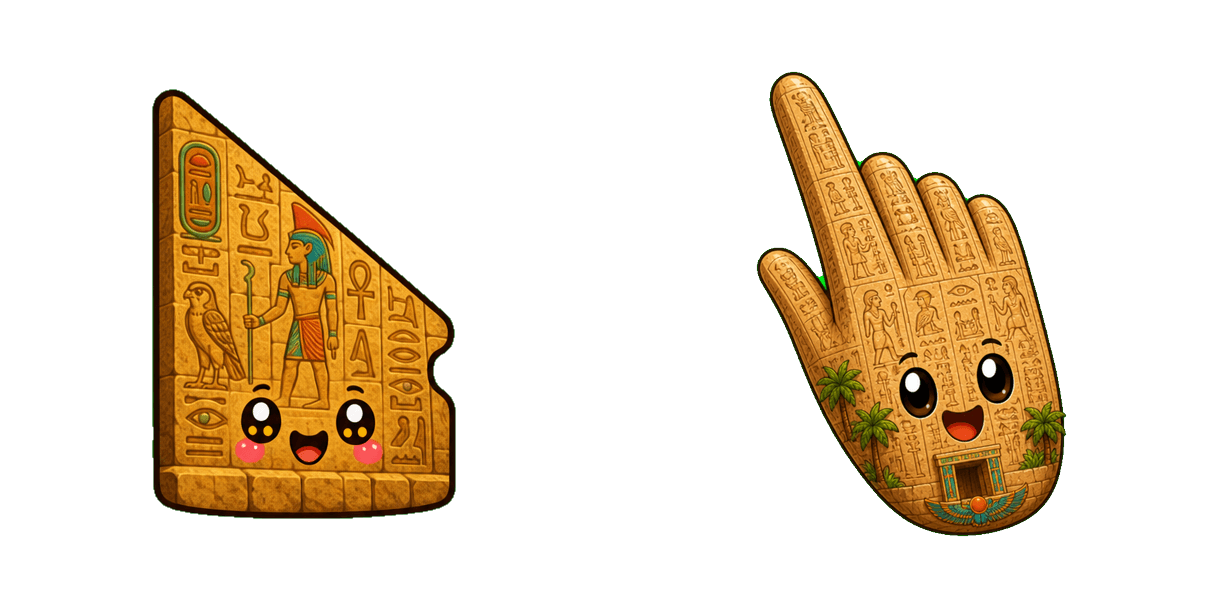
Free Luxor Hieroglyph Wall custom cursor - cute glyph wall pointer, darkened rim.

Free Luxor Stone Column custom cursor - cute stone column pointer, darkened rim.

Free Luxor Papyrus Column custom cursor - cute papyrus column pointer, darkened rim.

Free Luxor Lotus Column custom cursor - cute lotus column pointer, darkened rim.

Free Luxor Felucca custom cursor - cute felucca sail pointer, darkened rim.
Hit the 'Add to Browser' button to get the 'Luxor Felucca' pack.
On the Chrome Web Store, smash that ‘Add to Chrome’ button and confirm.
Pro-tip: Pin the 'Cute Cursors' extension to your toolbar for quick access.
Open the extension, find the 'Luxor Felucca' pack, and click to activate. Easy peasy!
Our universe of cursors is huge. Dive into hundreds of unique collections and find the one that truly represents you.
Explore All Collections
Встановіть його безкоштовно прямо зараз з офіційного Chrome Web Store
Idle
{
  "status": "idle"
}