


Граф Дракула курсор пак
Обери Граф Дракула - cute cursor і кастомний курсор без зайвого шуму.
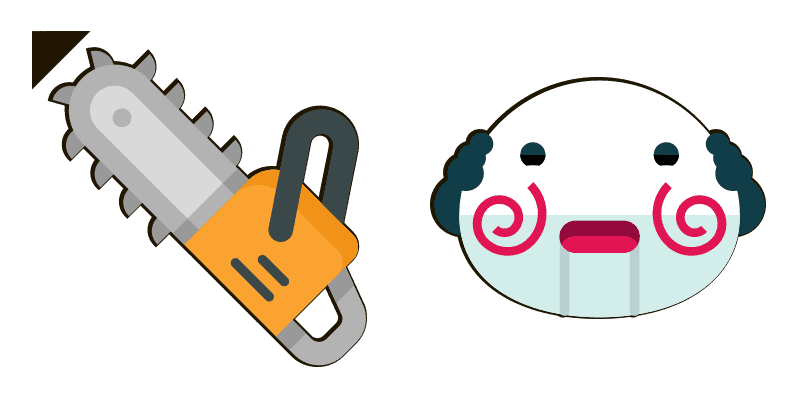
Saw cursor with Reverse Bear Trap pointer - free dark outline custom cursor.
Try this cursor
Move across the preview to feel both cursor styles.

Click like a movie night - Saw cursor with matching Reverse Bear Trap pointer character. The Saw cute cursor is a free custom cursor for Chrome and Edge, and it also works on Windows 10/11 through the Custom Cursor app.
Soft darkened rim keeps the palette clean. Unofficial fan art for Chrome, Edge, and Windows. It is fan-made cursor art with no official affiliation.
Install Saw for Chrome, Edge, or the Windows Custom Cursor app.
Explore other cursor packs from our collection
Обери Граф Дракула - cute cursor і кастомний курсор без зайвого шуму.
Saw custom cursor пак із милим курсором для фанатів теми.

Спробуй Граф Дракула: милий курсор пак і готові custom cursors.

Спробуй Це: милий курсор пак і готові custom cursors.

бачив курсори: милий курсор і кастомний курсор в одному сеті.

крик custom cursor пак із милим курсором для фанатів теми.
 A
AАнімація Scream Ghostface - милий курсор пак і кастомний курсор для браузера та Windows.
 A
AМилий курсор Майкл Майерс Маска і ніж анімація - безкоштовний кастомний курсор для робочого столу.

Saw cursor with Reverse Bear Trap pointer - free dark outline custom cursor.
Hit the 'Add to Browser' button to get the 'Saw' pack.
On the Chrome Web Store, smash that ‘Add to Chrome’ button and confirm.
Pro-tip: Pin the 'Cute Cursors' extension to your toolbar for quick access.
Open the extension, find the 'Saw' pack, and click to activate. Easy peasy!
Our universe of cursors is huge. Dive into hundreds of unique collections and find the one that truly represents you.
Explore All Collections
Встановіть його безкоштовно прямо зараз з офіційного Chrome Web Store
Idle
{
  "status": "idle"
}