


Юрамон і Мотимон курсор пак
Обери Юрамон і Мотимон - cute cursor і кастомний курсор без зайвого шуму.
Спробуй Закарпаття: милий курсор пак і готові custom cursors.
Try this cursor
Move across the preview to feel both cursor styles.

Explore other cursor packs from our collection
Обери Юрамон і Мотимон - cute cursor і кастомний курсор без зайвого шуму.
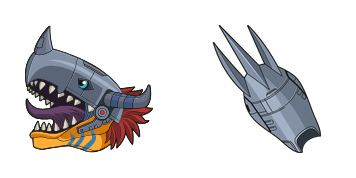
Метал Греймон custom cursor пак із милим курсором для фанатів теми.

Додай Пунімон і Тунімон до миші - cute cursor і кастомний курсор безкоштовно.

Метт Ісіда - милий курсор пак і кастомний курсор для браузера та Windows.
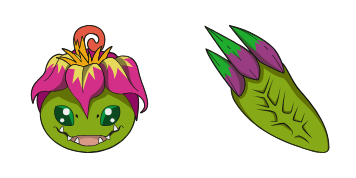
Обери Пальма - cute cursor і кастомний курсор без зайвого шуму.

Додай Мімі Тахікава до миші - cute cursor і кастомний курсор безкоштовно.
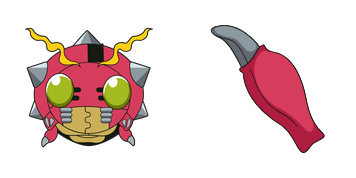
Спробування - милий курсор пак і кастомний курсор для браузера та Windows.

Сестра Такеучі - кастомний курсор і cute cursor для браузера.

Спробуй Закарпаття: милий курсор пак і готові custom cursors.
Hit the 'Add to Browser' button to get the 'Закарпаття' pack.
On the Chrome Web Store, smash that ‘Add to Chrome’ button and confirm.
Pro-tip: Pin the 'Cute Cursors' extension to your toolbar for quick access.
Open the extension, find the 'Закарпаття' pack, and click to activate. Easy peasy!
Our universe of cursors is huge. Dive into hundreds of unique collections and find the one that truly represents you.
Explore All Collections
Встановіть його безкоштовно прямо зараз з офіційного Chrome Web Store
Idle
{
  "status": "idle"
}