

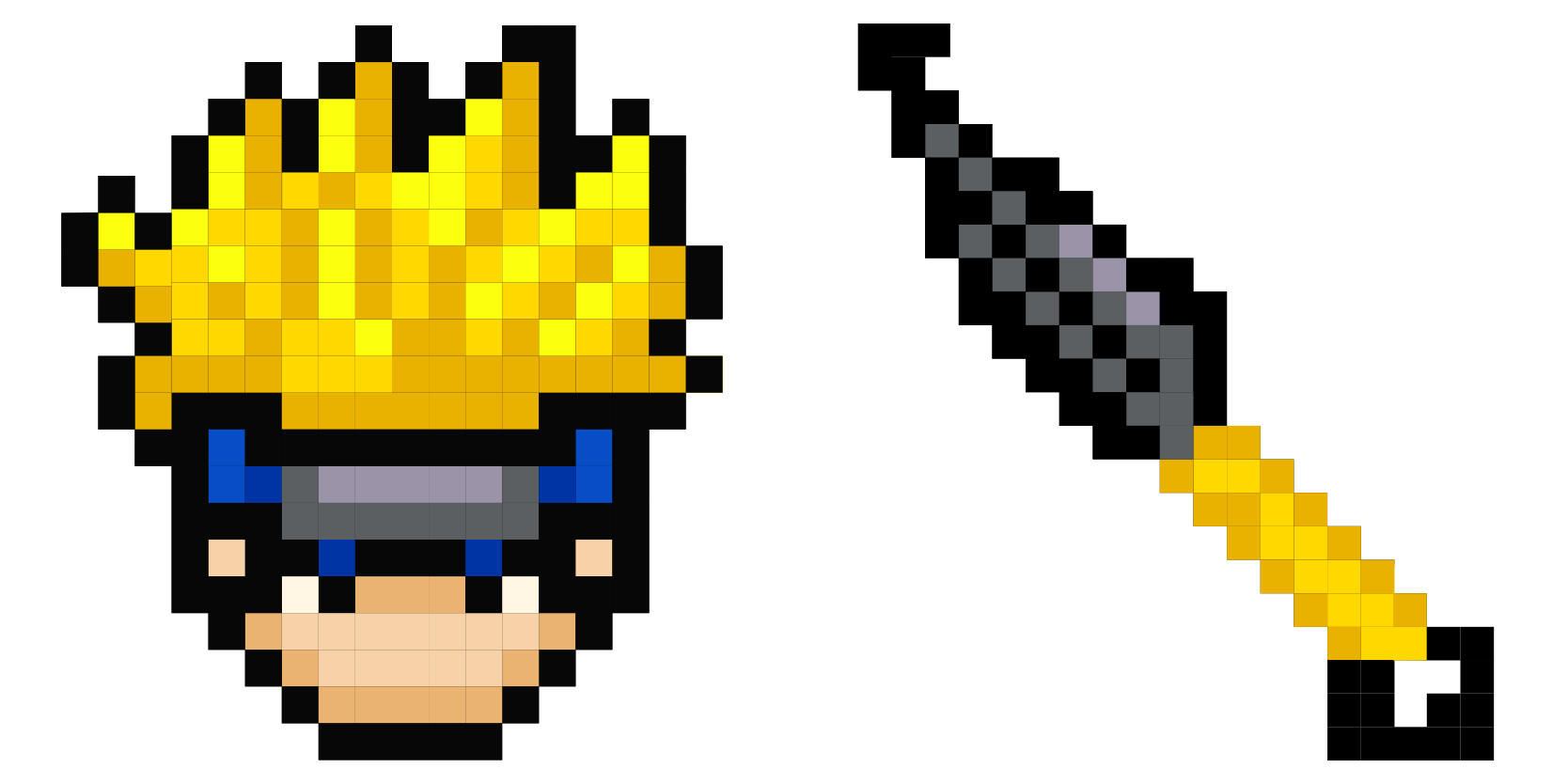
Darmowy pakiet kursorów Naruto Pixel
Retro sprite charm in the Naruto pixel cute cursor, a free custom cursor pack with 8-bit style.
Chibi ninja fun in this Naruto cute cursor, a free custom cursor pack with playful proportions.
Try this cursor
Move across the preview to feel both cursor styles.

Oversized head, tiny sandals: this chibi Naruto cute cursor gives the ninja a rounder look on your pointer. The Naruto Chibi cute cursor is a free custom cursor for Chrome and Edge, and it also works on Windows 10/11 through the Custom Cursor app.
Bold outlines keep the small figure clear even over cluttered windows. It is fan-made cursor art and is not an official Masashi Kishimoto, Shueisha, or Studio Pierrot product.
Compare the chibi and standard takes via the Naruto Ninja Cursor Pack, the Naruto Uzumaki Chibi Cursor Pack, and the Naruto Pixel Cursor Pack.
Download this chibi Naruto cursor pack and let a pocket ninja scamper across your screen.
Customize your embed code and preview it in real time below.
Live preview
<style type="text/css">
body {
  cursor: url(https://cdn.cutecursors.com/db/naruto_cute_cursors_589_cute_cursor/arrow.png) 4 4, auto;
}
a, button, .clickable {
  cursor: url(https://cdn.cutecursors.com/db/naruto_cute_cursors_589_cute_cursor/hand.png) 4 4, pointer;
}
</style>
<a href="https://cutecursors.com//category/naruto-cursors/naruto-cute-cursors-589-cute-cursor" title="Get free Naruto cursors for your website.">
  Naruto Cursors
</a>/* components/CuteCursor.jsx */
"use client";
import { useEffect } from "react";
const CURSOR = "https://cdn.cutecursors.com/db/naruto_cute_cursors_589_cute_cursor/arrow.png";
const POINTER = "https://cdn.cutecursors.com/db/naruto_cute_cursors_589_cute_cursor/hand.png";
export default function CuteCursor() {
useEffect(() => {
const style = document.createElement("style");
style.innerHTML = `
body { cursor: url(${CURSOR}) 4 4, auto; }
a, button, .clickable { cursor: url(${POINTER}) 4 4, pointer; }
`;
document.head.appendChild(style);
return () => style.remove();
}, []);
return null;
}
/* Usage: render <CuteCursor /> once, e.g. in your root layout or App:
<CuteCursor />
Naruto cursors by https://cutecursors.com//category/naruto-cursors/naruto-cute-cursors-589-cute-cursor */-- Naruto custom cursor for Roblox
-- LocalScript (place it in StarterPlayer > StarterPlayerScripts)
--
-- 1) Download the cursor images (buttons above) or grab them here:
-- Cursor: https://cdn.cutecursors.com/db/naruto_cute_cursors_589_cute_cursor/arrow.png
-- Pointer: https://cdn.cutecursors.com/db/naruto_cute_cursors_589_cute_cursor/hand.png
-- 2) Upload them in Roblox Creator Hub as Decals (Create > Decals).
-- 3) Replace the IDs below with your uploaded Image asset IDs.
local UserInputService = game:GetService("UserInputService")
local Players = game:GetService("Players")
local CURSOR_ICON = "rbxassetid://CURSOR_ASSET_ID"
local POINTER_ICON = "rbxassetid://POINTER_ASSET_ID"
-- Set the default cursor
UserInputService.MouseIcon = CURSOR_ICON
-- Optional: switch to the pointer icon while hovering GUI buttons
local function hookButton(button)
button.MouseEnter:Connect(function()
UserInputService.MouseIcon = POINTER_ICON
end)
button.MouseLeave:Connect(function()
UserInputService.MouseIcon = CURSOR_ICON
end)
end
local playerGui = Players.LocalPlayer:WaitForChild("PlayerGui")
for _, gui in ipairs(playerGui:GetDescendants()) do
if gui:IsA("GuiButton") then
hookButton(gui)
end
end
playerGui.DescendantAdded:Connect(function(gui)
if gui:IsA("GuiButton") then
hookButton(gui)
end
end)
-- Naruto cursors: https://cutecursors.com//category/naruto-cursors/naruto-cute-cursors-589-cute-cursor
Chibi ninja fun in this Naruto cute cursor, a free custom cursor pack with playful proportions.
Hit the 'Add to Browser' button to get the 'Naruto' pack.
On the Chrome Web Store, smash that ‘Add to Chrome’ button and confirm.
Pro-tip: Pin the 'Cute Cursors' extension to your toolbar for quick access.
Open the extension, find the 'Naruto' pack, and click to activate. Easy peasy!
Explore other cursor packs from our collection
Retro sprite charm in the Naruto pixel cute cursor, a free custom cursor pack with 8-bit style.

Chibi Uzumaki fun in this Naruto cute cursor, a free custom cursor pack with big-head charm.

Leaf Village crest in the Konoha symbols cute cursor, a free custom cursor pack for shinobi fans.

Clan crests in this Naruto cute cursor, a free custom cursor pack for hidden village lore fans.

A roster of favorites in this Naruto cute cursor, a free custom cursor pack for series completionists.

Throwing blade focus in the Naruto kunai cute cursor, a free custom cursor pack for ninja gear fans.

Spiraling chakra in the Naruto Rasengan cute cursor, a free custom cursor pack for jutsu fans.

Shinobi kit style in the Naruto ninja gear cute cursor, a free custom cursor pack for stealth fans.
Our universe of cursors is huge. Dive into hundreds of unique collections and find the one that truly represents you.
Explore All Collections
Zainstaluj go teraz za darmo ze sklepu Chrome Web Store
Idle
{
  "status": "idle"
}