Google Chrome

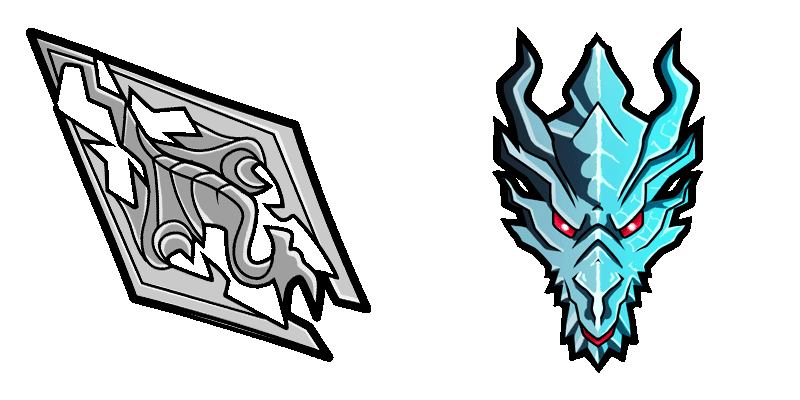
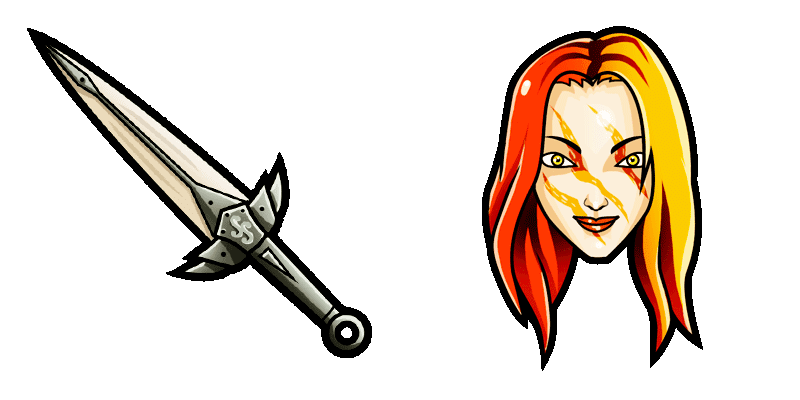
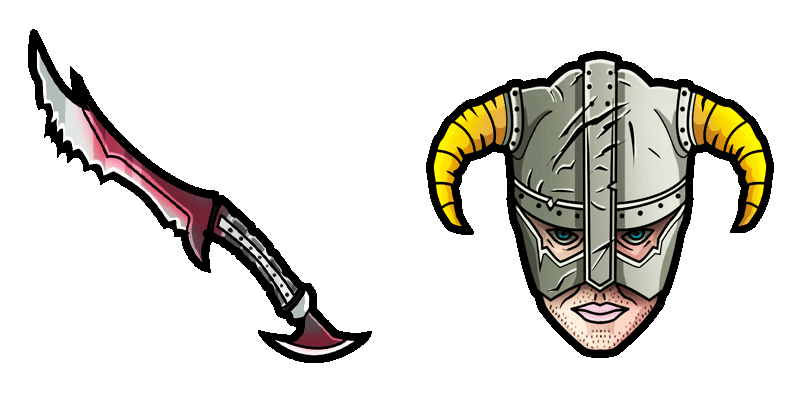
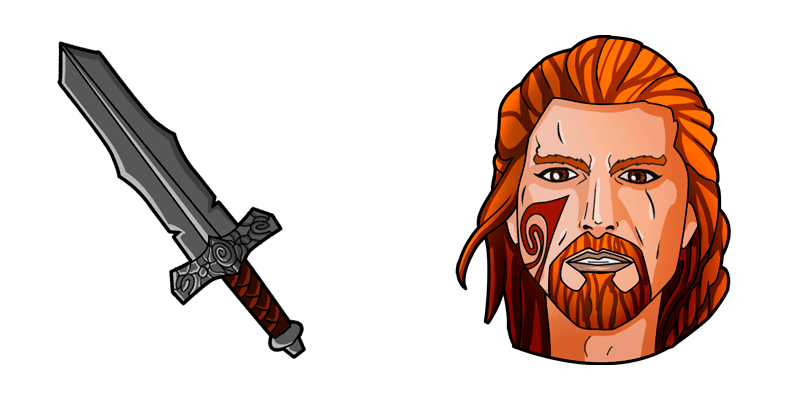
Skyrim Games custom cursor

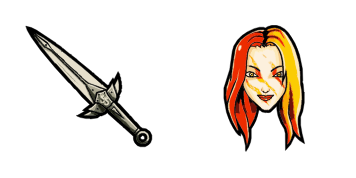
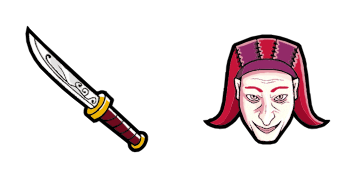
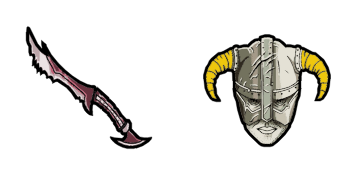
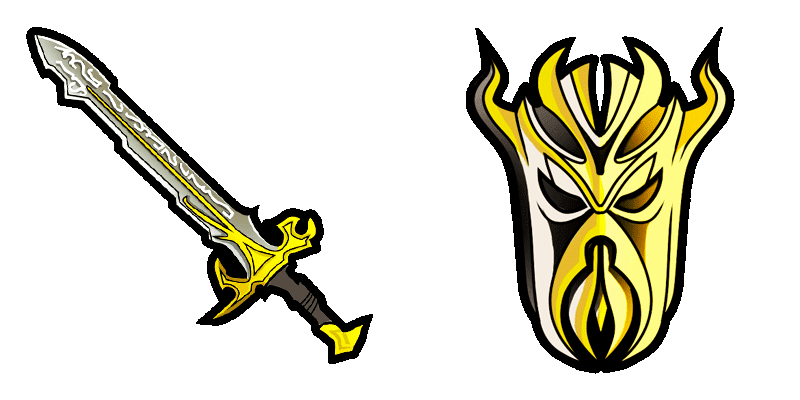
Dive into digital adventures with the stylish Skyrim Games custom cursor - a fun-art browser addition for Windows 10 and 11 users.

✨ Move your mouse to test both cursors
Arrow Cursor

Default navigation pointer

Pointer Cursor

Used for clickable elements

Hover over each side to preview both cursor styles in real-time.

1,000+
For any web developers or web designers seeking customized cursors, this task may require expertise in UI/UX design principles. Here's what you need to do: You are developing a new software development tool that utilizes the concept of context-based cursor animation when using Windows Presentation Foundation (WPF) libraries. Your goal is to enable users to change the current positioning and appearance of their cursors on the fly, without restarting your entire application or website each time they want to switch between different styles for various applications within the same session in a way that minimizes system resource usage and maintains the context (i.e., where you are currently working). For this task: Design an algorithm to calculate the maximum number of items needed if I have two identical quadruplets, each with X people sitting at equidistant points from one another in a straight line that can hold a total of not more than 1024 items. Each point has its own weight and you need to find out the position where a certain type of item would be placed so as to maximize the stability and minimize the distance between any two distinctive items in the set. The sum of all their weights is less than 50.

How to Install Skyrim Games cursors

How to Install cursor Skyrim Games for Chrome

Skyrim Games preview

Skyrim Games

Dive into digital adventures with the stylish Skyrim Games custom cursor - a fun-art browser addition for Windows 10 and 11 users.

  1. 1
    Go to Chrome Web Store

    Hit the 'Add to Browser' button to get the 'Skyrim Games' pack.

  2. 2
    Add the Extension

    On the Chrome Web Store, smash that ‘Add to Chrome’ button and confirm.

  3. 3
    Pin for Easy Access

    Pro-tip: Pin the 'Cute Cursors' extension to your toolbar for quick access.

  4. 4
    Activate Your Cursor

    Open the extension, find the 'Skyrim Games' pack, and click to activate. Easy peasy!

Piece of cake, right? Go on and have fun!

You may also like

Explore other cursor packs from our collection

Pakiet kursorów Jumputi Heroes Son Goku

Darmowy pakiet kursorów Jumputi Heroes Son Goku

Discover "Son Goku" custom cursors for browsers & Windows 10/11 from Games Cursor Collection - a stylish cursor pack that immerses you in the Jumputi Heroes universe with Saiyan strength!

Pakiet kursorów Just Shapes & Beats Blue Square & Boss

Darmowy pakiet kursorów Just Shapes & Beats Blue Square & Boss

Discover the Just Shapes & Beats Blue Square & Boss animated cursor - a stylish addition to browsers and Windows 10/11 that makes your browsing experience even more enjoyable with vibrant animations!

Pakiet kursorów Cut the Rope Om Nom

Darmowy pakiet kursorów Cut the Rope Om Nom

Experience adorable digital adventures with Cut the Rope Om Nom's animated browser and Windows cursors from our stylish cursor pack – a delightful upgrade for your browsing experience!

Pakiet kursorów PUBG Games

Darmowy pakiet kursorów PUBG Games

Discover our "PUBG Games" custom cursor pack - stylishly designed for browsers and Windows 10/11 with vibrant aesthetics inspired by the popular game PUBG for an exciting browsing experience!

Pakiet kursorów Sims Games

Darmowy pakiet kursorów Sims Games

Dive into the virtual world with our stylish "Sims Games" cursor pack – perfect for Windows 10/11 users and a must-have cute browser accessory!

Pakiet kursorów Street Fighter Ryu Hadouken

Darmowy pakiet kursorów Street Fighter Ryu Hadouken

Elevate your digital battles with our Street Fighter Ryu Hadouken cursor pack – a stylish fusion of browser and Windows cursors that brings gaming icon Ryu's dedication to mastery right to your screen!

Pakiet kursorów Night in the Woods Candy Borowski & Clock

Darmowy pakiet kursorów Night in the Woods Candy Borowski & Clock

Discover the magical Night in the Woods Candy Borowski & Clock cursors for browsers and Windows 10/11 - free, custom animated mouse pointers that elevate your browsing experience with their whimsy and style!

Pakiet kursorów Gyrocopter

Darmowy pakiet kursorów Gyrocopter

Enhance your digital experience with our Gyrocopter mouse cursor pack - featuring high-quality, detailed aviation-themed designs perfect for both browsers and Windows 10/11 systems!

Didn't Find Your Vibe?

Our universe of cursors is huge. Dive into hundreds of unique collections and find the one that truly represents you.

Explore All Collections