

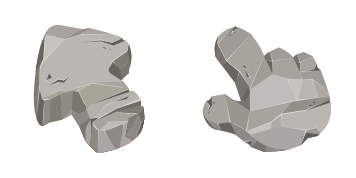
Darmowy pakiet kursorów Stone Texture
Stone Texture free custom cursor pack - cute cursor ready for Chrome or Edge.
Boba Texture cursor - milky tea swirl packed with cute tapioca pearls.
Try this cursor
Move across the preview to feel both cursor styles.

Creamy milk-tea beige with floating dark tapioca pearls fills a chunky arrow, and the hover hand keeps the same bubble-tea swirl with an amber cup-rim cuff. The Boba Texture cute cursor is a free custom cursor for Chrome and Edge, and it also works on Windows 10/11 through the Custom Cursor app.
Snackable texture for boba fans. Compatible with Chrome, Edge, and the Windows Custom Cursor app. It is fan-made cursor art with no official affiliation.
Sip the desktop with the Boba Texture cursor.
Explore other cursor packs from our collection
Stone Texture free custom cursor pack - cute cursor ready for Chrome or Edge.
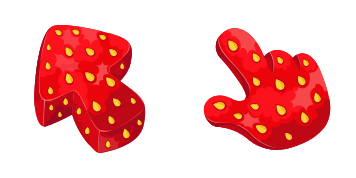
Add a Strawberry cute cursor to your mouse - free custom cursor download.
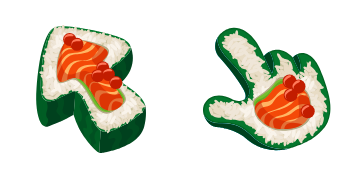
Sushi Texture free custom cursor - cute cursor style for calm textured browsing.

Red-White Polka Dot cursor with a matching Polka Dot Hand pointer - free cute dark outline custom cursor.

Fingerprint cursor - cute minimalist texture pack for everyday clicks.

Watermelon Texture cursor - chunky red flesh, black seeds, and striped green rind.

Dragon Fruit Texture cursor - white pitaya seeds on a hot pink chunky arrow.

Avocado Texture cursor - creamy green flesh and a cute brown pit tip fill.

Boba Texture cursor - milky tea swirl packed with cute tapioca pearls.
Hit the 'Add to Browser' button to get the 'Boba Texture' pack.
On the Chrome Web Store, smash that ‘Add to Chrome’ button and confirm.
Pro-tip: Pin the 'Cute Cursors' extension to your toolbar for quick access.
Open the extension, find the 'Boba Texture' pack, and click to activate. Easy peasy!
Our universe of cursors is huge. Dive into hundreds of unique collections and find the one that truly represents you.
Explore All Collections
Zainstaluj go teraz za darmo ze sklepu Chrome Web Store
Idle
{
  "status": "idle"
}