


Darmowy pakiet kursorów WALL-E Eva
Grab the WALL-E and Eva cute cursor - a free custom cursor pack for fans.
Pixar Robot: cute cursor pack and free custom cursor for Pixar fans.
Try this cursor
Move across the preview to feel both cursor styles.

Pick Pixar Robot for daily clicks - a sharp cute cursor with Pixar-style charm. Use this free custom cursor in Chrome and Edge, and on Windows 10/11 via Custom Cursor for a matching pointer on the desktop.
High-contrast colors keep Pixar Robot sharp so the tip never disappears. Fan-made artwork celebrating studio animation style - not an official merchandise set.
Explore more from the collection like the Remy and Food Cursor Pack, the WALL-E Cursor Pack, and the Joe Gardners Soul Cursor Pack.
Try the Pixar Robot pack and tuck cheerful charm into everyday clicks.
Explore other cursor packs from our collection
Grab the WALL-E and Eva cute cursor - a free custom cursor pack for fans.

Monsters Inc alt cute cursor - free custom cursor for Pixar fans.
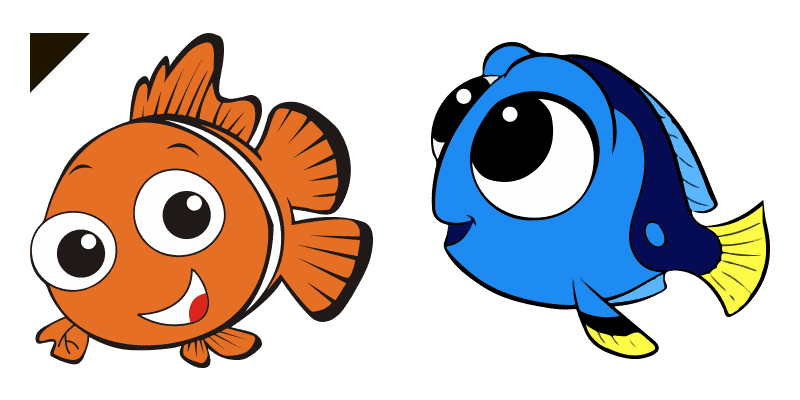
Install the Finding Nemo cute cursor - free custom cursor packed with vibe.

Cars cute cursor - free custom cursor with Pixar vibes.

Toy Story soft cute cursor - free custom cursor for Pixar fans.

Free custom cursor: Up cute cursor with a chibi Pixar look.

Sheriff Woody cute cursor download - free custom cursor for everyday clicks.

Ember and Wade cute cursor for fans - free custom cursor with studio charm.

Pixar Robot: cute cursor pack and free custom cursor for Pixar fans.
Hit the 'Add to Browser' button to get the 'Pixar Robot' pack.
On the Chrome Web Store, smash that ‘Add to Chrome’ button and confirm.
Pro-tip: Pin the 'Cute Cursors' extension to your toolbar for quick access.
Open the extension, find the 'Pixar Robot' pack, and click to activate. Easy peasy!
Our universe of cursors is huge. Dive into hundreds of unique collections and find the one that truly represents you.
Explore All Collections
Idle
{
  "status": "idle"
}