

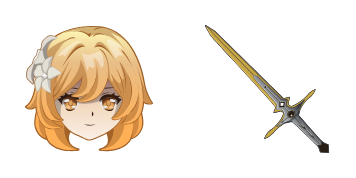
Darmowy pakiet kursorów Lumine
Lumine cute cursor pack - free custom cursor with bright Traveler glow.
Kujou Sara cute cursor pack - free custom cursor with tengu Electro duty.
Try this cursor
Move across the preview to feel both cursor styles.

Tengu duty on your tip: Kujou Sara brings a stern cute cursor with Electro resolve. Install this free custom cursor in Chrome and Edge, or on Windows 10/11 with Custom Cursor when you want the same look on the full desktop.
Bold purple accents stay sharp without muddying the tip. It is fan-made custom cursor art, not an official game product.
Stand with Inazuma via the Raiden Shogun Cursor Pack, the Arataki Itto Cursor Pack, and the Kamisato Ayato Cursor Pack.
Get Sara and let focused duty ride along with your mouse.
Explore other cursor packs from our collection
Lumine cute cursor pack - free custom cursor with bright Traveler glow.

Keqing cute cursor - free custom cursor with Electro Yuheng precision.

Kaeya cute cursor - free custom cursor with Cavalry Captain ice wit.
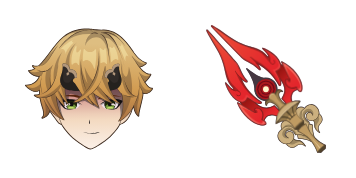
Thoma cute cursor pack - free custom cursor with housekeeper Pyro warmth.
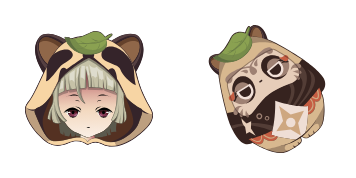
Sayu cute cursor pack - free custom cursor with sleepy Anemo roll charm.
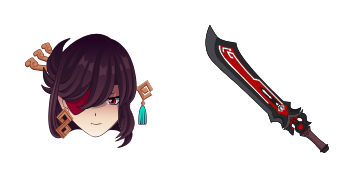
Beidou cute cursor set - free custom cursor with Crux Fleet storm power.
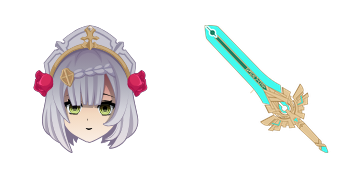
Noelle cute cursor - free custom cursor with maid-knight Geo heart.
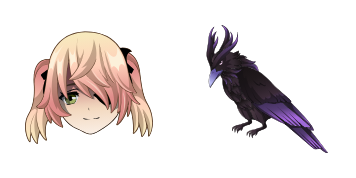
Fischl cute cursor - free custom cursor with Prinzessin Oz drama.

Kujou Sara cute cursor pack - free custom cursor with tengu Electro duty.
Hit the 'Add to Browser' button to get the 'Kujou Sara' pack.
On the Chrome Web Store, smash that ‘Add to Chrome’ button and confirm.
Pro-tip: Pin the 'Cute Cursors' extension to your toolbar for quick access.
Open the extension, find the 'Kujou Sara' pack, and click to activate. Easy peasy!
Our universe of cursors is huge. Dive into hundreds of unique collections and find the one that truly represents you.
Explore All Collections
Zainstaluj go teraz za darmo ze sklepu Chrome Web Store
Idle
{
  "status": "idle"
}