Google Chrome

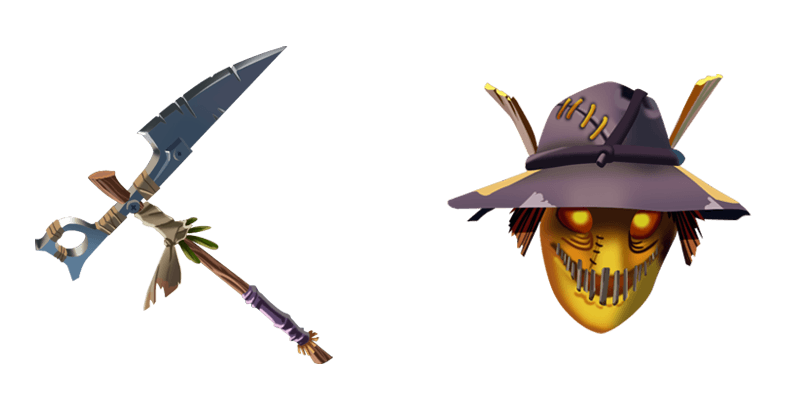
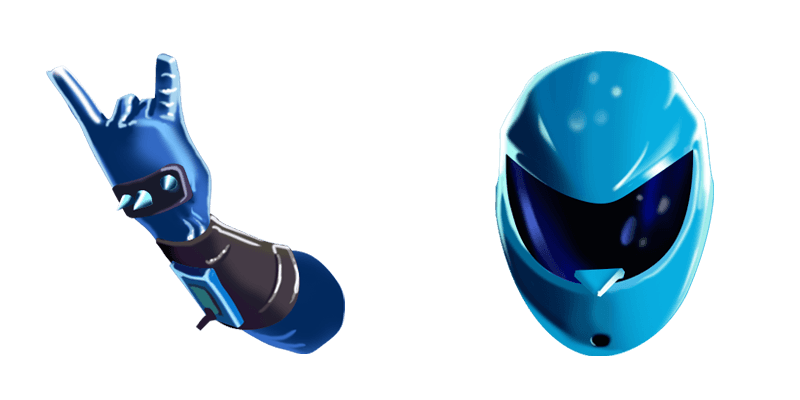
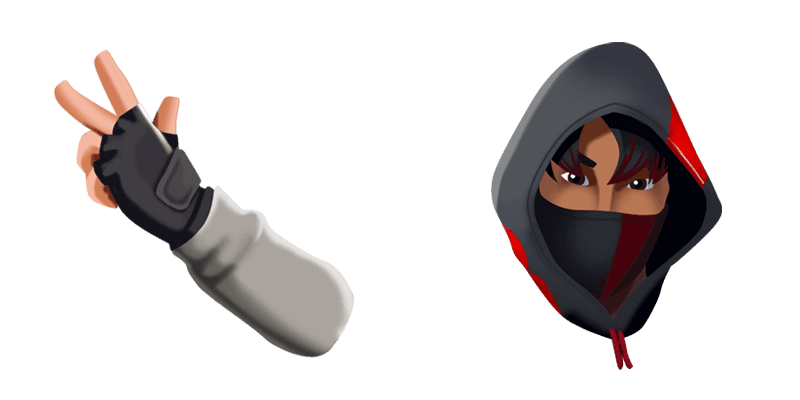
Kane custom cursor

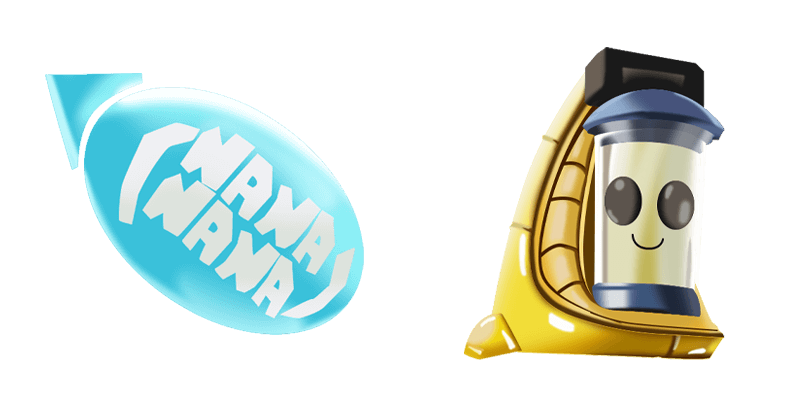
Dive into a new browsing adventure with our latest addition - the Kane Cursor! Experience stylish and cute cursors that elevate your screens by adding Fortnite's unique style, designed for both browsers and Windows 10/11. Immerse yourself in every click w

✨ Move your mouse to test both cursors
Arrow Cursor

Default navigation pointer

Pointer Cursor

Used for clickable elements

Hover over each side to preview both cursor styles in real-time.

1,000+
You have created an HTML code that requires you to create a program, using Python, that scans through all active tabs and adds themesel buttons (left/right arrows) to the cursor. The script should be able to detect any changes in the browser' cuersors so that if there is a change made by the user, the program will automatically update the cursors with their new positions. However, the code needs to handle multiple monitors and should have good memory management when working on large screens

How to Install Kane cursors

How to Install cursor Kane for Chrome

Kane preview

Kane

Dive into a new browsing adventure with our latest addition - the Kane Cursor! Experience stylish and cute cursors that elevate your screens by adding Fortnite's unique style, designed for both browsers and Windows 10/11. Immerse yourself in every click w

  1. 1
    Go to Chrome Web Store

    Hit the 'Add to Browser' button to get the 'Kane' pack.

  2. 2
    Add the Extension

    On the Chrome Web Store, smash that ‘Add to Chrome’ button and confirm.

  3. 3
    Pin for Easy Access

    Pro-tip: Pin the 'Cute Cursors' extension to your toolbar for quick access.

  4. 4
    Activate Your Cursor

    Open the extension, find the 'Kane' pack, and click to activate. Easy peasy!

Piece of cake, right? Go on and have fun!

You may also like

Explore other cursor packs from our collection

Pakiet kursorów Seeker Skin Outfit Fortnite

Darmowy pakiet kursorów Seeker Skin Outfit Fortnite

Unleash style and fun into your browsing experience with our Seeker Skin Outfit Fortnite cursors! Dive into the world of custom mouse pointers tailored for both browsers and Windows 10/11 devices. Stand out among friends with this unique cursor from the F

Pakiet kursorów Dark Bomber

Darmowy pakiet kursorów Dark Bomber

"Discover the dark allure of our newest addition - the 'Dark Bomber' mouse cursor for browsers and Windows 10/11! A perfect blend of style and mystery from Fortnite."

Pakiet kursorów Beef Boss

Darmowy pakiet kursorów Beef Boss

Experience unique fun with Beef Boss from Fortnite Cursor Collection - a stylish custom mouse pointer that stands out in browsers and Windows 10/11!

Pakiet kursorów Marshmello Mask Fortnite

Darmowy pakiet kursorów Marshmello Mask Fortnite

Dive into playful browsing with our stylish "Marshmello Mask Fortnite" custom cursor pack for browsers and Windows 10/11 - a whimsical touch to your digital world!

Pakiet kursorów Elite Agent

Darmowy pakiet kursorów Elite Agent

Discover the sleek Elite Agent custom cursor from Fortnite Collection - a stylish addition for browsers & Windows 10/11 users seeking precision and control in their digital experiences!

Pakiet kursorów Blue Rogue Agent Fortnite

Darmowy pakiet kursorów Blue Rogue Agent Fortnite

Discover the Blue Rogue Agent Fortnite custom cursor pack - a stylish addition of vibrant blue browser cursors and Windows 10/11 cute pointers for all Fortnite enthusiasts!

Pakiet kursorów Skull Ranger Girl Fortnite

Darmowy pakiet kursorów Skull Ranger Girl Fortnite

Discover a unique browsing experience with our Skull Ranger Girl Fortnite custom cursor - perfect for any Windows 10/11 and browser!

Pakiet kursorów Omega

Darmowy pakiet kursorów Omega

Dive into digital elegance with our "Omega" custom mouse cursor pack – stylish and aesthetic for browsers & Windows 10/11, enhancing your browsing journey!

Didn't Find Your Vibe?

Our universe of cursors is huge. Dive into hundreds of unique collections and find the one that truly represents you.

Explore All Collections