

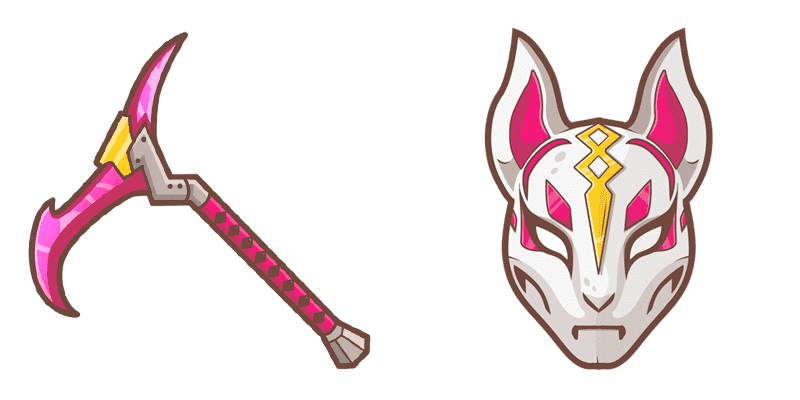
Darmowy pakiet kursorów Drift Mask
Drift Mask free custom cursor - cute cursor flair for Fortnite fans.
Grab the Hayman cute cursor - a free custom cursor pack for fans.
Try this cursor
Move across the preview to feel both cursor styles.

Land a fresh look with Hayman - a free cute cursor that keeps Fortnite flair close. Install this free custom cursor in Chrome or Edge, or set it on Windows 10/11 with the Custom Cursor app for desktop-wide clicks.
Bold, simple lines let Hayman stay crisp on light and dark pages. Fan-made only - not affiliated with or endorsed by Epic Games.
Keep the squad together with the Hazard Cursor Pack, the Hush Skin Cursor Pack, and the Lil Whip Cursor Pack.
Install Hayman and give your mouse a playful Fortnite upgrade today.
Explore other cursor packs from our collection
Drift Mask free custom cursor - cute cursor flair for Fortnite fans.
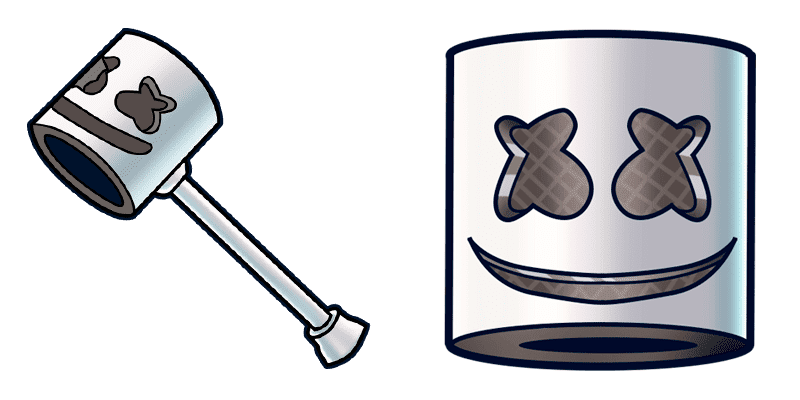
Marshmello cute cursor download - free custom cursor for everyday clicks.
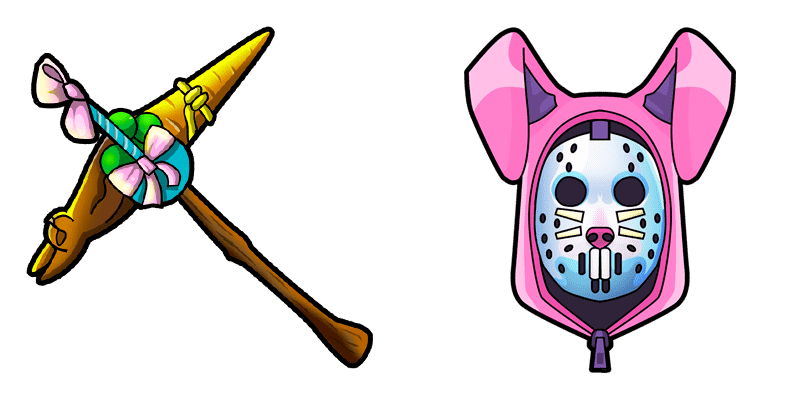
soft Rabbit Raider cute cursor - free custom cursor with island style.
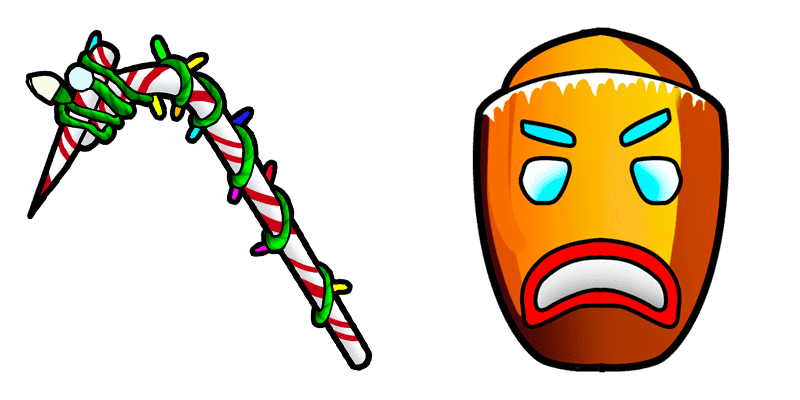
Merry Marauder cute cursor - free custom cursor with Fortnite island vibes.

Archetype cute cursor for fans - free custom cursor with sharp island style.
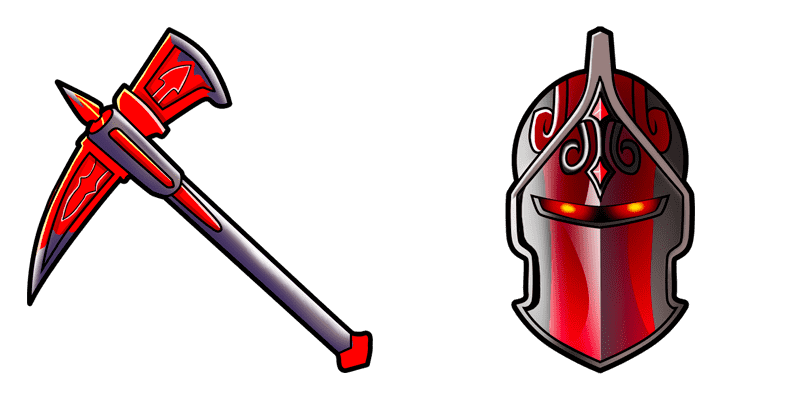
Meet the Red Knight cute cursor - free custom cursor ready for every click.
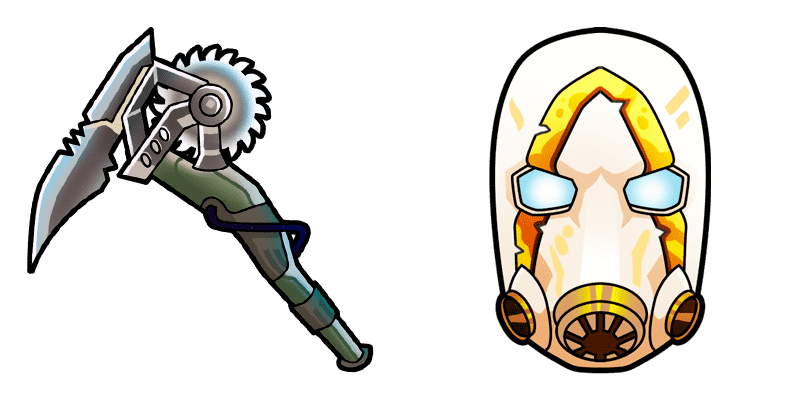
Psycho cute cursor download - free custom cursor for everyday clicks.
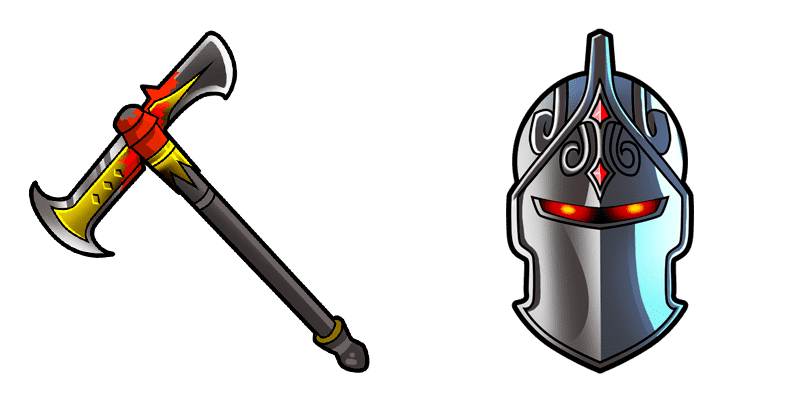
Dark Knight neon cute cursor - free custom cursor for Fortnite fans.

Grab the Hayman cute cursor - a free custom cursor pack for fans.
Hit the 'Add to Browser' button to get the 'Hayman' pack.
On the Chrome Web Store, smash that ‘Add to Chrome’ button and confirm.
Pro-tip: Pin the 'Cute Cursors' extension to your toolbar for quick access.
Open the extension, find the 'Hayman' pack, and click to activate. Easy peasy!
Our universe of cursors is huge. Dive into hundreds of unique collections and find the one that truly represents you.
Explore All Collections
Zainstaluj go teraz za darmo ze sklepu Chrome Web Store
Idle
{
  "status": "idle"
}