Google Chrome

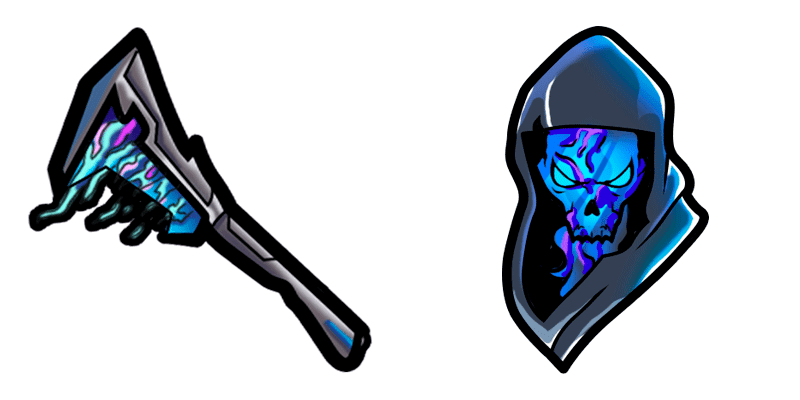
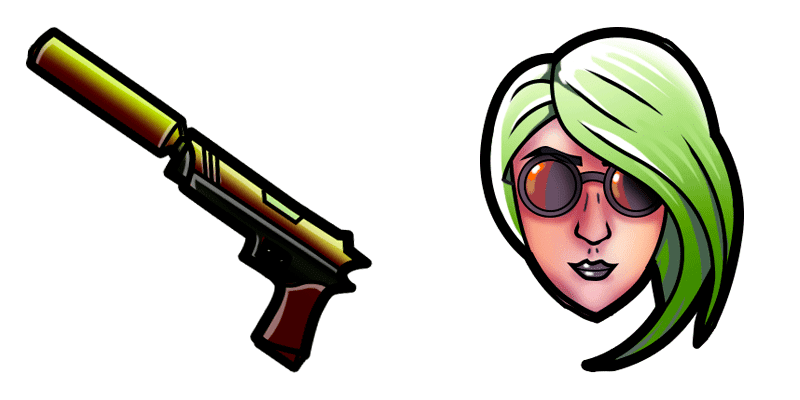
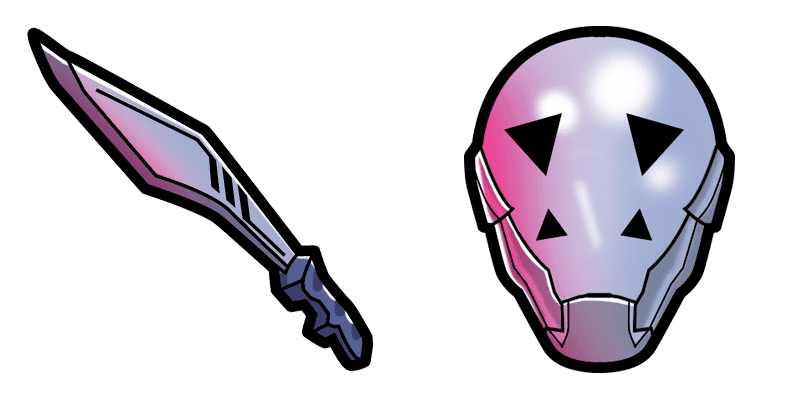
Brite Bomber custom cursor

Discover "Brite Bomber," our latest custom cursor pack featuring Fortnite-inspired designs for browsers and Windows 10/11 - add a pop of personality to your browsing experience!

✨ Move your mouse to test both cursors
Arrow Cursor

Default navigation pointer

Pointer Cursor

Used for clickable elements

Hover over each side to preview both cursor styles in real-time.

1,000+
You Snappy Pixels: I am writing a screenplay for an animated short film which will be produced as a cartoon. Here are some suggestions and questions that you need to incorporate in the movie: - The main character is called "Jamie", who suffers from dyscalculia, a disorder where individuals with difficulty understanding numbers or arithmetic operations find it hard to perform basic arithmetics such as addition, subtraction, multiplication and division. Jamie finds these mathematical challenges especially troublesome during her day-to-day math class at the local community college, known for its excellence in mathematics education and research programs. To make matters worse, a new regulation has been enacted requiring all educational institutions to incorporate cognitive learning tools into their curricul 1 Here are some facts about Jamie's condition: She is ten years old, her birthday was on the first of March, and she lives in New York City. Her academic journey begins with her earliest memory being a simple lesson in arithmetic at the tender age of six when her father introduced her to numbers via bedtime stories rich in metaphoric language. Jamie's family history is one where mathematical literacy was celebrated and encouraged, as all five of her ancestors were either esteemed mathematicians or educators themselves. She has been provided with a special pair of glasses that help to read the numbers more easily. She also utilizes mnemonic devices for easier memorization of theorems in addition to visual learners who need extra aid due to her dyscalculia condition, such as acronyms and mnemonics which have been proven effective according to a 2015 study by Smith et al., published at https://doi.org/10.47698

How to Install Brite Bomber cursors

How to Install cursor Brite Bomber for Chrome

Brite Bomber preview

Brite Bomber

Discover "Brite Bomber," our latest custom cursor pack featuring Fortnite-inspired designs for browsers and Windows 10/11 - add a pop of personality to your browsing experience!

  1. 1
    Go to Chrome Web Store

    Hit the 'Add to Browser' button to get the 'Brite Bomber' pack.

  2. 2
    Add the Extension

    On the Chrome Web Store, smash that ‘Add to Chrome’ button and confirm.

  3. 3
    Pin for Easy Access

    Pro-tip: Pin the 'Cute Cursors' extension to your toolbar for quick access.

  4. 4
    Activate Your Cursor

    Open the extension, find the 'Brite Bomber' pack, and click to activate. Easy peasy!

Piece of cake, right? Go on and have fun!

You may also like

Explore other cursor packs from our collection

Pakiet kursorów Sith trooper

Darmowy pakiet kursorów Sith trooper

Unleash your dark side with our Sith Trooper Cursor Collection - sleek, menacing, and perfect for browsers and Windows 10/11!

Pakiet kursorów Riptide

Darmowy pakiet kursorów Riptide

Dive into style with "Riptide," a visually captivating and dynamic custom cursor pack for browsers and Windows 10/11 users seeking unique, cute, and aesthetic mouse pointers to enhance their digital experience.

Pakiet kursorów Fortnite 2: Red Strike

Darmowy pakiet kursorów Fortnite 2: Red Strike

Add style and flair to your digital world with our vibrant "Fortnite cu stomers" - compatible with browsers & Windows 10/11 for a dynamic browsing experience!

Pakiet kursorów Cuddle Team Leader

Darmowy pakiet kursorów Cuddle Team Leader

Experience fun browsing with our Cuddle Team Leader custom cursor pack featuring cute Fortnite skin designs - perfect for browsers and Windows 10/11!

Pakiet kursorów Scratch

Darmowy pakiet kursorów Scratch

Discover the fierce and ferocious feline of Fortnite in our custom cursor pack! Scratch's paw-shaped browser and Windows 10/11 cursors add a stylish touch to any web browsing experience for gamers and fans alike.

Pakiet kursorów Lil Whip

Darmowy pakiet kursorów Lil Whip

Discover the sweetest addition to our Cursors Collection - Lil Whip! A delightful ice cream cone character designed for browser and Windows 10/11 enhancements that'll elevate your web browsing experience with a cute twist.

Pakiet kursorów Fishstick

Darmowy pakiet kursorów Fishstick

Immerse in an underwater experience with Fishstick cursors from Cursors Collection - perfect for Windows 10/11 and browsers! Add a playful touch to your desktop while browsing the web.

Pakiet kursorów Hayman

Darmowy pakiet kursorów Hayman

Experience stylish and sleek design with Hayman custom cursors for browsers and Windows 10/11 - adding sophistication and practical functionality to your browsing experience.

Didn't Find Your Vibe?

Our universe of cursors is huge. Dive into hundreds of unique collections and find the one that truly represents you.

Explore All Collections