


Darmowy pakiet kursorów Molokhia
Free Molokhia custom cursor - cute molokhia bowl pointer, darkened rim.
Free Ney Flute custom cursor - cute ney flute pointer, darkened rim.
Try this cursor
Move across the preview to feel both cursor styles.

Give every click a Ney Flute moment - playful Egypt character art up front, with a matching Ney Flute pointer for links. The Ney Flute cute cursor is a free custom cursor for Chrome and Edge, and it also works on Windows 10/11 through the Custom Cursor app.
Soft charcoal darkened rim keeps edges clean. Fan-made tribute art with no official affiliation. It is fan-made cursor art with no official affiliation.
Install the free Ney Flute cursor in Chrome, Edge, or the Windows Custom Cursor app.
Explore other cursor packs from our collection
Free Molokhia custom cursor - cute molokhia bowl pointer, darkened rim.

Free Hawawshi custom cursor - cute hawawshi pie pointer, darkened rim.

Free Hawawshi custom cursor - cute hawawshi pie pointer, darkened rim.

Free Fatta custom cursor - cute fatta bowl pointer, darkened rim.

Free Fatta custom cursor - cute fatta bowl pointer, darkened rim.
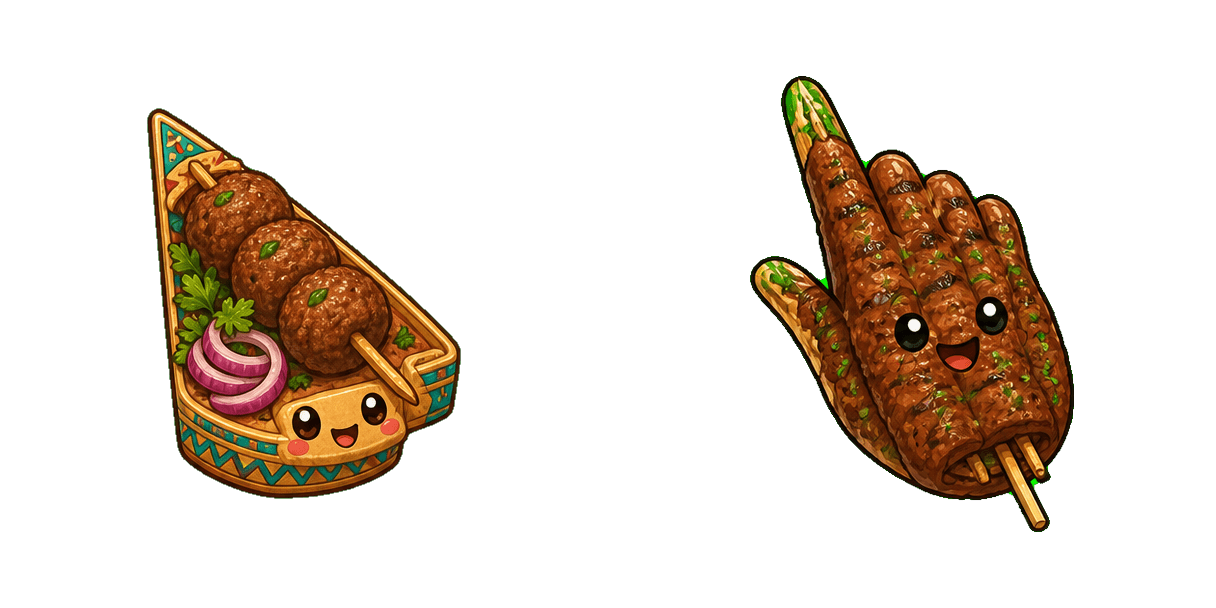
Free Kofta custom cursor - cute kofta skewer pointer, darkened rim.
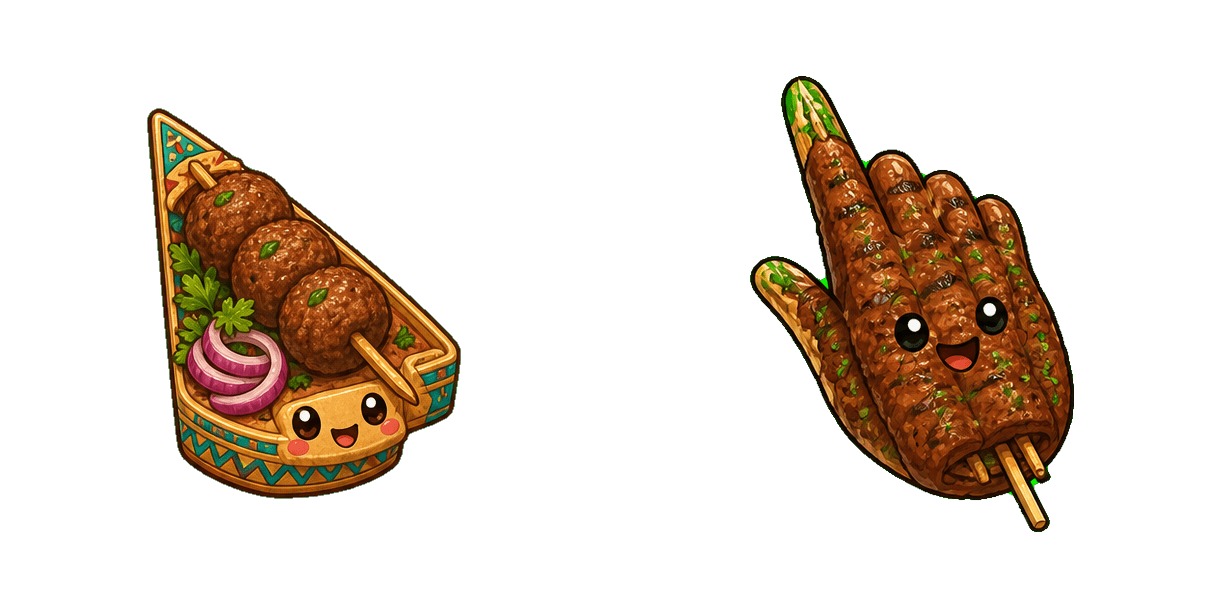
Free Kofta custom cursor - cute kofta skewer pointer, darkened rim.

Free Grilled Pigeon custom cursor - cute pigeon dish pointer, darkened rim.

Free Ney Flute custom cursor - cute ney flute pointer, darkened rim.
Hit the 'Add to Browser' button to get the 'Ney Flute' pack.
On the Chrome Web Store, smash that ‘Add to Chrome’ button and confirm.
Pro-tip: Pin the 'Cute Cursors' extension to your toolbar for quick access.
Open the extension, find the 'Ney Flute' pack, and click to activate. Easy peasy!
Our universe of cursors is huge. Dive into hundreds of unique collections and find the one that truly represents you.
Explore All Collections
Zainstaluj go teraz za darmo ze sklepu Chrome Web Store
Idle
{
  "status": "idle"
}