

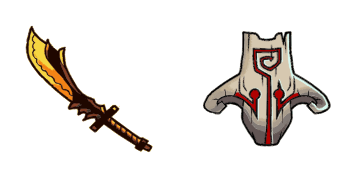
Darmowy pakiet kursorów Juggernaut
Juggernaut cute cursor set - free custom cursor with healing-ward calm.
Clinkz cursor with a burning-arrow pointer - skeleton archer vibes, cute not spooky.
Try this cursor
Move across the preview to feel both cursor styles.

Strafe the page with this Clinkz cursor: a fiery skeletal archer arrow and a Burning Arrow pointing hand. The Clinkz cute cursor is a free custom cursor for Chrome and Edge, and it also works on Windows 10/11 through the Custom Cursor app.
Unofficial Dota 2 fan art only - not affiliated with Valve. Soft darkened rim, no white sticker border. Pointer theme: Burning Arrow. It is fan-made cursor art with no official affiliation.
Install the free Clinkz custom cursor for Chrome and Edge, or on Windows 10/11 with the Custom Cursor app.
Explore other cursor packs from our collection
Juggernaut cute cursor set - free custom cursor with healing-ward calm.

Lina cute cursor set - free custom cursor with dragon-slave spark.
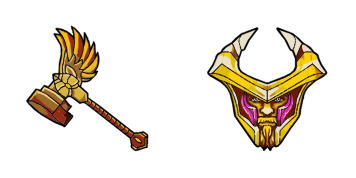
Omniknight cute cursor set - free custom cursor with purification glow.
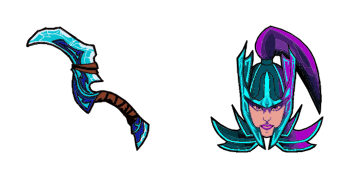
Phantom Assassin cute cursor set - free custom cursor with coup de grace vibe.

Pudge cute cursor set - free custom cursor with fresh-meat click fun.
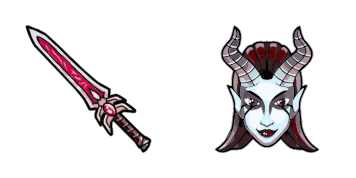
Queen of Pain cute cursor set - free custom cursor with blink-dagger style.

Riki cute cursor set - free custom cursor with cloaked click energy.
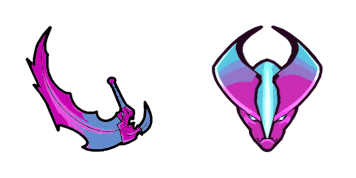
Spectre cute cursor set - free custom cursor with dispersion mist flair.

Clinkz cursor with a burning-arrow pointer - skeleton archer vibes, cute not spooky.
Hit the 'Add to Browser' button to get the 'Clinkz' pack.
On the Chrome Web Store, smash that ‘Add to Chrome’ button and confirm.
Pro-tip: Pin the 'Cute Cursors' extension to your toolbar for quick access.
Open the extension, find the 'Clinkz' pack, and click to activate. Easy peasy!
Our universe of cursors is huge. Dive into hundreds of unique collections and find the one that truly represents you.
Explore All Collections
Zainstaluj go teraz za darmo ze sklepu Chrome Web Store
Idle
{
  "status": "idle"
}