Google Chrome

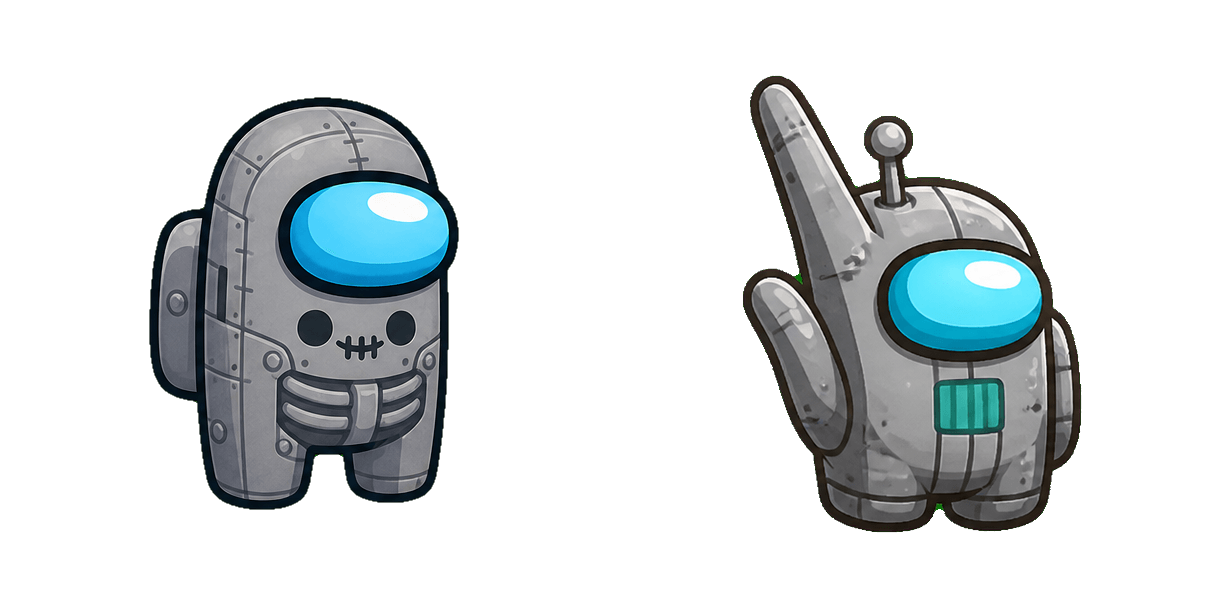
Poppy Playtime Boogie Bot custom cursor

Poppy Playtime Boogie Bot cursor pack: cute cursors and clean custom cursor shapes.

✨ Move your mouse to test both cursors
Arrow Cursor

Default navigation pointer

Pointer Cursor

Used for clickable elements

Hover over each side to preview both cursor styles in real-time.

1,000+
You are looking for a unique and customizable mouse pointer that stands out from the usual default offerings: "Poppy Playtime Boogie"! This custom browser extension is perfect for both Chrome and Microsoft Edge, allowing you to personalize every single click with our adorable Poppy character. The Poppy Playtime cursor has been designed in high-quality PNG format, ensuring it looks great on all your devices without any lag or distortion. You'll find this cute creature from the "The Sims" series making its debut as an animated cursor that will keep you entertained and amused at work and play! With a selection of styles including: - Playful Poppy, ready to dance through your documents; - Spooky Boogie with a ghostly look for when it's Halloween night on your PC; - Creepy Curse that casts an eerie shadow in the moonlight; And many more! You can easily install our product by following these simple steps: 1. Download and save the extension from your browser or visit www.poppinapp.com/products to find out how, - Click on the 'Install' button next to each pack, - And enjoy a more fun experience every time you point and click! But that's not all there is to like about this product: "Poppy Playtime Boogie" comes with an additional feature allowing users to set their own personalized cursor. You can now customize your mouse pointer into your favourite character from the Sims, or any other design you fancy! But that's not all - Poppy even has a hidden Easter egg: If your cursor hovers over her image for more than five seconds, she’ll start to sway her hips. A delightful surprise for those who like their cursors with some personality and whimsy! Don’t settle for the same old boring pointer - switch things up with Poppy Playtime Boogie now!

You may also like

Explore other cursor packs from our collection

Pack de curseurs personnalisés Poppy Playtime Bron

Pack de curseurs personnalisés gratuit Poppy Playtime Bron

A playful Poppy Playtime Bron custom cursor for fans who want a cute cursor on screen.

Pack de curseurs personnalisés Poppy Playtime Games

Pack de curseurs personnalisés gratuit Poppy Playtime Games

Pick Poppy Playtime Games for cute cursors - free custom cursor download for desktop.

Pack de curseurs personnalisés Poppy Playtime Huggy Wuggy

Pack de curseurs personnalisés gratuit Poppy Playtime Huggy Wuggy

Poppy Playtime Huggy Wuggy custom cursor pack for a soft, cute cursor everyday look.

Pack de curseurs personnalisés Poppy Playtime Candy Cat

Pack de curseurs personnalisés gratuit Poppy Playtime Candy Cat

Poppy Playtime Candy Cat custom cursor pack for a soft, cute cursor everyday look.

Pack de curseurs personnalisés Poppy Playtime Bunzo Bunny

Pack de curseurs personnalisés gratuit Poppy Playtime Bunzo Bunny

Fresh Poppy Playtime Bunzo Bunny custom cursors - cute cursor style without the clutter.

Pack de curseurs personnalisés Poppy Playtime Mommy Long Legs

Pack de curseurs personnalisés gratuit Poppy Playtime Mommy Long Legs

Add Poppy Playtime Mommy Long Legs to your mouse - cute cursor pack and free custom cursors.

Pack de curseurs personnalisés Poppy Playtime Kissy Missy

Pack de curseurs personnalisés gratuit Poppy Playtime Kissy Missy

Cute cursor fans, meet Poppy Playtime Kissy Missy - free custom cursors ready to install.

Pack de curseurs personnalisés Poppy Playtime Daddy Long Legs

Pack de curseurs personnalisés gratuit Poppy Playtime Daddy Long Legs

Poppy Playtime Daddy Long Legs cute cursor pack - free custom cursors for browser and desktop.

How to Install Poppy Playtime Boogie Bot cursors

How to Install cursor Poppy Playtime Boogie Bot for Chrome

Poppy Playtime Boogie Bot preview

Poppy Playtime Boogie Bot

Poppy Playtime Boogie Bot cursor pack: cute cursors and clean custom cursor shapes.

  1. 1
    Go to Chrome Web Store

    Hit the 'Add to Browser' button to get the 'Poppy Playtime Boogie Bot' pack.

  2. 2
    Add the Extension

    On the Chrome Web Store, smash that ‘Add to Chrome’ button and confirm.

  3. 3
    Pin for Easy Access

    Pro-tip: Pin the 'Cute Cursors' extension to your toolbar for quick access.

  4. 4
    Activate Your Cursor

    Open the extension, find the 'Poppy Playtime Boogie Bot' pack, and click to activate. Easy peasy!

Piece of cake, right? Go on and have fun!

Didn't Find Your Vibe?

Our universe of cursors is huge. Dive into hundreds of unique collections and find the one that truly represents you.

Explore All Collections
Poppy Playtime Boogie Bot Cursor Pack - CuteCursors.com