

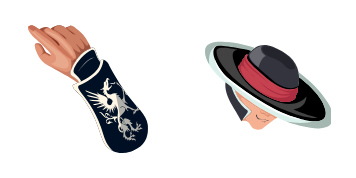
Pack de curseurs personnalisés gratuit Kung Lao
Razor hat style in the Kung Lao cute cursor, a free custom cursor pack for Shaolin fans.
Black Dragon menace in the Kano cute cursor, a free custom cursor pack for mercenary fans.
Try this cursor
Move across the preview to feel both cursor styles.

A glowing metal eye and a smug grin: the Kano cute cursor drops the Black Dragon leader on your pointer. The Kano cute cursor is a free custom cursor for Chrome and Edge, and it also works on Windows 10/11 through the Custom Cursor app.
The red eye accent gives the mercenary a clear focal point at any size. It is fan-made cursor art and is not an official NetherRealm Studios or Warner Bros. Games product.
Recruit the rest of the crew with the Kabal Cursor Pack, the Barraza Cursor Pack, and the Sonya Blade Cursor Pack.
Grab the Kano cursor pack and let a ruthless mercenary watch your screen.
Explore other cursor packs from our collection
Razor hat style in the Kung Lao cute cursor, a free custom cursor pack for Shaolin fans.
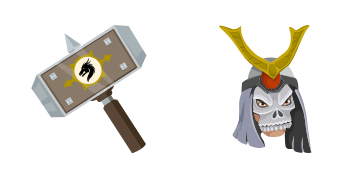
Outworld emperor bulk in the Shao Kahn cute cursor, a free custom cursor pack for villain fans.

Bionic arm power in the Jax cute cursor, a free custom cursor pack for Special Forces fans.
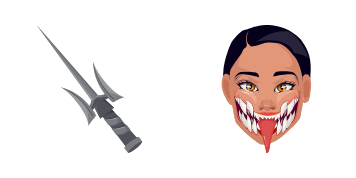
Unmasked Tarkatan grin in the Mileena cute cursor, a free custom cursor pack for Outworld fans.

Lin Kuei frost in the Sub-Zero cute cursor, a free custom cursor pack for ice ninja fans.

Soul-stealing sorcery in the Shang Tsung cute cursor, a free custom cursor pack for villain fans.

Hellfire specter style in the Scorpion cute cursor, a free custom cursor pack for ninja fans.

Gritty enforcer style in the Barraza cute cursor, a free custom cursor pack for deep-roster fans.

Black Dragon menace in the Kano cute cursor, a free custom cursor pack for mercenary fans.
Hit the 'Add to Browser' button to get the 'Kano' pack.
On the Chrome Web Store, smash that ‘Add to Chrome’ button and confirm.
Pro-tip: Pin the 'Cute Cursors' extension to your toolbar for quick access.
Open the extension, find the 'Kano' pack, and click to activate. Easy peasy!
Our universe of cursors is huge. Dive into hundreds of unique collections and find the one that truly represents you.
Explore All Collections
Installez-le gratuitement dès maintenant depuis le Chrome Web Store officiel
Idle
{
  "status": "idle"
}