

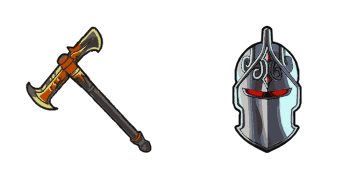
Pack de curseurs personnalisés gratuit Dark Knight
matte Dark Knight cute cursor - free custom cursor with island style.
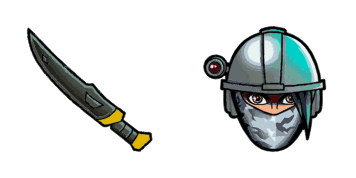
Install the P-1000 cute cursor - free custom cursor packed with vibe.
Try this cursor
Move across the preview to feel both cursor styles.

Keep the lobby energy going with P-1000, a friendly cute cursor for daily use. This free custom cursor pack runs in Chrome and Edge, plus Windows 10/11 through Custom Cursor when you want it beyond the browser.
Bold, simple lines let P-1000 stay crisp on light and dark pages. This is fan-made custom cursor art and is not an official Epic Games release.
Round out your set with the P-1000 Cursor Pack, the Rabbit Raider Cursor Pack, and the Renegade Raider Cursor Pack.
Install P-1000 and give your mouse a playful Fortnite upgrade today.
Explore other cursor packs from our collection
matte Dark Knight cute cursor - free custom cursor with island style.
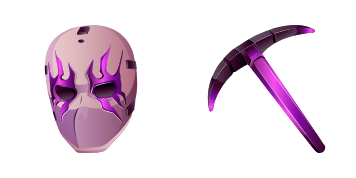
Free custom cursor: Dark Wild Card cute cursor with a bold Fortnite look.

Domino cute cursor pack: free custom cursors with bold battle style.
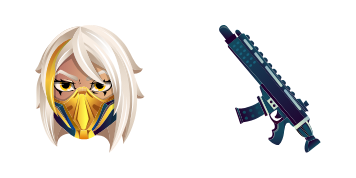
Meet the Double Agent Hush cute cursor - free custom cursor ready for every click.
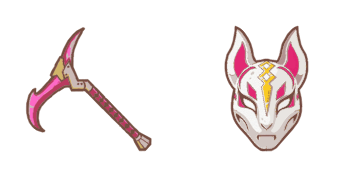
Drop the Drift Mask cute cursor - a free custom cursor for your desktop.
Install the Elite Agent cute cursor - free custom cursor packed with vibe.

Try Fennix cute cursor - free custom cursor with clean Fortnite energy.

Fishstick cute cursor download - free custom cursor for everyday clicks.

Install the P-1000 cute cursor - free custom cursor packed with vibe.
Hit the 'Add to Browser' button to get the 'Fortnite: P-1000' pack.
On the Chrome Web Store, smash that ‘Add to Chrome’ button and confirm.
Pro-tip: Pin the 'Cute Cursors' extension to your toolbar for quick access.
Open the extension, find the 'Fortnite: P-1000' pack, and click to activate. Easy peasy!
Our universe of cursors is huge. Dive into hundreds of unique collections and find the one that truly represents you.
Explore All Collections
Installez-le gratuitement dès maintenant depuis le Chrome Web Store officiel
Idle
{
  "status": "idle"
}