

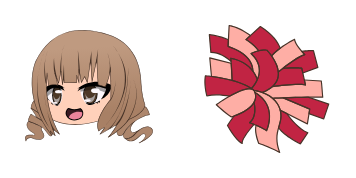
Pack de curseurs personnalisés gratuit Gabriella
Add a Gabriella cute cursor to your mouse - free custom cursor download.
Gojo cursor - bright buddy with a themed Blindfold Soft pointer.
Try this cursor
Move across the preview to feel both cursor styles.

Desktop energy unlocked: Gojo cursor art with a Blindfold Soft cuff on the pointing hand. The Gojo cute cursor is a free custom cursor for Chrome and Edge, and it also works on Windows 10/11 through the Custom Cursor app.
Original mascot art in vivid colors. Soft dark outline, no white border. It is fan-made cursor art with no official affiliation.
Download for Chrome/Edge or use the Windows Custom Cursor app - free custom cursor pack.
Explore other cursor packs from our collection
Add a Gabriella cute cursor to your mouse - free custom cursor download.
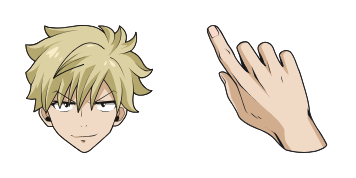
Weisz Steiner: a playful cute cursor and free custom cursor for anime days.

Refresh your tip with Luni cute cursor - free custom cursor style.
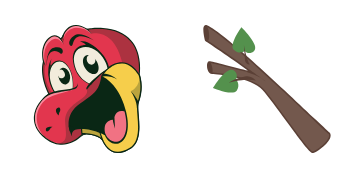
Bron cute cursor pack - free custom cursor for manga-day clicks.
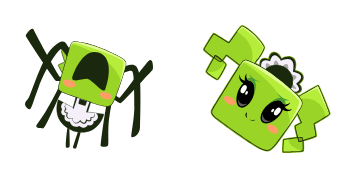
Keep it anime: Mimi cute cursor - free custom cursor pack.
Yuni free custom cursor set - cute cursor charm with manga energy.
ChuChu cute cursor download - free custom cursor with anime flair.
Alexa cute cursor - free custom cursor with anime flair.

Gojo cursor - bright buddy with a themed Blindfold Soft pointer.
Hit the 'Add to Browser' button to get the 'Gojo' pack.
On the Chrome Web Store, smash that ‘Add to Chrome’ button and confirm.
Pro-tip: Pin the 'Cute Cursors' extension to your toolbar for quick access.
Open the extension, find the 'Gojo' pack, and click to activate. Easy peasy!
Our universe of cursors is huge. Dive into hundreds of unique collections and find the one that truly represents you.
Explore All Collections
Installez-le gratuitement dès maintenant depuis le Chrome Web Store officiel
Idle
{
  "status": "idle"
}