


Omega cursor
Omega free custom cursor - cute cursor flair for Fortnite fans.
Remedy: cute cursor pack and free custom cursor for Fortnite fans.
Try this cursor
Move across the preview to feel both cursor styles.

Keep the lobby energy going with Remedy, a friendly cute cursor for daily use. Use this free custom cursor in Chrome and Edge, and on Windows 10/11 via Custom Cursor for a matching pointer on the desktop.
High-contrast accents keep Remedy sharp so the tip never disappears. Fan-made artwork celebrating Fortnite style - not an Epic Games official set.
Pair it with the Remedy Purple Cursor Pack, the Riptide Cursor Pack, and the Stormtrooper Cursor Pack.
Try the Remedy pack and tuck island swagger into everyday clicks.
Explore other cursor packs from our collection
Omega free custom cursor - cute cursor flair for Fortnite fans.

Ornament Soldier cute cursor for fans - free custom cursor with sharp island style.

P-1000: cute cursor pack and free custom cursor for Fortnite fans.
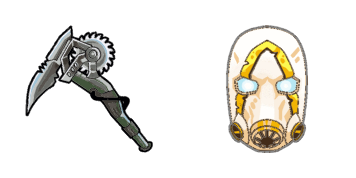
Pick Psycho cute cursor - a free custom cursor with lobby-ready charm.

Punk Skin neon cute cursor - free custom cursor for Fortnite fans.

Free custom cursor: Rabbit Raider cute cursor with a clean Fortnite look.

Raven cute cursor - free custom cursor with Fortnite island vibes.
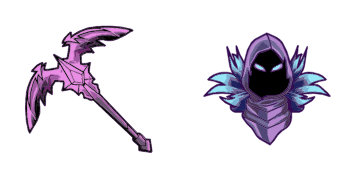
Raven cute cursor pack: free custom cursors with bold battle style.

Remedy: cute cursor pack and free custom cursor for Fortnite fans.
Hit the 'Add to Browser' button to get the 'Fortnite 2: Remedy' pack.
On the Chrome Web Store, smash that ‘Add to Chrome’ button and confirm.
Pro-tip: Pin the 'Cute Cursors' extension to your toolbar for quick access.
Open the extension, find the 'Fortnite 2: Remedy' pack, and click to activate. Easy peasy!
Our universe of cursors is huge. Dive into hundreds of unique collections and find the one that truly represents you.
Explore All Collections
Install it now for free from the official Chrome Web Store
Idle
{
  "status": "idle"
}