Google Chrome

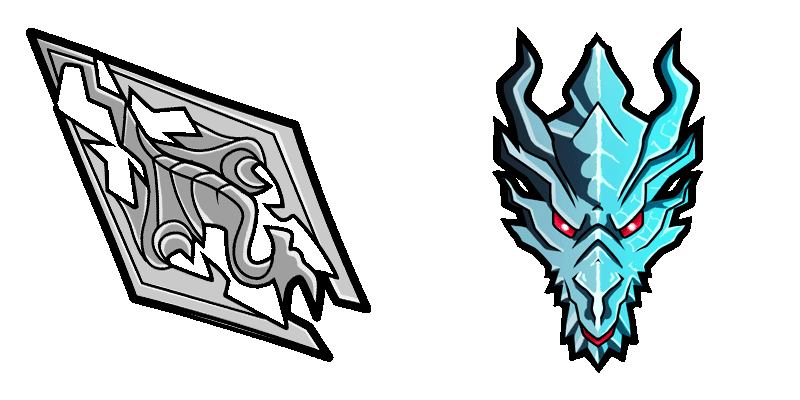
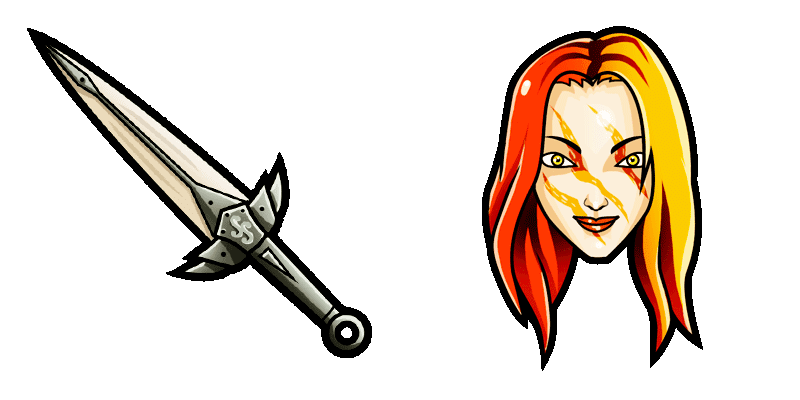
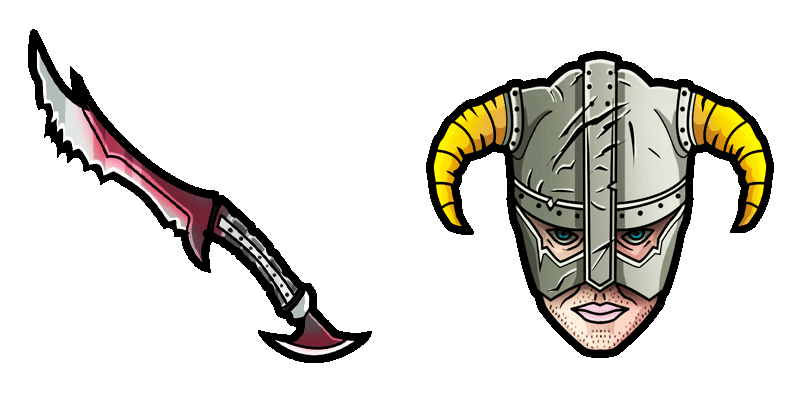
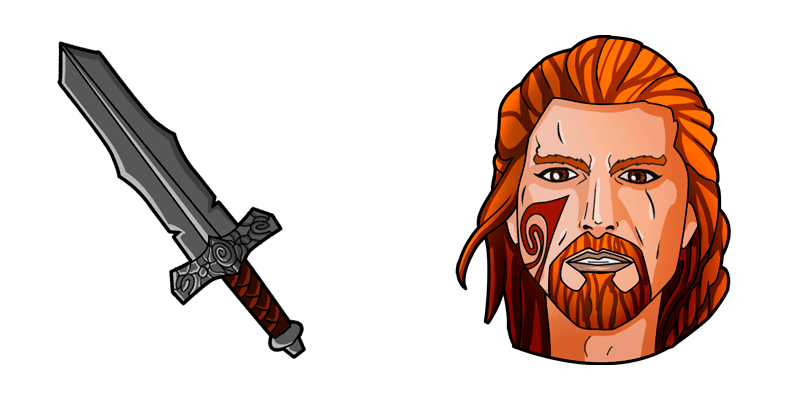
Skyrim Games custom cursor

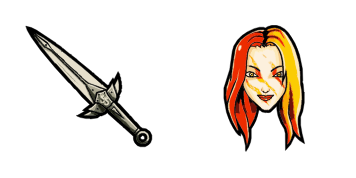
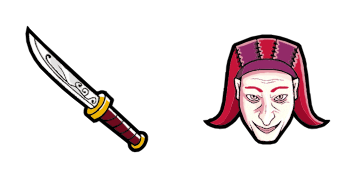
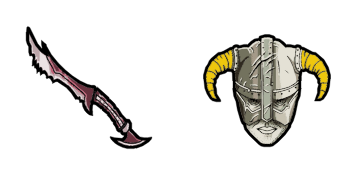
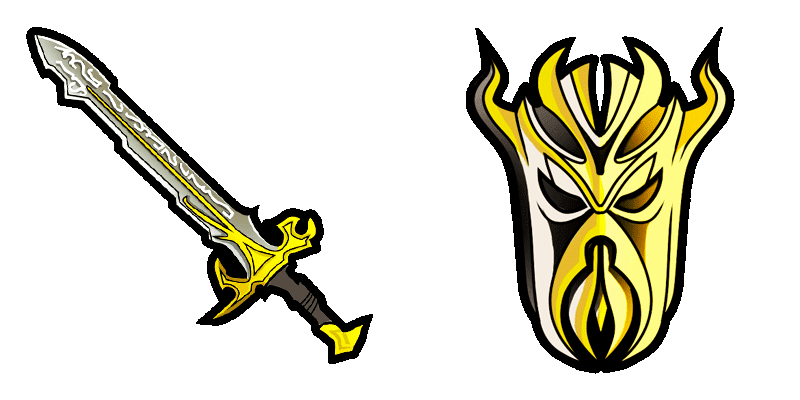
Dive into digital adventures with the stylish Skyrim Games custom cursor - a fun-art browser addition for Windows 10 and 11 users.

✨ Move your mouse to test both cursors
Arrow Cursor

Default navigation pointer

Pointer Cursor

Used for clickable elements

Hover over each side to preview both cursor styles in real-time.

1,000+
For any web developers or web designers seeking customized cursors, this task may require expertise in UI/UX design principles. Here's what you need to do: You are developing a new software development tool that utilizes the concept of context-based cursor animation when using Windows Presentation Foundation (WPF) libraries. Your goal is to enable users to change the current positioning and appearance of their cursors on the fly, without restarting your entire application or website each time they want to switch between different styles for various applications within the same session in a way that minimizes system resource usage and maintains the context (i.e., where you are currently working). For this task: Design an algorithm to calculate the maximum number of items needed if I have two identical quadruplets, each with X people sitting at equidistant points from one another in a straight line that can hold a total of not more than 1024 items. Each point has its own weight and you need to find out the position where a certain type of item would be placed so as to maximize the stability and minimize the distance between any two distinctive items in the set. The sum of all their weights is less than 50.

How to Install Skyrim Games cursors

How to Install cursor Skyrim Games for Chrome

Skyrim Games preview

Skyrim Games

Dive into digital adventures with the stylish Skyrim Games custom cursor - a fun-art browser addition for Windows 10 and 11 users.

  1. 1
    Go to Chrome Web Store

    Hit the 'Add to Browser' button to get the 'Skyrim Games' pack.

  2. 2
    Add the Extension

    On the Chrome Web Store, smash that ‘Add to Chrome’ button and confirm.

  3. 3
    Pin for Easy Access

    Pro-tip: Pin the 'Cute Cursors' extension to your toolbar for quick access.

  4. 4
    Activate Your Cursor

    Open the extension, find the 'Skyrim Games' pack, and click to activate. Easy peasy!

Piece of cake, right? Go on and have fun!

You may also like

Explore other cursor packs from our collection

Red Ball 4 Cursor-Paket

Red Ball 4 Cursor-Paket

Dive into gaming-inspired fun with Red Ball 4 Animated Cursor from Games Cursor Collection - a stylish and cute cursor pack designed for browsers and Windows 10/11!

Star Fox McCloud & Blaster Cursor-Paket

Star Fox McCloud & Blaster Cursor-Paket

Join the mission to save the planet with Star Fox McCloud & Blaster custom cursors - stylish, cute, and designed for both browsers and Windows 10/11!

Zweifel Cursor-Paket

Zweifel Cursor-Paket

Die Cursors Collection bietet einen erstaunlichen Dovahkiin-Cursor für das Surfen im Web. Dieser Cursor verfügt über den ikonischen Helm des Dragonborn, mit komplexen Details und einem schlanken Design, das perfekt auf Ihrem Bildschirm passt. Mit einfacher Installation und anpassbaren Einstellungen ist dieser Cursor perfekt für Skyrim-Fans und fügt Ihrem Surferlebnis einen einzigartigen Touch hinzu.

Rust Games Cursor-Paket

Rust Games Cursor-Paket

Dive into a world of playful and stylish cursors with our "Rust Games" pack - perfect for browsers & Windows 10/11! Bring gaming vibes to every click with this unique, eye-catching cursor from our Games Cursor Collection.

Warcraft Cursor-Paket

Warcraft Cursor-Paket

Einführung des neuen Warcraft-Cursors für Ihren Browser! Dieser einzigartige Cursor verfügt über das ikonische Warcraft-Logo, komplett mit komplizierten Details und kühnen Farben. Egal, ob Sie ein starker Warcraft-Fan sind oder nur großes Design schätzen, dieser Cursor ist sicher zu beeindrucken. Es ist einfach zu installieren und zu bedienen, und es funktioniert mit allen großen Browsern. Also warum warten? Laden Sie den Warcraft-Cursor herunter und nehmen Sie Ihre Surferfahrung auf die nächste Ebene!

Der Meta Knight Cursor-Paket

Der Meta Knight Cursor-Paket

Einführung des Meta Knight Cursors aus der Cursors Collection! Dieser einzigartige und auffällige Cursor ist perfekt für Fans der Kirby-Videospiel-Serie. Mit der ikonischen blauen und weißen Rüstung von Meta Knight wird dieser Cursor Ihrem Browser-Erlebnis einen Hauch von fandom hinzufügen. Einfach zu installieren und zu bedienen, einfach herunterzuladen und als Standard-Cursor einzustellen. Ob Sie im Web suchen oder Ihr Lieblingsspiel spielen, der Meta Knight Cursor bringt sicherlich ein Lächeln auf Ihr Gesicht. Holen Sie sich heute Ihren von der Cursors Collection!

BattleBlock Theater Player & Gem Cursor-Paket

BattleBlock Theater Player & Gem Cursor-Paket

Elevate your browsing game with our "BattleBlock Theater Player & Gem" animated custom cursors for browsers and Windows 10/11 - a stylish cursor pack inspired by the popular platformer game!

Call of Duty Games Cursor-Paket

Call of Duty Games Cursor-Paket

Dive into vibrant graphics and smooth animations with our Call of Duty Games custom mouse cursor! Perfectly designed for browser use and a must-have for gaming enthusiasts.

Didn't Find Your Vibe?

Our universe of cursors is huge. Dive into hundreds of unique collections and find the one that truly represents you.

Explore All Collections