

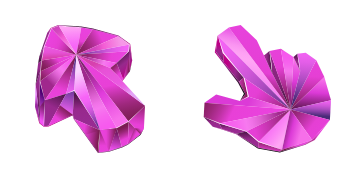
Pink Sapphire Cursor-Paket
Pink Sapphire - Custom Cursor und cute Cursor für den Browser.
Disco Ball Texture cursor - mirror facets throwing party rainbow light.
Try this cursor
Move across the preview to feel both cursor styles.

Tiny mirror facets catch pink-cyan-gold party lights across a thick disco arrow, while the chunky 3D hand mirrors the same glitterball shine. The Disco Ball Texture cute cursor is a free custom cursor for Chrome and Edge, and it also works on Windows 10/11 through the Custom Cursor app.
Dance-floor texture for loud desktops. Installs in Chrome, Edge, and the Windows Custom Cursor app. It is fan-made cursor art with no official affiliation.
Stay on the beat with the Disco Ball Texture cursor.
Explore other cursor packs from our collection
Pink Sapphire - Custom Cursor und cute Cursor für den Browser.

Süßer Cursor Pizza frischt Klicks auf - free Custom Cursor für den PC.
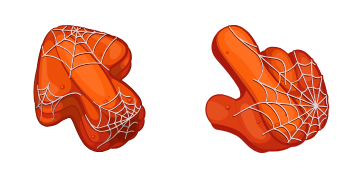
Pumpkin Textur Custom Cursor Pack mit süßem Cursor für Fans des Themas.
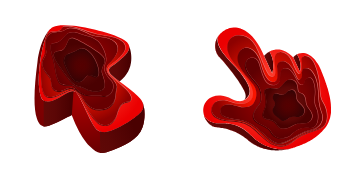
Quarry Textur Cursor Pack mit cute Cursor Stil für Chrome, Edge und Windows.

Raspberry Cursor Pack mit cute Cursor Stil für Chrome, Edge und Windows.
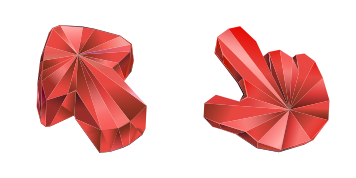
Süßer Cursor Ruby Stone Textur frischt Klicks auf - free Custom Cursor für den PC.
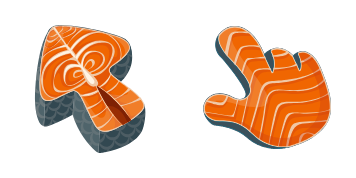
Wähle Salmon Textur - cute Cursor und Custom Cursor ohne Ballast.

Give clicks a Santa twist - cute cursor and free custom cursor vibes.

Disco Ball Texture cursor - mirror facets throwing party rainbow light.
Hit the 'Add to Browser' button to get the 'Disco Ball Texture' pack.
On the Chrome Web Store, smash that ‘Add to Chrome’ button and confirm.
Pro-tip: Pin the 'Cute Cursors' extension to your toolbar for quick access.
Open the extension, find the 'Disco Ball Texture' pack, and click to activate. Easy peasy!
Our universe of cursors is huge. Dive into hundreds of unique collections and find the one that truly represents you.
Explore All Collections
Jetzt im offiziellen Chrome Web Store installieren
Idle
{
  "status": "idle"
}