


Diamant und Krone Cursor-Paket
Diamant und Krone: süßer Cursor und Custom Cursor Pack für Browser und Windows.
Neon Huckleberry cursor - free berry character custom cursor with darkened rim art.
Try this cursor
Move across the preview to feel both cursor styles.

Fill your tabs with Neon Huckleberry - a cheerful berry-character cursor and matching Neon Huckleberry Buddy for every link. The Neon Huckleberry cute cursor is a free custom cursor for Chrome and Edge, and it also works on Windows 10/11 through the Custom Cursor app.
Unofficial Neon Huckleberry berry cursor with darkened charcoal rim. Wholesome original character design. It is fan-made cursor art with no official affiliation.
Grab free Neon Huckleberry for Chrome and Edge, or load it on Windows via the Custom Cursor app.
Explore other cursor packs from our collection
Diamant und Krone: süßer Cursor und Custom Cursor Pack für Browser und Windows.
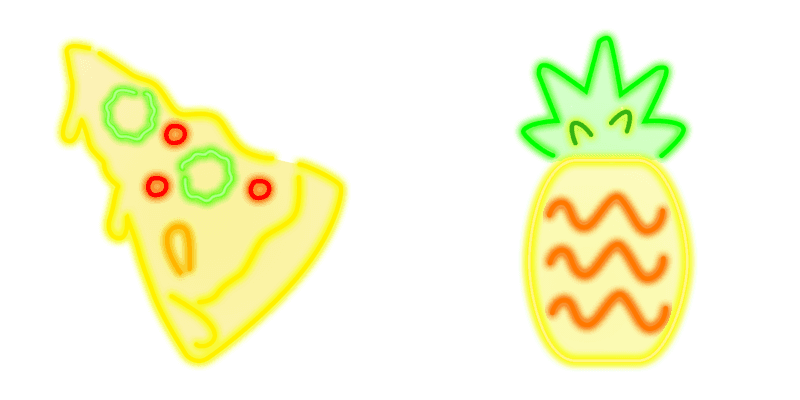
Lade Pizza und Pineapple - cute Cursor und Custom Cursor für den Alltag.

Lippen Cursor Pack mit cute Cursor Stil für Chrome, Edge und Windows.

Süßer Cursor Der Pointer - kostenloses Custom Cursor Set für den Desktop.

Anchor and Octopus: soft cute Cursor im fertigen Custom Cursor Pack.

Wähle Boot and Biceps - cute Cursor und Custom Cursor ohne Ballast.

Liquid Neon cursor - bright glowing liquid buddy with a Liquid Neon Glow Cuff.

Electric Plasma cursor - bright glowing liquid buddy with a Electric Plasma Glow Cuff.

Neon Huckleberry cursor - free berry character custom cursor with darkened rim art.
Hit the 'Add to Browser' button to get the 'Neon Huckleberry' pack.
On the Chrome Web Store, smash that ‘Add to Chrome’ button and confirm.
Pro-tip: Pin the 'Cute Cursors' extension to your toolbar for quick access.
Open the extension, find the 'Neon Huckleberry' pack, and click to activate. Easy peasy!
Our universe of cursors is huge. Dive into hundreds of unique collections and find the one that truly represents you.
Explore All Collections
Jetzt im offiziellen Chrome Web Store installieren
Idle
{
  "status": "idle"
}