Google Chrome

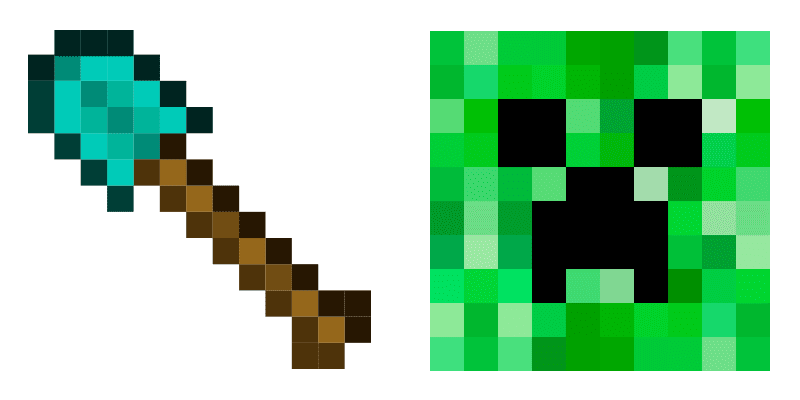
Bone und Mr. Torch custom cursor

Bone und Mr. Torch - Custom Cursor und cute Cursor für den Browser.

✨ Move your mouse to test both cursors
Arrow Cursor

Default navigation pointer

Pointer Cursor

Used for clickable elements

Hover over each side to preview both cursor styles in real-time.

1,000+
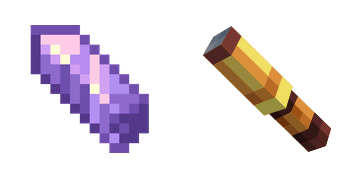
Die Cursors Collection führt den Bone und Mr. Torch Cursor für Browser ein. Dieses einzigartige und spielerische Cursor-Set ist perfekt für diejenigen, die ihrem Surferlebnis ein bisschen Spaß und Persönlichkeit hinzufügen möchten. Der Bone Cursor verfügt über ein Cartoon-Knochen mit hellen Farben und einem spielerischen Design. Der Mr. Torch Cursor verfügt über ein Cartoon-Fach mit einer leuchtenden Flamme und einem freundlichen Gesicht. Beide Cursors sind einfach zu installieren und zu verwenden, und sie bringen sicherlich ein Lächeln auf Ihr Gesicht jedes Mal, wenn Sie sie verwenden.Die Kollektion Minecraft enthält das Cursor-Paket Bone und Mr. Torch und viele weitere einzigartige Optionen zur Personalisierung Ihres Browsers.

You may also like

Explore other cursor packs from our collection

Snowman Minecraft Cursor-Paket

Snowman Minecraft Cursor-Paket

Spawn the Snowman cute cursor - a free custom cursor for your desktop.

Sunny Minecraft Cursor-Paket

Sunny Minecraft Cursor-Paket

Sunny cute cursor download - free custom cursor for everyday clicks.

Minecraft Steak Cursor-Paket

Minecraft Steak Cursor-Paket

Free custom cursor: Steak cute cursor with an animated blocky look.

Steve Cursor-Paket

Steve Cursor-Paket

Süßer Cursor Steve - kostenloses Custom Cursor Set für den Desktop.
Santa Claus Minecraft Skin Cursor-Paket

Santa Claus Minecraft Skin Cursor-Paket

Santa Claus Skin free custom cursor - cute cursor flair for Minecraft players.

Stick of TNT and Arab Cursor-Paket

Stick of TNT and Arab Cursor-Paket

Stick of TNT and Arab - Custom Cursor und cute Cursor für den Browser.
Ari Minecraft Cursor-Paket

Ari Minecraft Cursor-Paket

Meet the Ari cute cursor - free custom cursor ready for every click.

Elf Minecraft Cursor-Paket

Elf Minecraft Cursor-Paket

Probier Elf Minecraft: süßes Cursor Pack und fertige Custom Cursors.

How to Install Bone und Mr. Torch cursors

How to Install cursor Bone und Mr. Torch for Chrome

Bone und Mr. Torch preview

Bone und Mr. Torch

Bone und Mr. Torch - Custom Cursor und cute Cursor für den Browser.
  1. 1
    Go to Chrome Web Store

    Hit the 'Add to Browser' button to get the 'Bone und Mr. Torch' pack.

  2. 2
    Add the Extension

    On the Chrome Web Store, smash that ‘Add to Chrome’ button and confirm.

  3. 3
    Pin for Easy Access

    Pro-tip: Pin the 'Cute Cursors' extension to your toolbar for quick access.

  4. 4
    Activate Your Cursor

    Open the extension, find the 'Bone und Mr. Torch' pack, and click to activate. Easy peasy!

Piece of cake, right? Go on and have fun!

Didn't Find Your Vibe?

Our universe of cursors is huge. Dive into hundreds of unique collections and find the one that truly represents you.

Explore All Collections
Bone und Mr. Torch Cursor Pack - CuteCursors.com