

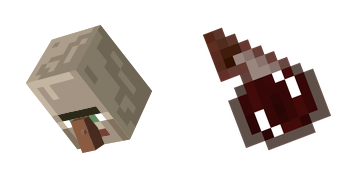
Hexe Cursor-Paket
Probier Hexe: süßes Cursor Pack und fertige Custom Cursors.
Drowned Zombie pixel cute cursor - free custom cursor with classic sandbox style.
Try this cursor
Move across the preview to feel both cursor styles.

Queue up blocky vibes with Drowned Zombie: a lively cute cursor ready for tabs and clicks. This free custom cursor works in Chrome and Edge, and on Windows 10/11 with the Custom Cursor app for the same tip outside the browser.
Clean blocky shapes keep Drowned Zombie readable at cursor size, so the click point never gets lost. It is fan-made cursor art inspired by blocky survival worlds - not a Mojang official product.
Stack your inventory with the Magma Cube Cursor Pack, the Vex and Evoker Cursor Pack, and the TNT Flint and Steel Cursor Pack.
Download the Drowned Zombie pack and let mob energy follow every click.
Explore other cursor packs from our collection
Probier Hexe: süßes Cursor Pack und fertige Custom Cursors.

Allay und Kuchen - Custom Cursor und cute Cursor für den Browser.

Süßer Cursor Die Spinnenhöhle - kostenloses Custom Cursor Set für den Desktop.

Probier Schnee Golem: süßes Cursor Pack und fertige Custom Cursors.
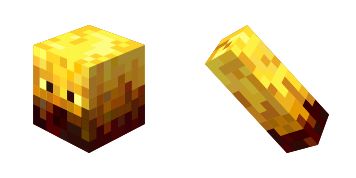
Blaze: süßer Cursor und Custom Cursor Pack für Browser und Windows.
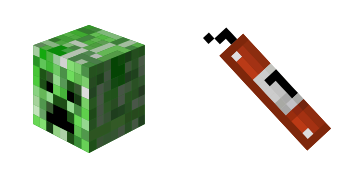
Süßer Cursor Creeper - kostenloses Custom Cursor Set für den Desktop.
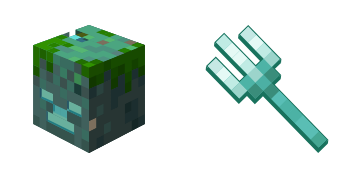
Ertrunken Cursor Pack mit cute Cursor Stil für Chrome, Edge und Windows.
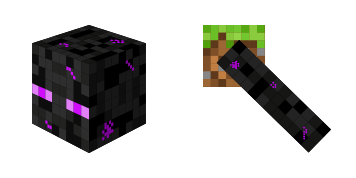
Endermann Cursor Pack mit cute Cursor Stil für Chrome, Edge und Windows.

Drowned Zombie pixel cute cursor - free custom cursor with classic sandbox style.
Hit the 'Add to Browser' button to get the 'Drowned Zombie Minecraft' pack.
On the Chrome Web Store, smash that ‘Add to Chrome’ button and confirm.
Pro-tip: Pin the 'Cute Cursors' extension to your toolbar for quick access.
Open the extension, find the 'Drowned Zombie Minecraft' pack, and click to activate. Easy peasy!
Our universe of cursors is huge. Dive into hundreds of unique collections and find the one that truly represents you.
Explore All Collections
Jetzt im offiziellen Chrome Web Store installieren
Idle
{
  "status": "idle"
}