

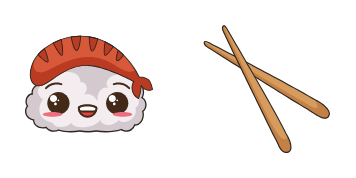
Kawaii: Sushi Cursor-Paket
Wähle Kawaii: Sushi - cute Cursor und Custom Cursor ohne Ballast.
Boba Tea cute cursor brings a bubble tea cup arrow and a tapioca-pearl hand pointer.
Try this cursor
Move across the preview to feel both cursor styles.

A cute milk tea cup with purple lid, pink straw, and black boba pearls shaped as an arrow tip, paired with a tea-toned pointing-hand pointer for links. The Boba Tea cute cursor is a free custom cursor for Chrome and Edge, and it also works on Windows 10/11 through the Custom Cursor app.
Tan tea tones and black pearls keep the tip clear at every pointer size. It is fan-made cursor art with no official affiliation.
Install the Boba Tea cursor pack and sip through browsing one pearl at a time.
Explore other cursor packs from our collection
Wähle Kawaii: Sushi - cute Cursor und Custom Cursor ohne Ballast.

Kawaii: Strawberry: soft cute Cursor im fertigen Custom Cursor Pack.
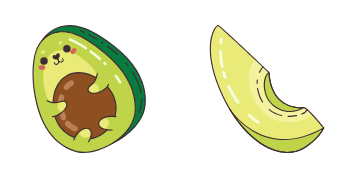
Wähle Süße Avocado - cute Cursor und Custom Cursor ohne Ballast.
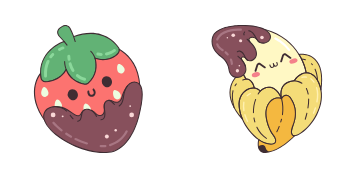
Wähle Kawaii Banane mit Erdbeeren - cute Cursor und Custom Cursor ohne Ballast.
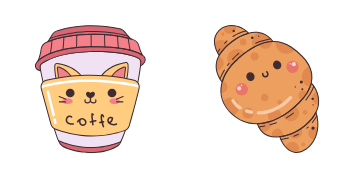
Wähle Kawaii Kaffee und Croissant - cute Cursor und Custom Cursor ohne Ballast.
Süßer Cursor Kawaii Donut und Eis frischt Klicks auf - free Custom Cursor für den PC.

Kawaii Bier Set Cursor Pack mit cute Cursor Stil für Chrome, Edge und Windows.
Kawaii Dumpling: süßer Cursor und Custom Cursor Pack für Browser und Windows.

Boba Tea cute cursor brings a bubble tea cup arrow and a tapioca-pearl hand pointer.
Hit the 'Add to Browser' button to get the 'Boba Tea' pack.
On the Chrome Web Store, smash that ‘Add to Chrome’ button and confirm.
Pro-tip: Pin the 'Cute Cursors' extension to your toolbar for quick access.
Open the extension, find the 'Boba Tea' pack, and click to activate. Easy peasy!
Our universe of cursors is huge. Dive into hundreds of unique collections and find the one that truly represents you.
Explore All Collections
Idle
{
  "status": "idle"
}