

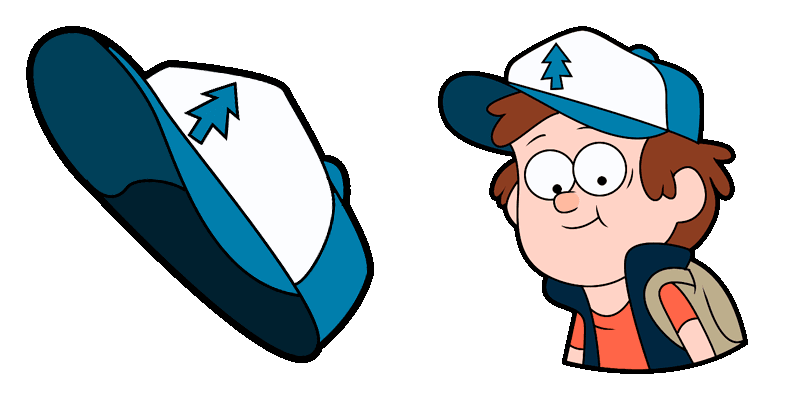
Mason „Dipper“ Pines Cursor-Paket
Mason „Dipper“ Pines Custom Cursor Pack mit süßem Cursor für Fans des Themas.
Gravity Falls Logo cursor - minimal flat buddy with a themed Mystery Shack Sign pointer.
Try this cursor
Move across the preview to feel both cursor styles.

Clean shapes, dark rim only - the Gravity Falls Logo cursor brings a minimal buddy plus a unique Mystery Shack Sign hover hand. The Gravity Falls Logo cute cursor is a free custom cursor for Chrome and Edge, and it also works on Windows 10/11 through the Custom Cursor app.
Cute original fan art with a soft dark outline - no logos or trademarks. No white sticker border. It is fan-made cursor art with no official affiliation.
Add the free Gravity Falls Logo cute cursor in Chrome or Edge, or use the Custom Cursor app on Windows 10/11.
Explore other cursor packs from our collection
Mason „Dipper“ Pines Custom Cursor Pack mit süßem Cursor für Fans des Themas.
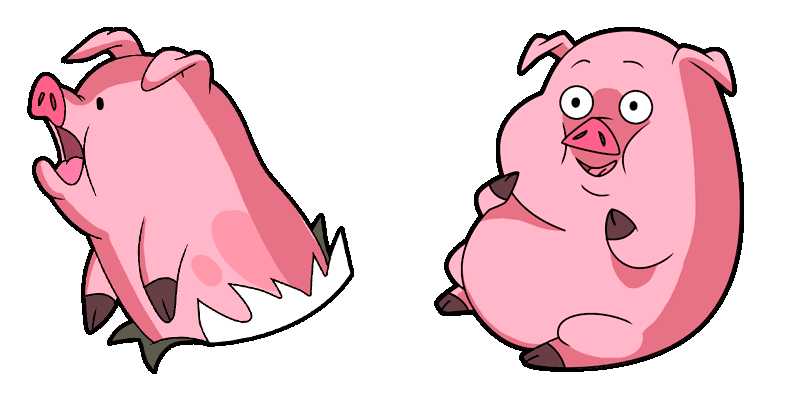
Probier Waddles: süßes Cursor Pack und fertige Custom Cursors.

Lade Der Ford Pines - cute Cursor und Custom Cursor für den Alltag.
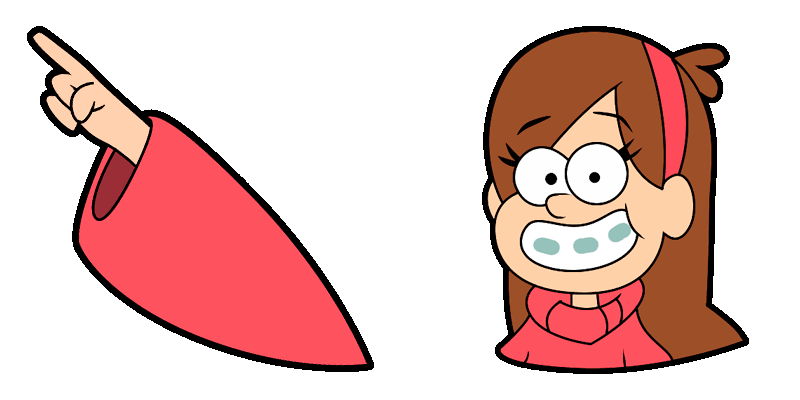
Mabel Pines Custom Cursor Pack mit süßem Cursor für Fans des Themas.
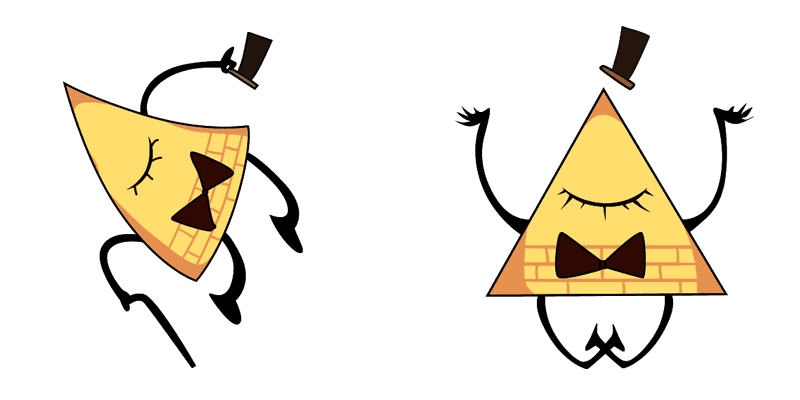
Süßer Cursor Bill Cipher frischt Klicks auf - free Custom Cursor für den PC.
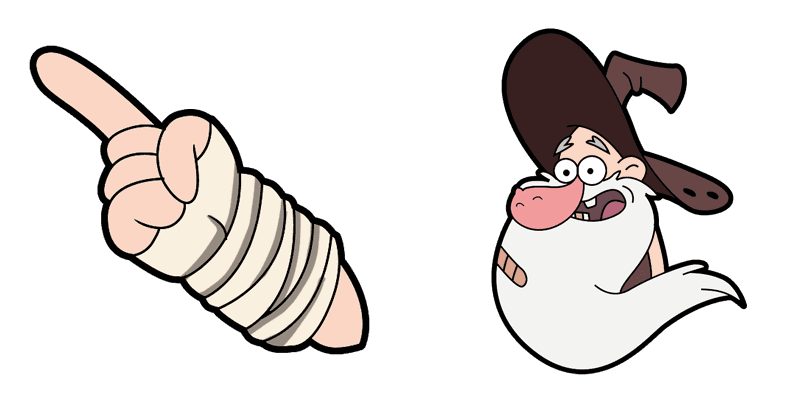
Old Man McGucket - Custom Cursor und cute Cursor für den Browser.
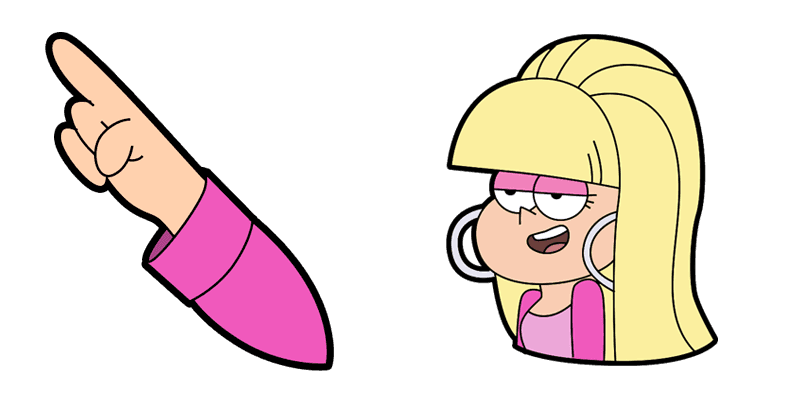
Süßer Cursor Pazifik Nordwesten - kostenloses Custom Cursor Set für den Desktop.
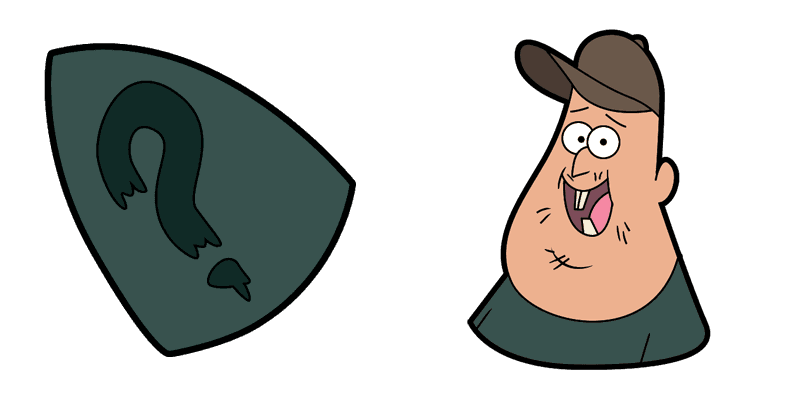
Gravity Falls: Soos Ramirez: süßer Cursor und Custom Cursor Pack für Browser und Windows.

Gravity Falls Logo cursor - minimal flat buddy with a themed Mystery Shack Sign pointer.
Hit the 'Add to Browser' button to get the 'Gravity Falls Logo' pack.
On the Chrome Web Store, smash that ‘Add to Chrome’ button and confirm.
Pro-tip: Pin the 'Cute Cursors' extension to your toolbar for quick access.
Open the extension, find the 'Gravity Falls Logo' pack, and click to activate. Easy peasy!
Our universe of cursors is huge. Dive into hundreds of unique collections and find the one that truly represents you.
Explore All Collections
Idle
{
  "status": "idle"
}