Google Chrome

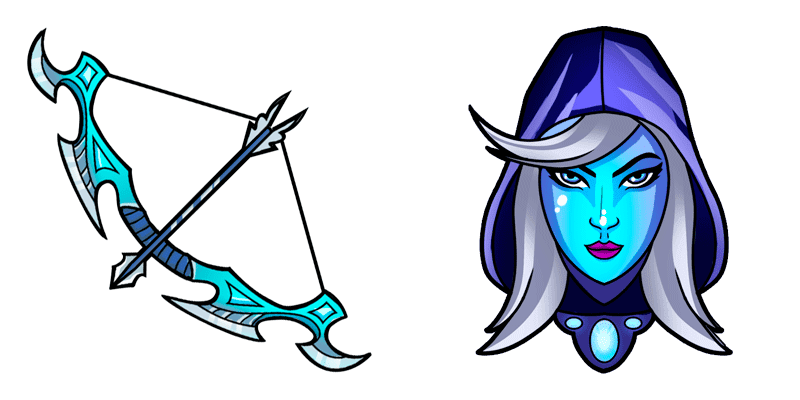
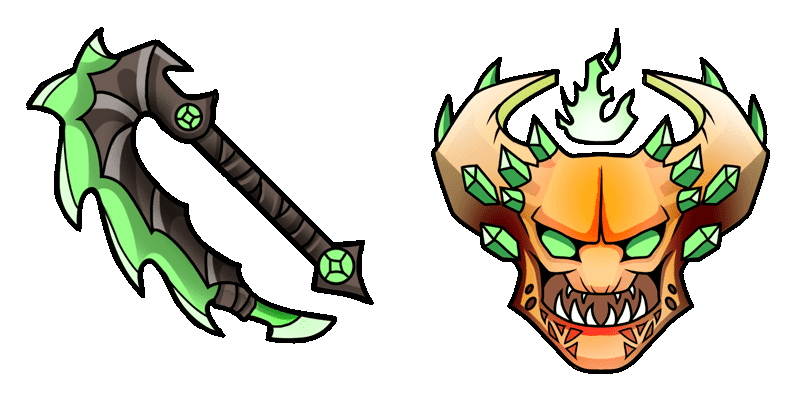
Sven custom cursor

Sven Cursor Pack mit cute Cursor Stil für Chrome, Edge und Windows.

✨ Move your mouse to test both cursors
Arrow Cursor

Default navigation pointer

Pointer Cursor

Used for clickable elements

Hover over each side to preview both cursor styles in real-time.

1,000+
Holen Sie sich ein einzigartiges Surferlebnis mit dem Sven-Cursor aus der Cursors Collection. Dieser Cursor bietet ein lustiges und spielerisches Design, das Ihr Surfen sicherlich angenehmer macht. Ob Sie über soziale Medien scrollen oder an einem Projekt arbeiten, der Sven-Cursor fügt Ihrem Computer eine zusätzliche Persönlichkeit hinzu. Setzen Sie sich nicht auf grundlegende Cursoren, wenn Sie aus einer Vielzahl von Designs aus der Cursors Collection wählen können. Aktualisieren Sie Ihre Surferfahrung mit dem Sven-Cursor heute.Wenn Ihnen dieses Cursor-Paket gefällt, hat die Kollektion Games noch mehr interessante Optionen für Sie.

You may also like

Explore other cursor packs from our collection

Spektrum Cursor-Paket

Spektrum Cursor-Paket

Spektrum Cursor Pack mit cute Cursor Stil für Chrome, Edge und Windows.

Templar Assassin Cursor-Paket

Templar Assassin Cursor-Paket

Süßer Cursor Templar Assassin frischt Klicks auf - free Custom Cursor für den PC.

Gesichtslose Leere Cursor-Paket

Gesichtslose Leere Cursor-Paket

Gesichtslose Leere Custom Cursor Pack mit süßem Cursor für Fans des Themas.

Blutsuche Cursor-Paket

Blutsuche Cursor-Paket

Wähle Blutsuche - cute Cursor und Custom Cursor ohne Ballast.

Anrufer Cursor-Paket

Anrufer Cursor-Paket

Anrufer Cursor Pack mit cute Cursor Stil für Chrome, Edge und Windows.

Der Phantom Assassin Cursor-Paket

Der Phantom Assassin Cursor-Paket

Der Phantom Assassin Cursor Pack mit cute Cursor Stil für Chrome, Edge und Windows.

Riki Cursor-Paket

Riki Cursor-Paket

Riki: soft cute Cursor im fertigen Custom Cursor Pack.
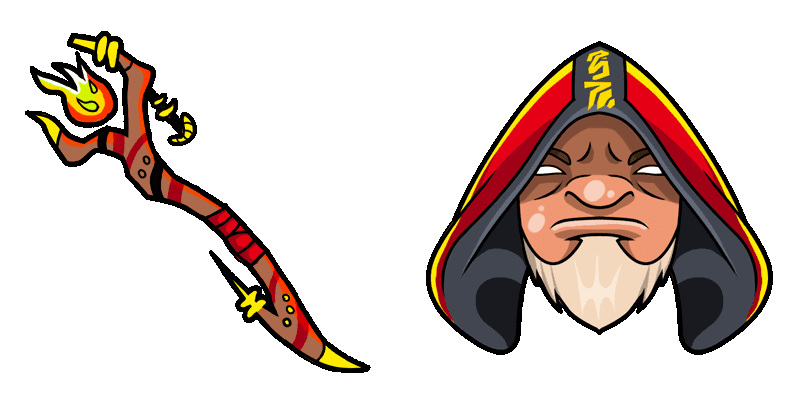
Wraith König Cursor-Paket

Wraith König Cursor-Paket

Wraith König Custom Cursor Pack mit süßem Cursor für Fans des Themas.

How to Install Sven cursors

How to Install cursor Sven for Chrome

Sven preview

Sven

Sven Cursor Pack mit cute Cursor Stil für Chrome, Edge und Windows.

  1. 1
    Go to Chrome Web Store

    Hit the 'Add to Browser' button to get the 'Sven' pack.

  2. 2
    Add the Extension

    On the Chrome Web Store, smash that ‘Add to Chrome’ button and confirm.

  3. 3
    Pin for Easy Access

    Pro-tip: Pin the 'Cute Cursors' extension to your toolbar for quick access.

  4. 4
    Activate Your Cursor

    Open the extension, find the 'Sven' pack, and click to activate. Easy peasy!

Piece of cake, right? Go on and have fun!

Didn't Find Your Vibe?

Our universe of cursors is huge. Dive into hundreds of unique collections and find the one that truly represents you.

Explore All Collections