

Rindfleisch Boss Cursor-Paket
Probier Rindfleisch Boss: süßes Cursor Pack und fertige Custom Cursors.
Meet the Black Lynx cute cursor - free custom cursor ready for every click.
Try this cursor
Move across the preview to feel both cursor styles.

Load out your mouse with Black Lynx, a bright cute cursor for everyday browsing. Use this free custom cursor in Chrome and Edge, and on Windows 10/11 via Custom Cursor for a matching pointer on the desktop.
Clean shapes keep Black Lynx readable at cursor size, so the click point never gets lost. Fan-made artwork celebrating Fortnite style - not an Epic Games official set.
More island looks wait in the Black Panther Skin Cursor Pack, the Brite Bomber Cursor Pack, and the Cuddle Team Leader Cursor Pack.
Download the Black Lynx pack and let island energy follow every click.
Explore other cursor packs from our collection
Probier Rindfleisch Boss: süßes Cursor Pack und fertige Custom Cursors.
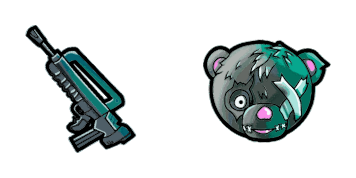
Black Cuddle Teamführer Cursor Pack mit cute Cursor Stil für Chrome, Edge und Windows.
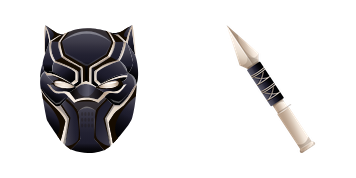
Black Panther Haut: soft cute Cursor im fertigen Custom Cursor Pack.

Britischer Bomber Custom Cursor Pack mit süßem Cursor für Fans des Themas.

Süßer Cursor Britischer Bomber frischt Klicks auf - free Custom Cursor für den PC.
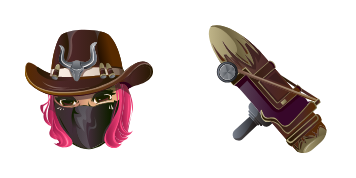
Probier Katastrophe: süßes Cursor Pack und fertige Custom Cursors.
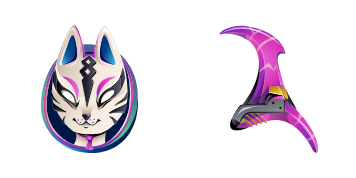
Katalysator: süßer Cursor und Custom Cursor Pack für Browser und Windows.
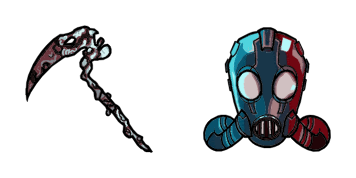
Agent des Chaos Custom Cursor Pack mit süßem Cursor für Fans des Themas.

Meet the Black Lynx cute cursor - free custom cursor ready for every click.
Hit the 'Add to Browser' button to get the 'Black Lynx Fortnite' pack.
On the Chrome Web Store, smash that ‘Add to Chrome’ button and confirm.
Pro-tip: Pin the 'Cute Cursors' extension to your toolbar for quick access.
Open the extension, find the 'Black Lynx Fortnite' pack, and click to activate. Easy peasy!
Our universe of cursors is huge. Dive into hundreds of unique collections and find the one that truly represents you.
Explore All Collections
Jetzt im offiziellen Chrome Web Store installieren
Idle
{
  "status": "idle"
}