Google Chrome

Riptide custom cursor

Süßer Cursor Riptide - kostenloses Custom Cursor Set für den Desktop.

✨ Move your mouse to test both cursors
Arrow Cursor

Default navigation pointer

Pointer Cursor

Used for clickable elements

Hover over each side to preview both cursor styles in real-time.

1,000+
Der Riptide-Cursor ist Teil der Fortnite Chapter 2 Cursor Collection und ist für den Einsatz in Ihrem Browser verfügbar. Dieser Cursor verfügt über ein Design, das von der beliebten Fortnite-Haut, Riptide, inspiriert wurde. Der Cursor hat ein blaues und schwarzes Farbschema mit einem animierten Wasser-Effekt, das die Illusion von Wellen schafft. Es ist eine perfekte Ergänzung zur Cursor-Kollektion eines jeden Spielers und fügt sicherlich Ihrem Surferlebnis einen Hauch von Aufregung hinzu.Die Kollektion Fortnite Chapter 2 bietet einzigartige Cursor-Pakete, darunter dieses, um Ihre Benutzeroberfläche besonders zu gestalten.

You may also like

Explore other cursor packs from our collection

Britischer Bomber Cursor-Paket

Britischer Bomber Cursor-Paket

Probier Britischer Bomber: süßes Cursor Pack und fertige Custom Cursors.

Kratos Cursor-Paket

Kratos Cursor-Paket

Kratos Custom Cursor Pack mit süßem Cursor für Fans des Themas.
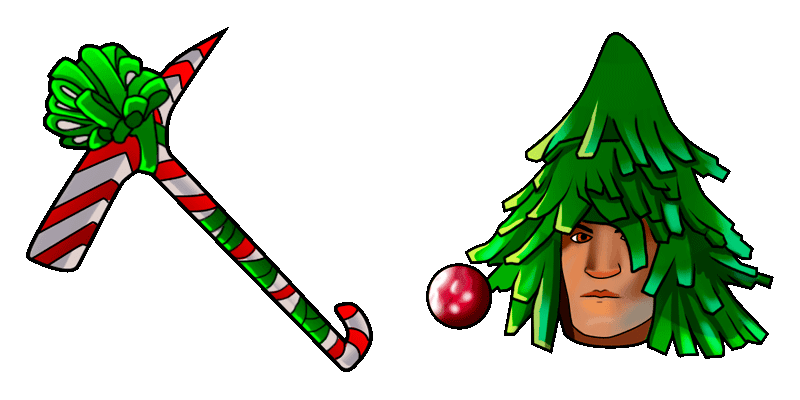
Ripte Cursor-Paket

Ripte Cursor-Paket

Lade Ripte - cute Cursor und Custom Cursor für den Alltag.

Archetypen Cursor-Paket

Archetypen Cursor-Paket

Süßer Cursor Archetypen - kostenloses Custom Cursor Set für den Desktop.

Der Renegade Raider Cursor-Paket

Der Renegade Raider Cursor-Paket

Der Renegade Raider Cursor Pack mit cute Cursor Stil für Chrome, Edge und Windows.

Luminos Skin Fortnite Cursor-Paket

Luminos Skin Fortnite Cursor-Paket

Install the Luminos Skin cute cursor - free custom cursor packed with vibe.

Fortnite 2: Remedy Cursor-Paket

Fortnite 2: Remedy Cursor-Paket

Probier Fortnite 2: Remedy: süßes Cursor Pack und fertige Custom Cursors.

Bao Bros Toothpick Pickaxe Fortnite Cursor-Paket

Bao Bros Toothpick Pickaxe Fortnite Cursor-Paket

Pick Bao Bros Toothpick Pickaxe cute cursor - a free custom cursor with lobby-ready charm.

How to Install Riptide cursors

How to Install cursor Riptide for Chrome

Riptide preview

Riptide

Süßer Cursor Riptide - kostenloses Custom Cursor Set für den Desktop.

  1. 1
    Go to Chrome Web Store

    Hit the 'Add to Browser' button to get the 'Riptide' pack.

  2. 2
    Add the Extension

    On the Chrome Web Store, smash that ‘Add to Chrome’ button and confirm.

  3. 3
    Pin for Easy Access

    Pro-tip: Pin the 'Cute Cursors' extension to your toolbar for quick access.

  4. 4
    Activate Your Cursor

    Open the extension, find the 'Riptide' pack, and click to activate. Easy peasy!

Piece of cake, right? Go on and have fun!

Didn't Find Your Vibe?

Our universe of cursors is huge. Dive into hundreds of unique collections and find the one that truly represents you.

Explore All Collections