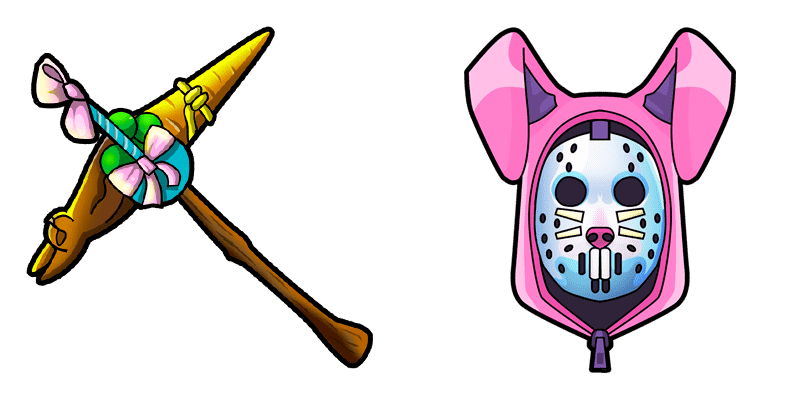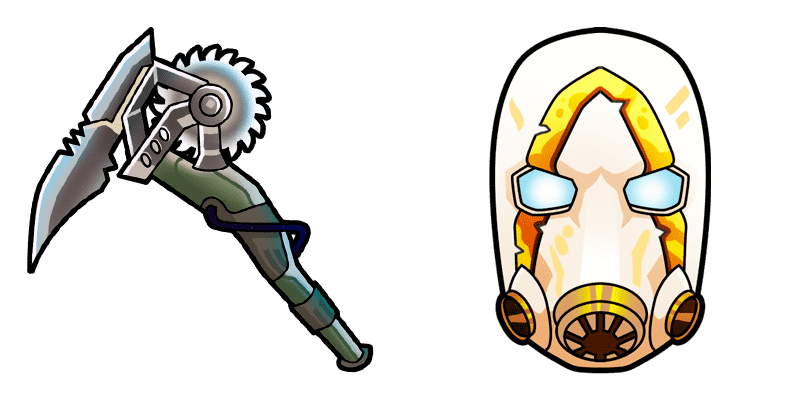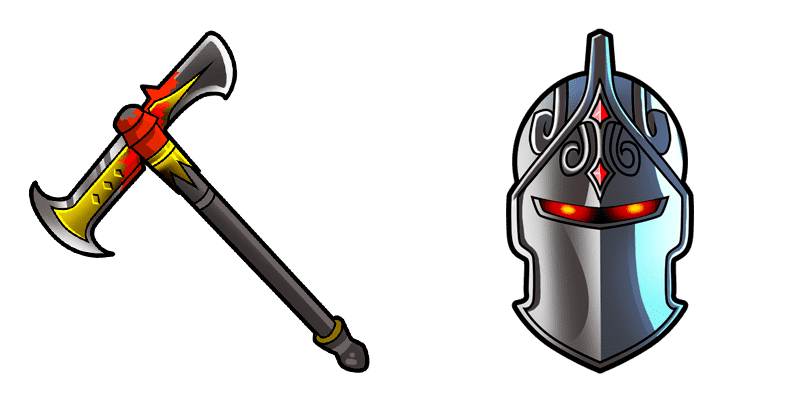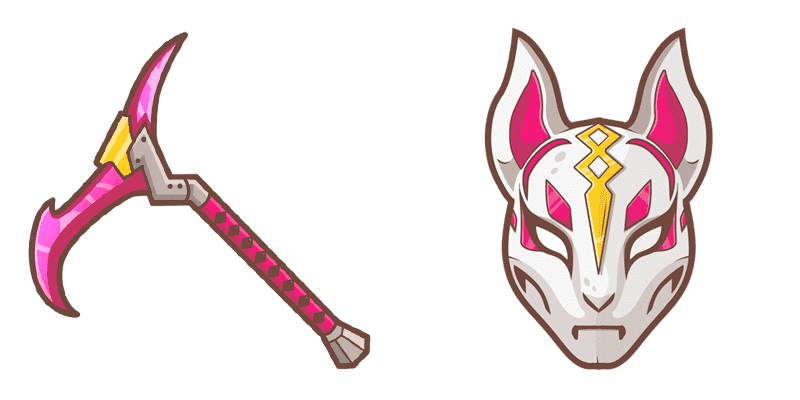
Lynx cursor

Lynx - Custom Cursor und cute Cursor für den Browser.

✨ Move your mouse to test both cursors
Arrow Cursor

Default navigation pointer

Pointer Cursor

Used for clickable elements

Hover over each side to preview both cursor styles in real-time.

1,000+
Der Lynx-Cursor, Teil der Cursors Collection, ist eine schlanke und stilvolle Option für diejenigen, die ihr Web-Browsing-Erlebnis verbessern möchten. Mit seiner unverwechselbaren Silhouette und seinen glatten, flüssigen Bewegungen wird dieser Cursor auf jeden Fall die Aufmerksamkeit auf sich ziehen und jeder Website einen Hauch Eleganz hinzufügen. Ob Sie durch Ihre Lieblingsseiten navigieren oder neue Inhalte erkunden, der Lynx-Cursor ist der perfekte Begleiter für diejenigen, die sowohl Funktionalität als auch Stil aus ihrem Browsing-Erlebnis verlangen.Die Kollektion Fortnite Chapter 2 enthält dieses Paket und viele andere für diejenigen, die ihre Benutzeroberfläche besonders gestalten möchten.

You may also like

Explore other cursor packs from our collection

Scratch Cursor-Paket

Scratch Cursor-Paket

Probier Scratch: süßes Cursor Pack und fertige Custom Cursors.

Ansehen
Archetypen Cursor-Paket

Archetypen Cursor-Paket

Probier Archetypen: süßes Cursor Pack und fertige Custom Cursors.

Ansehen
Agent des Chaos Cursor-Paket

Agent des Chaos Cursor-Paket

Süßer Cursor Agent des Chaos frischt Klicks auf - free Custom Cursor für den PC.

Ansehen
Frost Broker Fortnite Cursor-Paket

Frost Broker Fortnite Cursor-Paket

Free custom cursor: Frost Broker cute cursor with a glossy Fortnite look.

Ansehen
Doppelte Agent Hush Cursor-Paket

Doppelte Agent Hush Cursor-Paket

Doppelte Agent Hush Cursor Pack mit cute Cursor Stil für Chrome, Edge und Windows.

Ansehen
Iris Skin Pop Cursor-Paket

Iris Skin Pop Cursor-Paket

Iris Skin Pop - Custom Cursor und cute Cursor für den Browser.

Ansehen
Archetypen Cursor-Paket

Archetypen Cursor-Paket

Süßer Cursor Archetypen - kostenloses Custom Cursor Set für den Desktop.

Ansehen
Der dunkle Ritter Cursor-Paket

Der dunkle Ritter Cursor-Paket

Der dunkle Ritter Cursor Pack mit cute Cursor Stil für Chrome, Edge und Windows.

Ansehen

How to Install Lynx cursors

How to Install cursor Lynx for Chrome

Lynx preview

Lynx

Lynx - Custom Cursor und cute Cursor für den Browser.

  1. 1
    Go to Chrome Web Store

    Hit the 'Add to Browser' button to get the 'Lynx' pack.

  2. 2
    Add the Extension

    On the Chrome Web Store, smash that ‘Add to Chrome’ button and confirm.

  3. 3
    Pin for Easy Access

    Pro-tip: Pin the 'Cute Cursors' extension to your toolbar for quick access.

  4. 4
    Activate Your Cursor

    Open the extension, find the 'Lynx' pack, and click to activate. Easy peasy!

Piece of cake, right? Go on and have fun!

Didn't Find Your Vibe?

Our universe of cursors is huge. Dive into hundreds of unique collections and find the one that truly represents you.

Explore All Collections
Lynx cursor - cutecursors.com