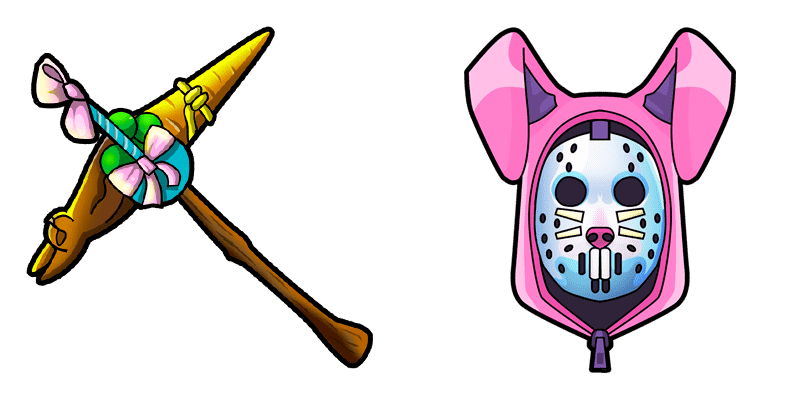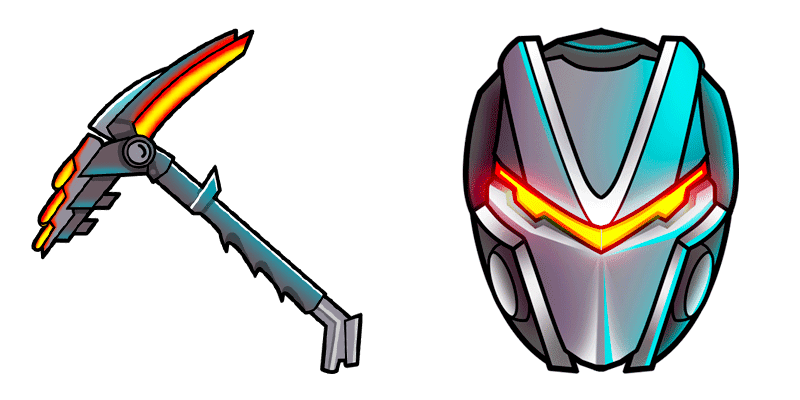
Gefroren Flurry cursor

Gefroren Flurry - Custom Cursor und cute Cursor für den Browser.

Try this cursor

Move across the preview to feel both cursor styles.

Gefroren Flurry cute cursor pack preview
Hover these
Auto · default + hover
29
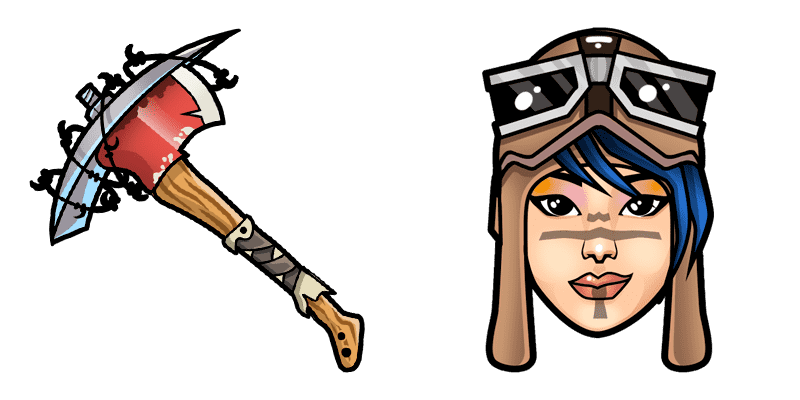
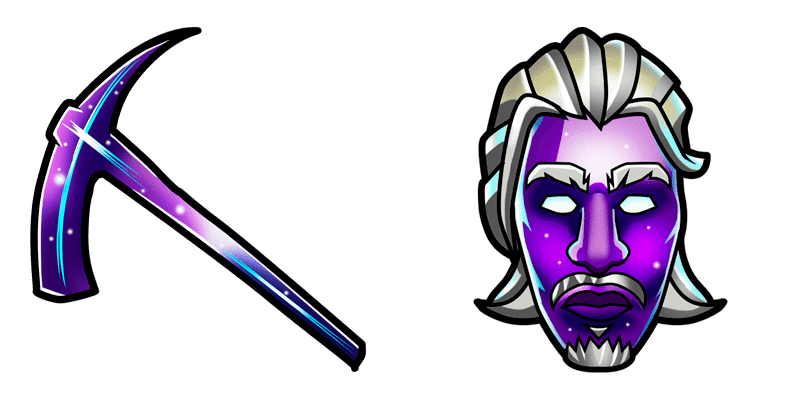
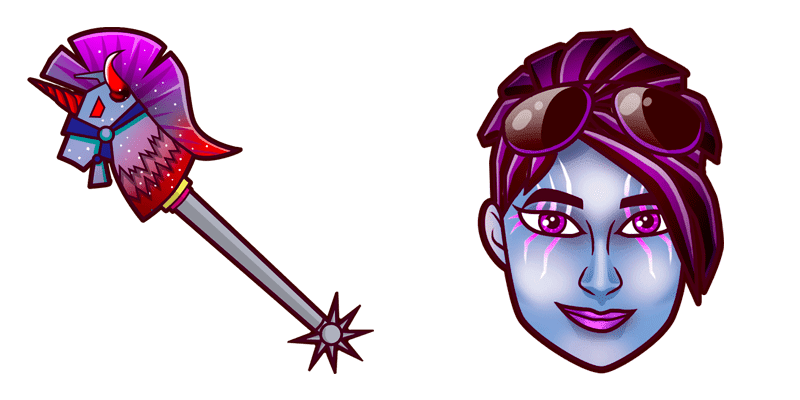
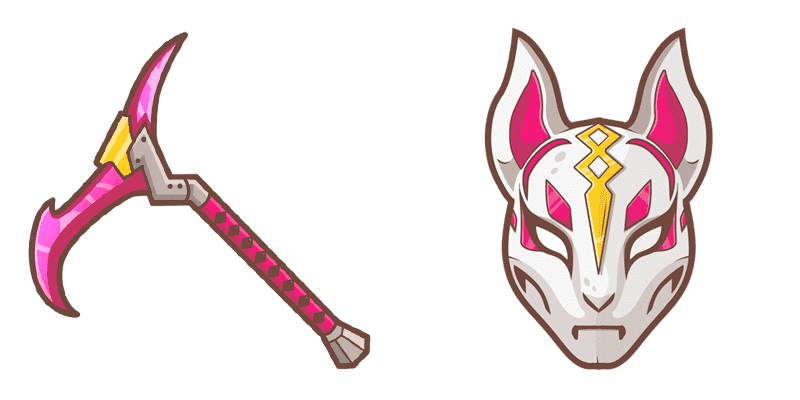
Fügen Sie Ihrem Browser-Erlebnis ein wenig Wintermagie mit dem Frosted Flurry Cursor aus der Cursors Collection hinzu. Dieser Cursor-Set verfügt über feine Schneeflocken, die über Ihren Bildschirm tanzen scheinen und eine frostige Spur hinterlassen. Die subtilen Animationen machen es einfach, Ihren Cursor zu finden, selbst wenn Sie multitasken. Ob Sie versuchen, in den Urlaubsgeist zu gelangen oder nur etwas Schönheit zu Ihrem Browser hinzuzufügen, der Frosted Flurry Cursor ist die perfekte Wahl.Wenn Ihnen dieses Cursor-Paket gefällt, finden Sie in der Kollektion Fortnite Chapter 2 noch viele interessante Optionen.

You may also like

Explore other cursor packs from our collection

8 Ball Cursor-Paket

8 Ball Cursor-Paket

Süßer Cursor 8 Ball frischt Klicks auf - free Custom Cursor für den PC.

Ansehen
Danger Zone Galaxy Blue Fortnite Cursor-Paket

Danger Zone Galaxy Blue Fortnite Cursor-Paket

Danger Zone Galaxy Blue: cute cursor pack and free custom cursor for Fortnite fans.

Ansehen
Seeker Skin Outfit Fortnite Cursor-Paket

Seeker Skin Outfit Fortnite Cursor-Paket

Drop the Seeker Skin Outfit cute cursor - a free custom cursor for your desktop.

Ansehen
Fischstick Cursor-Paket

Fischstick Cursor-Paket

Fischstick Custom Cursor Pack mit süßem Cursor für Fans des Themas.

Ansehen
Drift Maske Cursor-Paket

Drift Maske Cursor-Paket

Drift Maske: süßer Cursor und Custom Cursor Pack für Browser und Windows.

Ansehen
Fortnite 2: Raven Cursor-Paket

Fortnite 2: Raven Cursor-Paket

Wähle Fortnite 2: Raven - cute Cursor und Custom Cursor ohne Ballast.

Ansehen
Arachne Cursor-Paket

Arachne Cursor-Paket

Probier Arachne: süßes Cursor Pack und fertige Custom Cursors.

Ansehen
Hay Man Fortnite Cursor-Paket

Hay Man Fortnite Cursor-Paket

Free custom cursor: Hay Man cute cursor with a classic Fortnite look.

Ansehen

How to Install Gefroren Flurry

How to Install cursor Gefroren Flurry for Chrome

Gefroren Flurry preview

Gefroren Flurry

Gefroren Flurry - Custom Cursor und cute Cursor für den Browser.

  1. 1
    Go to Chrome Web Store

    Hit the 'Add to Browser' button to get the 'Gefroren Flurry' pack.

  2. 2
    Add the Extension

    On the Chrome Web Store, smash that ‘Add to Chrome’ button and confirm.

  3. 3
    Pin for Easy Access

    Pro-tip: Pin the 'Cute Cursors' extension to your toolbar for quick access.

  4. 4
    Activate Your Cursor

    Open the extension, find the 'Gefroren Flurry' pack, and click to activate. Easy peasy!

Piece of cake, right? Go on and have fun!

Didn't Find Your Vibe?

Our universe of cursors is huge. Dive into hundreds of unique collections and find the one that truly represents you.

Explore All Collections