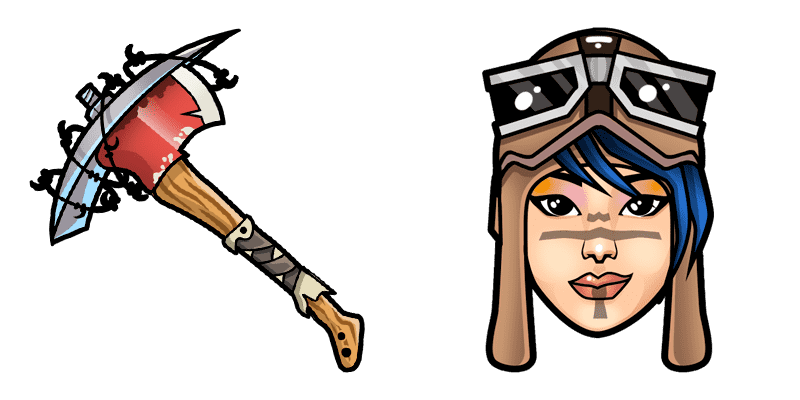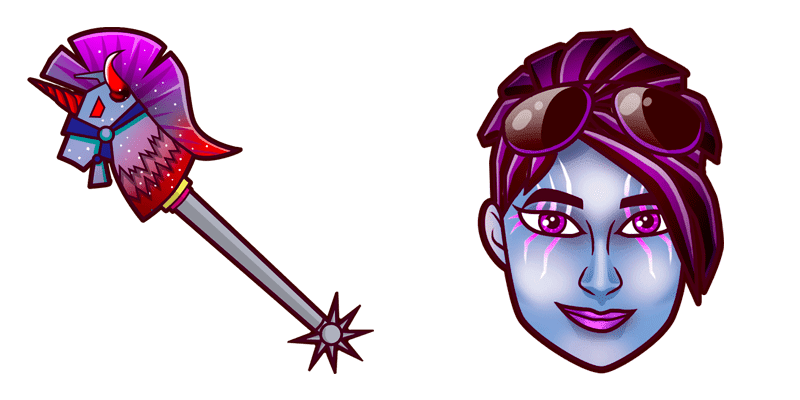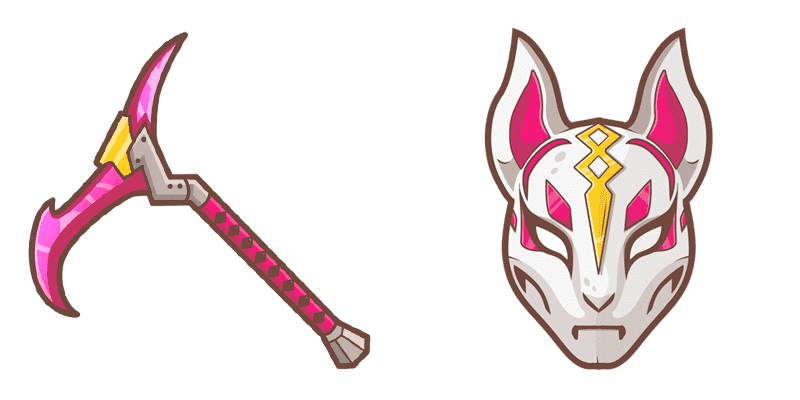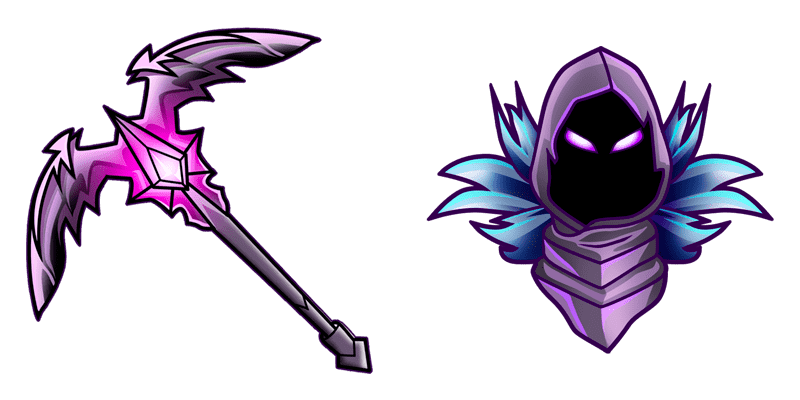
Dunkle Wild Karte cursor

Süßer Cursor Dunkle Wild Karte frischt Klicks auf - free Custom Cursor für den PC.

Try this cursor

Move across the preview to feel both cursor styles.

Dunkle Wild Karte cute cursor pack preview
Hover these
Auto · default + hover
44
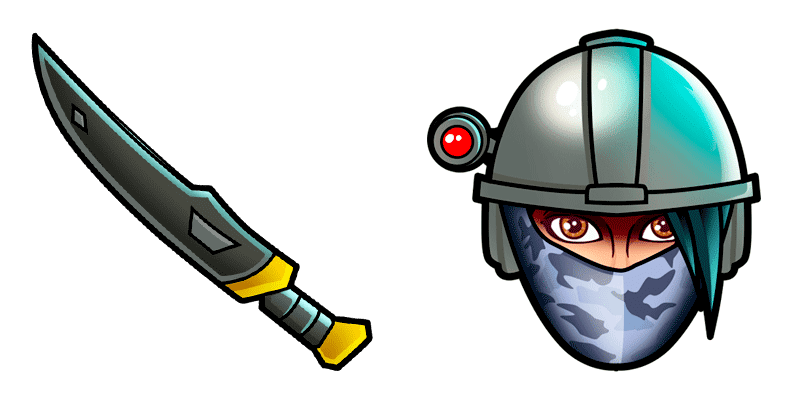
Bereiten Sie sich darauf vor, Ihrem Browser-Erlebnis mit dem Dark Wild Card Cursor aus unserer umfangreichen Cursors Collection einen Hauch von Dunkelheit hinzuzufügen. Dieser Cursor verfügt über ein Wild Card-Symbol in einem auffälligen Farbton von tiefem Purpur und einem schlanken, dunklen Hintergrund. Es ist perfekt für diejenigen, die gerne ein Element von Geheimnis und Intrigen zu ihrer Computernutzung hinzufügen. Ob Sie im Internet surfen, an einem Projekt arbeiten oder einfach nur etwas Freizeit auf Ihrem Gerät genießen, der Dark Wild Card Cursor macht sicherlich eine kühne Aussage.Die Kollektion Fortnite Chapter 2 wird eine echte Inspirationsquelle für diejenigen, die ihre Benutzeroberfläche personalisieren möchten.

You may also like

Explore other cursor packs from our collection

Carbide Skin Fortnite Cursor-Paket

Carbide Skin Fortnite Cursor-Paket

compact Carbide Skin cute cursor - free custom cursor with island style.

Ansehen
Kratos Cursor-Paket

Kratos Cursor-Paket

Kratos Custom Cursor Pack mit süßem Cursor für Fans des Themas.

Ansehen
Feniks Cursor-Paket

Feniks Cursor-Paket

Süßer Cursor Feniks frischt Klicks auf - free Custom Cursor für den PC.

Ansehen
Human Bill Fortnite Cursor-Paket

Human Bill Fortnite Cursor-Paket

Human Bill free custom cursor - cute cursor flair for Fortnite fans.

Ansehen
Bachei Cursor-Paket

Bachei Cursor-Paket

Wähle Bachei - cute Cursor und Custom Cursor ohne Ballast.

Ansehen
Black Cuddle Team Leader Cursor-Paket

Black Cuddle Team Leader Cursor-Paket

Black Cuddle Team Leader - Custom Cursor und cute Cursor für den Browser.
Ansehen
Der Skull Trooper Cursor-Paket

Der Skull Trooper Cursor-Paket

Lade Der Skull Trooper - cute Cursor und Custom Cursor für den Alltag.

Ansehen
Archetypen Cursor-Paket

Archetypen Cursor-Paket

Probier Archetypen: süßes Cursor Pack und fertige Custom Cursors.

Ansehen

How to Install Dunkle Wild Karte

How to Install cursor Dunkle Wild Karte for Chrome

Dunkle Wild Karte preview

Dunkle Wild Karte

Süßer Cursor Dunkle Wild Karte frischt Klicks auf - free Custom Cursor für den PC.

  1. 1
    Go to Chrome Web Store

    Hit the 'Add to Browser' button to get the 'Dunkle Wild Karte' pack.

  2. 2
    Add the Extension

    On the Chrome Web Store, smash that ‘Add to Chrome’ button and confirm.

  3. 3
    Pin for Easy Access

    Pro-tip: Pin the 'Cute Cursors' extension to your toolbar for quick access.

  4. 4
    Activate Your Cursor

    Open the extension, find the 'Dunkle Wild Karte' pack, and click to activate. Easy peasy!

Piece of cake, right? Go on and have fun!

Didn't Find Your Vibe?

Our universe of cursors is huge. Dive into hundreds of unique collections and find the one that truly represents you.

Explore All Collections
Dunkle Wild Karte cursor - cutecursors.com